How our AI assistant found $2,654 Amazon owed us for lost inbound inventory
Published
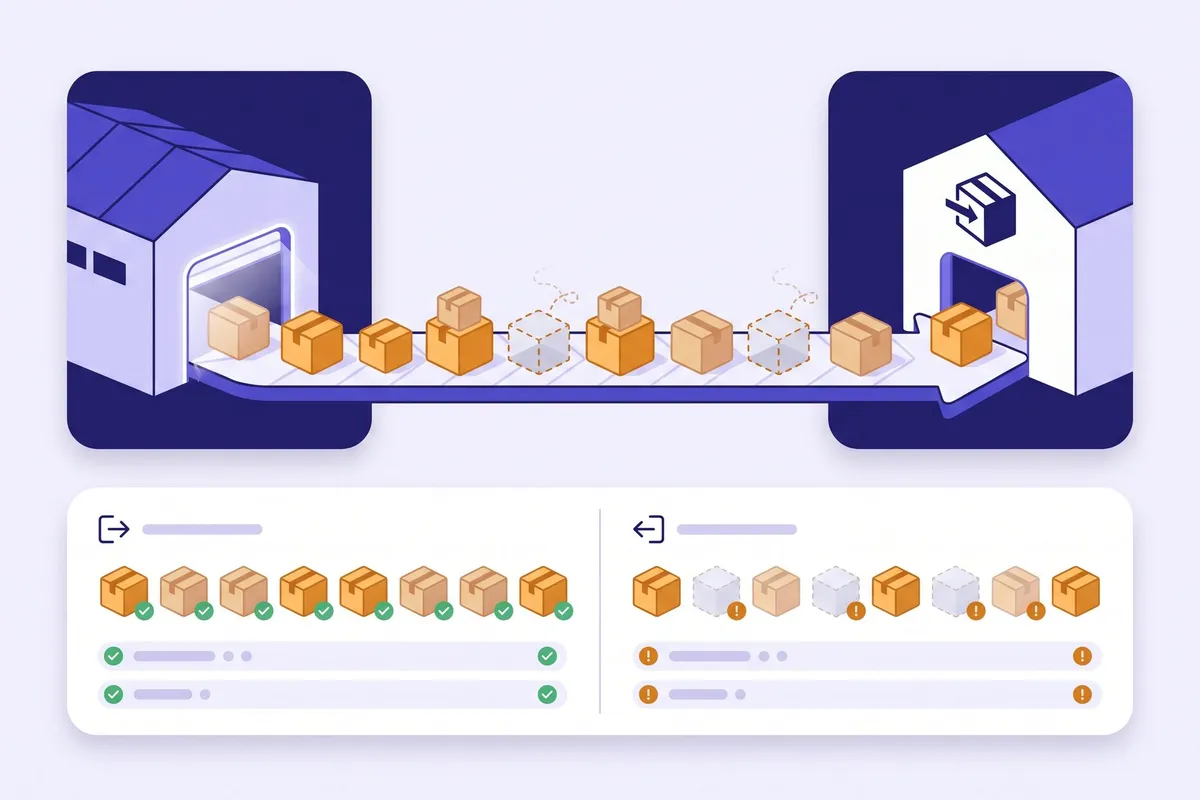
Amazon loses units between warehouses more often than most sellers notice. On our own Amazon store, some shipments from AWD to FBA closed with units that never showed up, and nobody had checked them line by line.
On October 20 our AI assistant did that check, using our store’s data in WisePPC. We filed 10 cases with Amazon that day, for 341 units. Amazon paid 9 of them in full: $2,654.77 for 289 units, credited to our balance on October 20 and 21. It denied the 10th, because those units had been received under another SKU.
Here’s what the assistant checked, why these losses are easy to miss, and how to run the same check on your store.
What the assistant checked
- Every inbound shipment Amazon had closed this year, including AWD to FBA replenishments.
- On each shipment, the units we sent against the units Amazon received.
- Other shipments of the same SKU, because extra units sometimes land in a sibling shipment and cancel out a shortfall.
- Our reimbursements, so we didn’t claim units Amazon had already paid for.
What was left after those checks became our 10 cases, which we filed in Seller Central.
Why these losses are easy to miss
- Shipments close on their own. Amazon closes an inbound shipment after a set number of days, whether or not every unit was found. A closed shipment looks finished.
- AWD transfers run in the background. Amazon moves stock from AWD to FBA for you, so those shipments rarely get a second look.
- The Reimbursements report has no shipment ID. You can’t tell from it which shipment a payment covers, so you have to match by SKU and date.
- The claim window runs out. For shipments to Amazon, Amazon’s help says you can file up to nine months after the verified delivery date. Older shipments drop out quietly.
How to check your own store
- In Seller Central, go to Shipments and open your closed shipments, including AWD replenishments.
- On each shipment’s Contents tab, compare units shipped with units received. Note every shipment received at 0 and every partial shortfall.
- Look for the same SKU in shipments from around the same dates, since extra units there can cancel out a shortfall. The Inventory Ledger, filtered by the shipment ID in Reference ID, shows where units went.
- Check the Reimbursements report for each SKU and date range, so you don’t claim units Amazon already paid for.
- File one case per shipment, with proof of ownership such as invoices. Start with the oldest shipments, since their window closes first.
On a store with dozens of shipments, steps 2 to 4 take a long afternoon in spreadsheets. That’s the part an AI assistant does well.
Doing it with your AI assistant
With WisePPC connected, your assistant can see your FBA and AWD inbound shipments, the units on each one, and your reimbursements. Ask it:
Which of my closed inbound shipments are missing units, and has Amazon already paid for any of them?
It lists the gaps per shipment and can sort them by age, so the oldest go first. You then file the cases in Seller Central; WisePPC doesn’t file cases for you.
It works with Claude, Grok Bot, Hermes and other AI assistants. Connect your assistant to WisePPC.