EN
EN  ES
ES  FR
FR  DE
DE  IT
IT  KO
KO  JA
JA  ZH
ZH  AR
AR  PT
PT  TR
TR 
Fulfilled by Merchant, usually called FBM, sounds simple at first. You sell the product, you ship the product. In reality, there is a bit more going on behind the scenes. FBM gives sellers control over how orders move from warehouse to customer, but that control also means taking responsibility for timing, costs, and consistency.
For many sellers, FBM is less about doing everything manually and more about building a process that works reliably day after day. When shipping runs smoothly, customers rarely notice it. When it does not, it quickly affects reviews, metrics, and profitability. Understanding how FBM shipping actually works helps sellers avoid common friction points and make smarter decisions about inventory, carriers, and delivery promises from the start.
What Amazon FBM Shipping Really Means
Amazon FBM shipping, or Fulfilled by Merchant shipping, is a fulfillment method where the seller manages the entire shipping process after a sale is made on Amazon. The product is listed and sold through Amazon’s marketplace, but inventory is stored outside Amazon’s warehouses. Once an order is placed, the seller is responsible for picking, packing, shipping, providing tracking information, and handling returns or delivery-related questions. Amazon facilitates the transaction and customer access, but the physical movement of the product remains under the seller’s control.
In practice, this means shipping becomes part of daily operations rather than a service handled in the background. Delivery speed, packaging quality, and accurate shipping promises directly affect seller performance metrics and customer satisfaction. FBM shipping requires sellers to align their internal processes with Amazon’s expectations, ensuring orders are shipped on time, tracking is provided, and delivery dates shown to customers match real transit times. When managed well, it allows sellers to maintain flexibility and control while still operating within Amazon’s ecosystem.
Control Comes With Trade-Offs
The reason many sellers choose FBM is control. They decide how products are packed, how fast orders move, and which carriers are used. This is especially valuable for businesses that already have logistics experience or products that need special handling.
At the same time, control means exposure to operational mistakes. A missed pickup or inaccurate delivery estimate does not stay hidden. Amazon tracks performance closely, and small issues can accumulate quickly.
Where FBM Fits Best
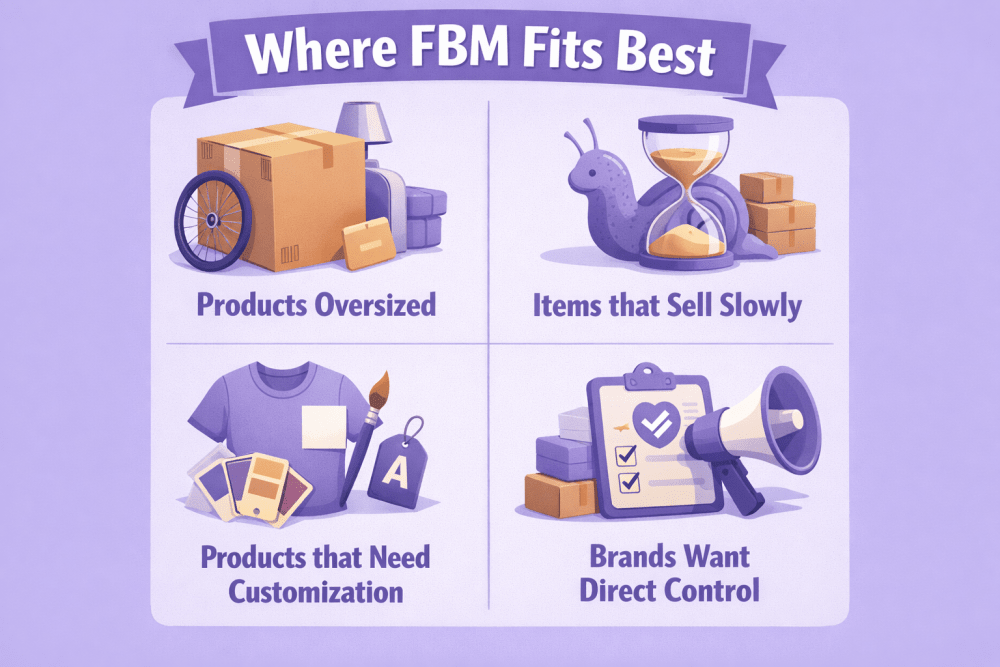
FBM tends to make the most sense in situations where flexibility matters more than automation. For example:
- Products that are oversized or expensive to store long term
- Items that sell slowly but consistently
- Products that need customization before shipping
- Brands that want direct control over packaging or inserts
The important distinction is that FBM is not simply a cheaper path. It is a fulfillment model built around ownership of logistics.
The FBM Shipping Workflow From Order to Delivery
From the customer’s perspective, ordering from an FBM seller looks identical to ordering from FBA. Behind the scenes, however, the process is entirely different. Every order passes through several stages, and delays at any one of them affect delivery performance.
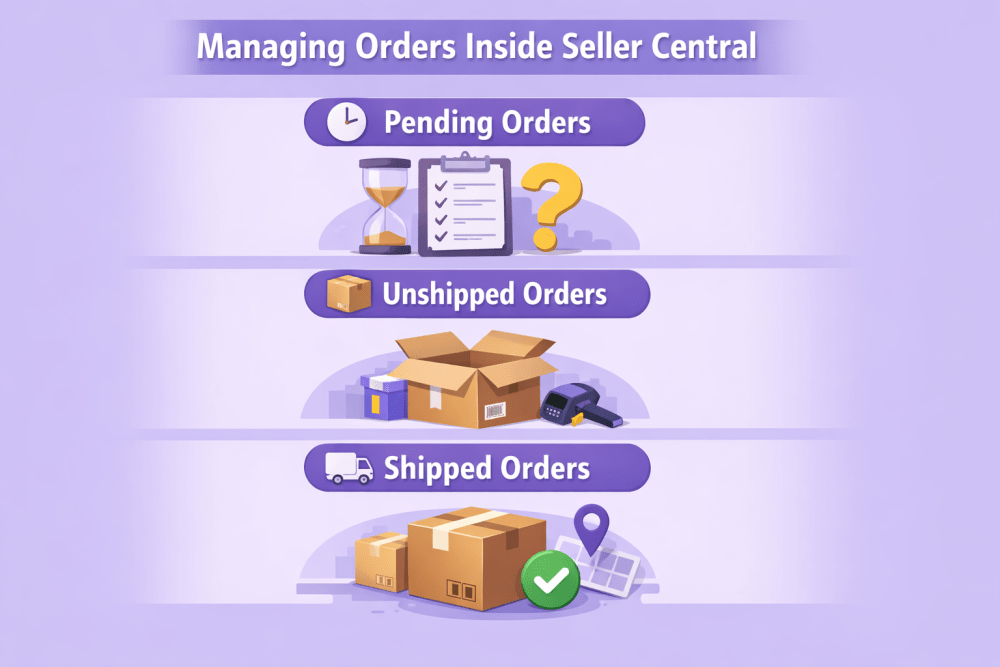
Step One: Order Appears in Seller Central
After payment is confirmed, the order moves into the seller’s queue. This is where timing begins to matter. Amazon measures how quickly sellers confirm shipments, so even early-stage processing affects performance metrics.
At this moment, sellers usually check three things:
- Whether inventory is actually available
- Whether the shipping address requires special handling
- Whether the promised delivery date is realistic based on current workload
This stage often becomes automated later, but in smaller operations it is still manual.
Step Two: Preparing the Shipment
Picking and packing sounds routine, but it is where most operational inefficiencies hide. Packaging that is too large increases shipping costs. Packaging that is too light increases damage rates. Both problems eventually affect profitability.
Experienced FBM sellers often standardize packaging sizes early. Instead of choosing boxes order by order, they create predefined packaging options that match common product dimensions. This reduces decision time and keeps shipping costs predictable.
Step Three: Carrier Selection and Dispatch
Once packed, the shipment moves into the carrier network. FBM allows sellers to choose carriers freely, which is both useful and risky. Cheaper options sometimes come with inconsistent delivery times, and Amazon’s performance metrics do not consider price when evaluating late deliveries.
A reliable carrier with slightly higher cost often produces better long-term results because it reduces customer complaints and delivery claims.
Step Four: After the Package Leaves
Shipping does not end at dispatch. FBM sellers remain responsible for communication if a delivery is delayed or lost. Customers contact the seller, not Amazon, which means fulfillment and customer support are closely connected.
This is one reason FBM operations often evolve to include tracking monitoring or automated delivery alerts.

How WisePPC Supports Smarter FBM Shipping Decisions
At WisePPC, we look at FBM shipping from a slightly different angle. Shipping performance is rarely just a logistics problem. In many cases, it is connected to advertising efficiency, pricing decisions, and inventory movement. When campaigns scale faster than operations, fulfillment pressure increases. Orders grow in regions where stock is limited, shipping costs rise, and delivery promises become harder to maintain. That is why we focus on giving sellers clear visibility into what actually drives sales and demand before shipping problems appear.
Our platform brings advertising, sales performance, and marketplace data into one place so sellers can see how decisions upstream affect fulfillment downstream. With long-term historical data, granular analytics, and real-time performance tracking, we help identify patterns that influence FBM shipping efficiency. For example, understanding which campaigns drive sales in specific regions helps sellers anticipate shipping demand, adjust inventory placement, and avoid reactive fulfillment decisions. Instead of treating shipping as a separate operational task, we help sellers connect performance data with operational outcomes, making FBM shipping more predictable and easier to scale.

Amazon Tools That Help Simplify FBM Shipping
Managing Fulfilled by Merchant shipping involves more than packing orders and handing them to a carrier. Sellers need to balance delivery speed, shipping costs, operational efficiency, and performance metrics at the same time. As order volume grows, doing everything manually becomes difficult to maintain. Amazon provides several tools and services designed to reduce complexity and make FBM workflows more predictable without removing the seller’s control over fulfillment.
Amazon Buy Shipping, Veeqo, and Amazon Shipping are often used together because each one solves a different part of the process. One focuses on label purchasing and delivery reliability, another helps organize multi-channel fulfillment, and the third expands delivery capability through Amazon’s own carrier network.

Amazon Buy Shipping
Amazon Buy Shipping is a label purchasing system built directly into Seller Central. Instead of arranging shipping outside Amazon, sellers can compare carrier options, purchase labels, and automatically attach tracking information to orders within the same workflow. The main advantage is alignment between shipping methods and Amazon’s delivery expectations, which helps reduce disputes related to late deliveries.
What Buy Shipping Helps With
Buy Shipping is designed to support both cost control and account health by combining carrier access with Amazon’s performance framework.
Key benefits include:
- Access to pre-negotiated carrier rates that are often lower than retail pricing
- Ability to connect existing carrier accounts and use negotiated rates
- Automatic tracking updates sent to customers
- Bulk label printing for multiple orders at once
- Integration with major carriers and weekend delivery options
Flexible Delivery and Performance Protection
When sellers purchase labels through Buy Shipping, Amazon recommends shipping methods with strong on-time delivery performance. Orders marked with protection indicators are covered against specific delivery claims, which reduces risk when carriers experience delays. Sellers still have flexibility to choose other methods, but those shipments may not include the same protections.

Veeqo
Veeqo is a shipping and inventory management platform that integrates directly with Amazon Buy Shipping. Its primary role is organization. Sellers managing orders across multiple marketplaces or sales channels often struggle with fragmented workflows, and Veeqo brings those operations into a single interface. Instead of switching between platforms, sellers can manage fulfillment centrally while still benefiting from Amazon’s shipping rates and protections.
How Veeqo Supports FBM Operations
Veeqo focuses on reducing manual work and improving visibility across orders and inventory by bringing fulfillment activities into a single workflow. Instead of managing orders separately across different marketplaces, sellers can view and process them from one dashboard, which helps keep fulfillment organized as volume increases. Inventory levels update in real time across connected platforms, reducing the risk of overselling and helping maintain accurate stock availability.
Workflow Improvements in Practice
Automation plays a large role here. Sellers can create rules that automatically select shipping methods based on destination, product type, or cost thresholds. Inventory updates sync across platforms in real time, reducing overselling and preventing last-minute fulfillment issues. Over time, this reduces manual decision-making and keeps fulfillment consistent as order volume increases.
Amazon Shipping
Amazon Shipping is Amazon’s own carrier service designed to support FBM sellers who want more flexible delivery options while keeping fulfillment under their control. Inventory stays with the seller, but pickup and delivery are handled through Amazon’s logistics network. This allows sellers to offer delivery across more days of the week and meet customer expectations for faster shipping without switching to FBA.
The service supports automated label creation, real-time tracking, and both standard and faster delivery speeds. Sellers can access Amazon Shipping directly through Seller Central, through Veeqo, or through integrated systems, making it easier to include Amazon’s delivery network as part of an existing FBM workflow.
For sellers, the practical advantage is consistency. Using Amazon’s delivery infrastructure can help reduce variability between different carriers, especially during busy periods or seasonal spikes. It also simplifies communication with customers since tracking and delivery updates remain closely connected to Amazon’s system, which helps maintain clear delivery expectations without changing how fulfillment is managed internally.
How to Optimize Your Amazon FBM Shipping Workflow
Improving FBM shipping rarely happens all at once. Most sellers start with a simple setup and gradually refine it as order volume increases and patterns become clearer. The goal is not to add more tools immediately, but to build a workflow that stays reliable under pressure. Optimization usually happens in stages, beginning with a solid foundation, followed by smarter automation, and then ongoing adjustments based on real performance.
Step 1: Build the Foundation First
Before adding tools or automation, the basic setup needs to reflect how your business actually ships orders. This is where many issues start, especially when delivery promises are set too aggressively.
Start by making sure the essentials are configured correctly:
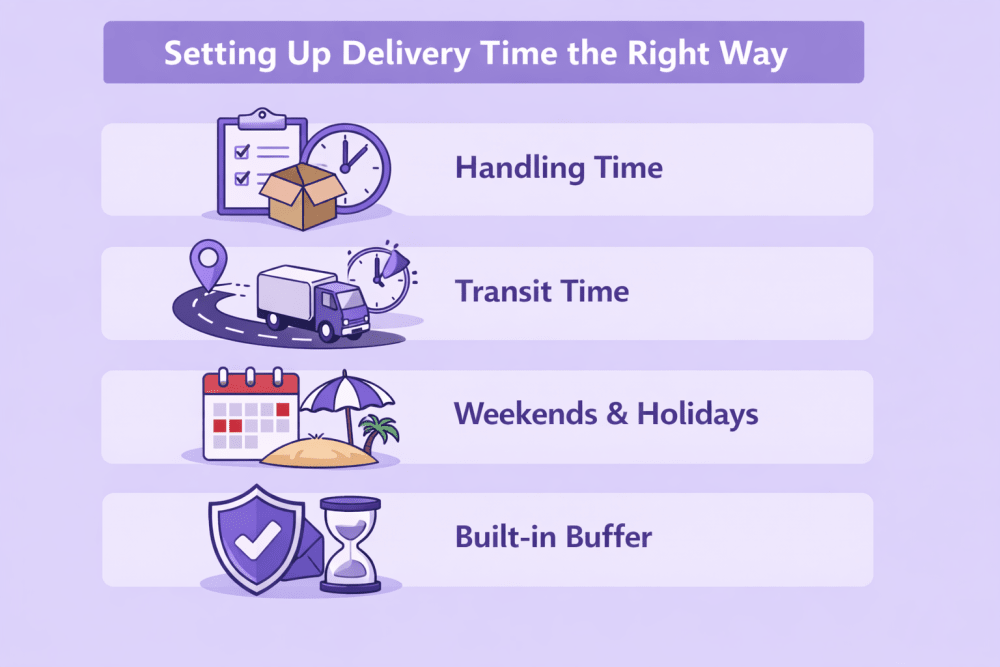
- Set accurate shipping templates and delivery regions based on real transit times
- Define handling times that match your daily packing capacity
- Enable shipping settings automation to generate realistic delivery estimates
- Use Buy Shipping to simplify label creation and access carrier rates within Seller Central
A stable foundation reduces late shipments and makes later optimization much easier.
Step 2: Introduce Advanced Tools Gradually
Once the basic workflow runs smoothly, additional tools can help remove manual steps and improve efficiency. At this stage, the focus shifts from setup to scalability. Sellers often introduce order management tools that centralize fulfillment across channels, add carrier integrations that expand delivery options, or use multi-location inventory settings to calculate delivery dates from the closest available stock. These additions help reduce errors and allow the shipping process to grow without increasing daily workload.
Step 3: Monitor and Adjust Continuously
Optimization in FBM shipping is ongoing. Even a well-configured system needs regular adjustments as order patterns change.
Key areas to review regularly include:
- Shipping performance metrics such as on-time delivery and late shipment rates
- Shipping templates and delivery regions as demand shifts
- Inventory levels across locations to maintain accurate delivery estimates
When monitoring becomes part of routine operations, small adjustments prevent larger problems and help keep fulfillment both efficient and reliable over time.
When FBM Shipping Makes Sense and What Often Goes Wrong
FBM works best when the fulfillment model matches the nature of the product and the way a business operates. At the same time, many shipping issues appear not because FBM is complicated, but because small operational gaps build up over time. Understanding where FBM fits naturally and where mistakes usually happen helps sellers avoid unnecessary friction.
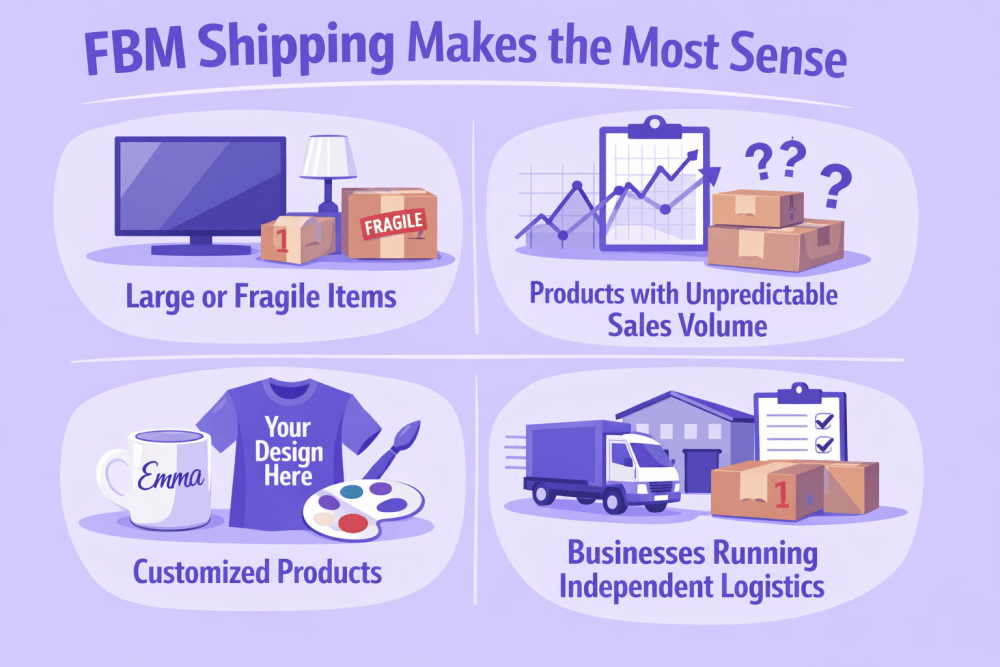
When FBM Shipping Makes the Most Sense
FBM is often strongest where flexibility is required. Sellers with unusual products or specialized fulfillment needs tend to benefit the most.
Some common situations include:
- Large or fragile items that incur high FBA fees
- Products with unpredictable sales volume
- Handmade or customized products
- Businesses already running independent logistics
FBM also serves as a useful backup strategy. Many sellers maintain FBM listings alongside FBA inventory to avoid interruptions during stock shortages or peak seasons.
Common Mistakes That Disrupt FBM Shipping
Most FBM shipping problems do not appear suddenly. They usually develop from small inconsistencies that seem harmless at first but eventually affect delivery performance and customer experience.
Unrealistic Handling Times
Setting handling times that are too optimistic is one of the most common issues. Sellers often try to appear faster than competitors, but when order volume increases or unexpected delays occur, shipments go out late. This directly impacts performance metrics and creates avoidable customer complaints.
Inconsistent Packaging Decisions
Changing packaging methods from order to order can increase costs and damage rates. Larger boxes raise shipping expenses, while insufficient protection leads to returns or negative feedback. Standardizing packaging helps maintain predictable costs and reduces fulfillment errors.
Delayed Inventory Updates
Inventory that is not updated in real time creates overselling risks. When an item sells but is no longer available, shipping delays or cancellations follow. Over time, this affects seller reliability and can reduce visibility in search results.
Choosing Carriers Based Only on Price
Lower shipping rates are attractive, but unreliable delivery performance often costs more in the long run. Late deliveries can lead to refunds, negative feedback, or loss of Buy Box eligibility. Reliable delivery tends to produce better results than occasional savings on shipping fees.
FBM rewards consistency more than quick fixes. Small operational improvements applied regularly usually have a greater impact than large changes made occasionally.
Conclusion
Amazon FBM shipping works well when it is treated as a process rather than a task that happens at the end of a sale. The mechanics themselves are not complicated. What makes the difference is how consistently everything runs behind the scenes. Accurate delivery promises, realistic handling times, and reliable shipping choices create a rhythm that customers rarely notice, but they feel the result when orders arrive exactly as expected.
For many sellers, FBM becomes easier over time. The first stage usually involves trial and error, learning how long packing really takes or which carriers perform best for certain regions. After that, small adjustments start to add up. Shipping becomes more predictable, costs become clearer, and fewer problems need urgent fixes. That is usually the point where FBM stops feeling like extra work and starts functioning as part of a stable system.
The biggest advantage of FBM is control, and that control comes with responsibility. Sellers who accept that balance tend to get the most out of it. When fulfillment is organized around reliability instead of speed alone, FBM can support steady growth without forcing businesses into a one size fits all logistics model.
FAQ
What is the main difference between Amazon FBM and FBA shipping?
With FBM, the seller stores inventory and ships orders directly to customers, while Amazon handles storage and delivery in FBA. The marketplace experience looks similar to customers, but the operational responsibility sits with the seller in FBM.
Do FBM sellers need to provide tracking information for every order?
Yes, Amazon expects tracking information for shipped orders. Providing valid tracking helps maintain performance metrics and allows customers to follow their delivery progress, which reduces support requests and disputes.
Can FBM sellers offer fast delivery options?
They can, but it depends on their logistics setup. Faster delivery requires accurate handling times, reliable carriers, and consistent performance. Some sellers also qualify for programs that allow faster delivery promises when performance standards are met.
Is FBM cheaper than FBA?
Not always. FBM can be more cost effective for certain products, especially large or slow moving items, but shipping, labor, and packaging costs need to be considered. The better question is usually which model fits the product and operations better.
Can sellers use both FBM and FBA at the same time?
Yes, many businesses use both methods. Some products are fulfilled through Amazon warehouses while others are shipped directly by the seller. This approach helps maintain flexibility and reduces risk during inventory shortages or peak seasons.