
 EN
EN  ES
ES  FR
FR  DE
DE  IT
IT  KO
KO  JA
JA  ZH
ZH  AR
AR  PT
PT  TR
TR PL
PL
Starting on Amazon can feel like stepping into a control room with too many buttons.
There’s Seller Central. Listings. FBA. Pricing rules. Performance metrics. And everyone online seems to be shouting a different strategy at you. Before you get pulled in ten directions, slow down and start with the basics.
Seller University is Amazon’s own training library. It’s free. It’s practical. And it explains how the marketplace actually works. If you take the time to understand these twelve core videos, you’ll avoid a lot of beginner mistakes and move forward with more clarity.
No shortcuts. Just a solid foundation.
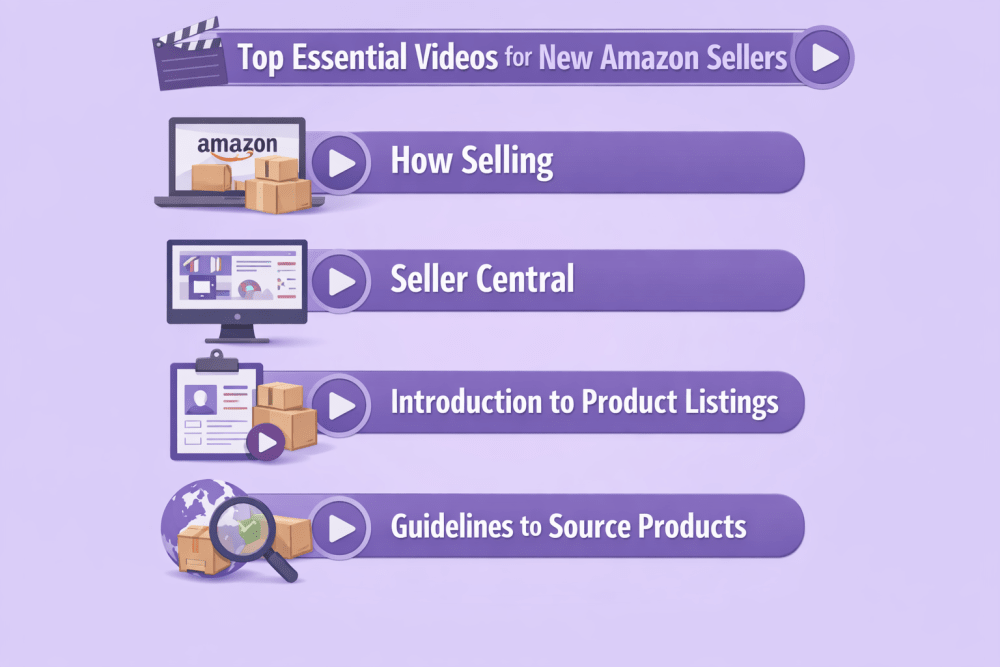
Top Essential Videos for New Amazon Sellers
Think of this as a practical roadmap. You don’t need to watch them all in one sitting. Start with the basics, then move deeper based on where your business is today.
1. How Selling on Amazon Works
What This Video Covers
This is the big-picture overview. It explains:
- Account setup
- Creating product listings
- Fulfilling orders
- Getting paid
- Core seller programs
It also introduces Fulfillment by Amazon, Brand Registry, and Account Health.
If you’re unclear about how the entire ecosystem connects, this is where that confusion usually disappears.
2. Getting to Know Seller Central
Seller Central is your control panel. Everything happens there.
This Walkthrough Explains
- The homepage dashboard
- Inventory management
- Orders and returns
- Performance metrics
- Settings and permissions
Many sellers operate in only a small corner of Seller Central. This training helps you understand the full layout so you’re not guessing where things live.
3. Introduction to Product Listings
This video explains what a product listing actually is and how Amazon structures it.
It Covers
- Required product information
- Matching existing listings
- Creating new detail pages
- Single and bulk uploads
Listings are not just text. They are structured data that feeds Amazon’s search engine. That distinction matters.
4. Guidelines to Source Products to Sell on Amazon
Sourcing isn’t just about finding something cheap and reselling it. It’s about proving that your supply chain is legitimate.
In this video, Amazon explains what qualifies as a valid source of inventory and what doesn’t.
What This Video Covers
- How to validate suppliers before placing large orders
- Why building direct relationships with brands matters
- What counts as acceptable proof of purchase
- The difference between wholesale sourcing and retail arbitrage
- Why retail-to-retail drop shipping is prohibited
This is one of the most important mindset shifts for new sellers. Amazon is strict about authenticity and product traceability. If you cannot prove where your inventory came from, your account is at risk.
5. Intro to Amazon Business Reports
If sourcing is the foundation, business reports are the steering wheel.
This video explains how to access and interpret your business reports inside Seller Central.
What This Video Covers
- Where to find business reports
- The difference between traffic metrics and sales metrics
- How to analyze sessions, page views, and conversion rates
- How to track unit session percentage
- How to use data to guide pricing and advertising decisions
Many new sellers focus only on revenue. But revenue alone doesn’t tell you what’s happening.
This training teaches you how to stop guessing and start using data to guide decisions.
6. Overview of Fulfillment by Amazon (FBA)
This Video Explains How Amazon
- Stores inventory
- Picks and packs orders
- Ships products
- Manages returns
- Handles customer service
It also introduces services like partnered carriers and multi-channel fulfillment.
FBA gives you Prime eligibility. But it also adds fees and inventory planning responsibilities. This training helps you weigh that tradeoff.
7. Pricing Products Competitively
Pricing on Amazon is not static.
This Training Covers
- Competitive pricing
- Lowest price concepts
- Automated pricing rules
- How pricing affects visibility
With repricing tools widely used in 2026, understanding how price impacts your eligibility and sales velocity is critical.
8. Becoming the Featured Offer
The Featured Offer is the default Add to Cart position.
This Training Explains How Amazon Evaluates
- Price competitiveness
- Fulfillment method
- Shipping speed
- Account performance
- Inventory availability
It’s not simply about being the cheapest seller. Operational reliability plays a role.
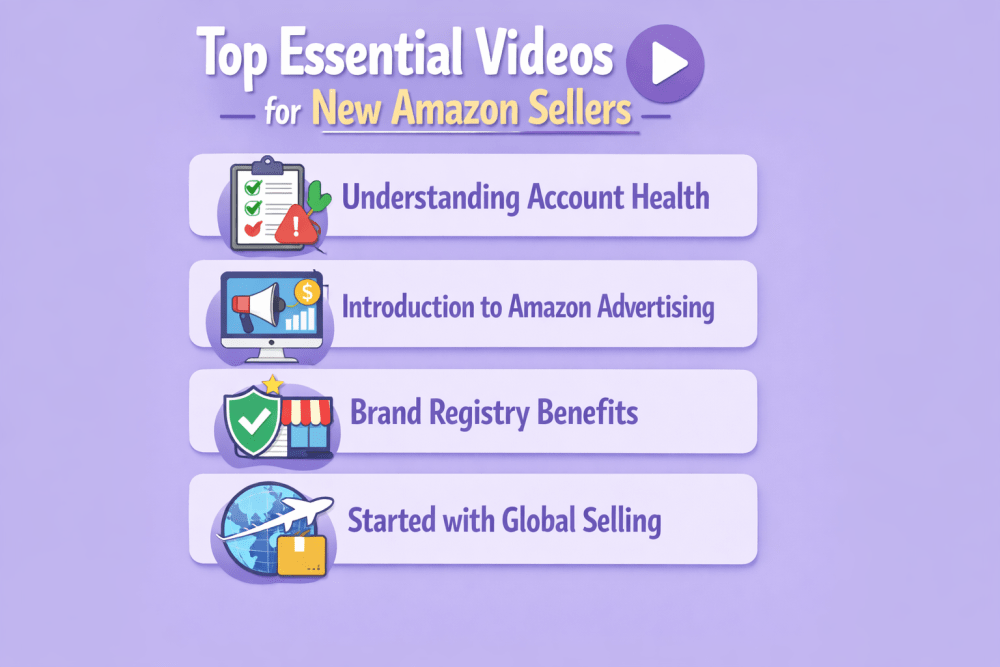
9. Understanding Account Health
Every seller has an Account Health dashboard.
This Video Explains
- Order defect rate
- Late shipment rate
- Policy compliance
- Cancellation rate
Ignoring these metrics can lead to restrictions or suspension. Monitoring them should become routine.
10. Introduction to Amazon Advertising
This Overview Introduces
- Sponsored Products
- Sponsored Brands
- Sponsored Display
- Cost-per-click bidding
It explains how ads appear in search results and on product pages, and how sellers control budgets and bids.
Advertising is not mandatory, but for most competitive categories it becomes necessary.
11. Amazon Brand Registry Benefits
If you own a brand, Brand Registry unlocks additional tools.
This Training Explains
- Brand protection mechanisms
- A+ Content
- Brand Analytics
- Sponsored Brands
- Enhanced listing control
In a marketplace with shared listings, brand ownership changes what you can control.
12. Getting Started with Amazon Global Selling
This Video Walks Through
- International marketplace options
- Cross-border logistics
- Tax and compliance considerations
- How to activate global selling inside Seller Central
Selling globally is more accessible than it used to be, but it still requires planning and margin analysis.

A Smarter Way to Manage Your Ads from Day One With WisePPC
When you’re new to Amazon, the hardest part isn’t launching. It’s understanding what’s actually working.
That’s why we built WisePPC.
The platform, as an Amazon Ads Verified Partner, connects through official integrations and gives sellers full visibility into performance from the start. WisePPC tracks over 30 key metrics, stores long-term historical data beyond Amazon’s standard retention window, and clearly separates ad-driven revenue from organic sales.
Instead of jumping between multiple reports, everything lives in one structured dashboard. Campaigns can be filtered in seconds. Bids and budgets can be edited in bulk. Up to six KPIs can be compared on a single chart. Visual highlights make wasted spend stand out immediately.
For new sellers, clarity changes everything. When you can clearly see what’s driving profit and what’s draining budget, decisions become faster and far more confident.

No spreadsheets. No guesswork. Just structured growth from day one.
Final Thoughts
Seller University won’t guarantee success. No training can do that.
What it will do is help you avoid the most common early mistakes, clarify how Amazon actually evaluates sellers, and show you where the important tools live inside Seller Central. It shortens the learning curve and removes a lot of unnecessary trial and error.
It’s free. It’s practical. And it comes directly from the platform you’re building on. If you’re serious about creating a stable, long-term Amazon business, this is the right place to start.
Frequently Asked Questions
Is Seller University really free?
Yes. Seller University is completely free for Amazon sellers. You can access most of the training content inside Seller Central, and many videos are also available on Amazon’s official YouTube channel.
Do I need to watch all the videos before I start selling?
No. You don’t need to complete everything upfront. Start with the basics like how selling works, Seller Central navigation, and listings. Then watch other videos as you reach those stages in your business. Learning in context usually works better than trying to absorb everything at once.
Is Seller University useful for experienced sellers?
It can be. Even experienced sellers sometimes skip foundational knowledge or miss updates to tools and policies. Revisiting certain trainings can clarify processes or highlight features you’re not fully using.
How long does it take to go through the core trainings?
Most overview videos are short, typically between 5 and 15 minutes. You can cover the core foundation content in a few hours total. The key is applying what you learn rather than rushing through everything.
What should I focus on first as a new seller?
Start with understanding how selling works, then move to listings and Seller Central navigation. After that, focus on fulfillment, pricing, and account health. Advertising and global expansion can come once your foundation is stable.
 No credit card required