
 EN
EN  ES
ES  FR
FR  DE
DE  IT
IT  KO
KO  JA
JA  ZH
ZH  AR
AR  PT
PT  TR
TR PL
PL
Quick Summary: Changing your country on Amazon involves two distinct processes: switching your shopping location temporarily to browse products from other regions, or permanently transferring your account if you’ve relocated. The shopping location can be changed anytime through Country & Language settings, while account transfers require contacting Amazon support and affect digital content access.
Amazon operates in 22 marketplaces worldwide, and knowing how to switch between them makes a real difference. Whether browsing products from another region or relocating permanently, the process varies based on what needs changing.
Here’s the thing though—many users confuse temporary shopping location changes with permanent account transfers. They’re fundamentally different.
Changing Your Shopping Location (Temporary)
This lets anyone browse and shop from different Amazon stores without moving their account. It’s perfect for comparing prices or finding region-specific products.
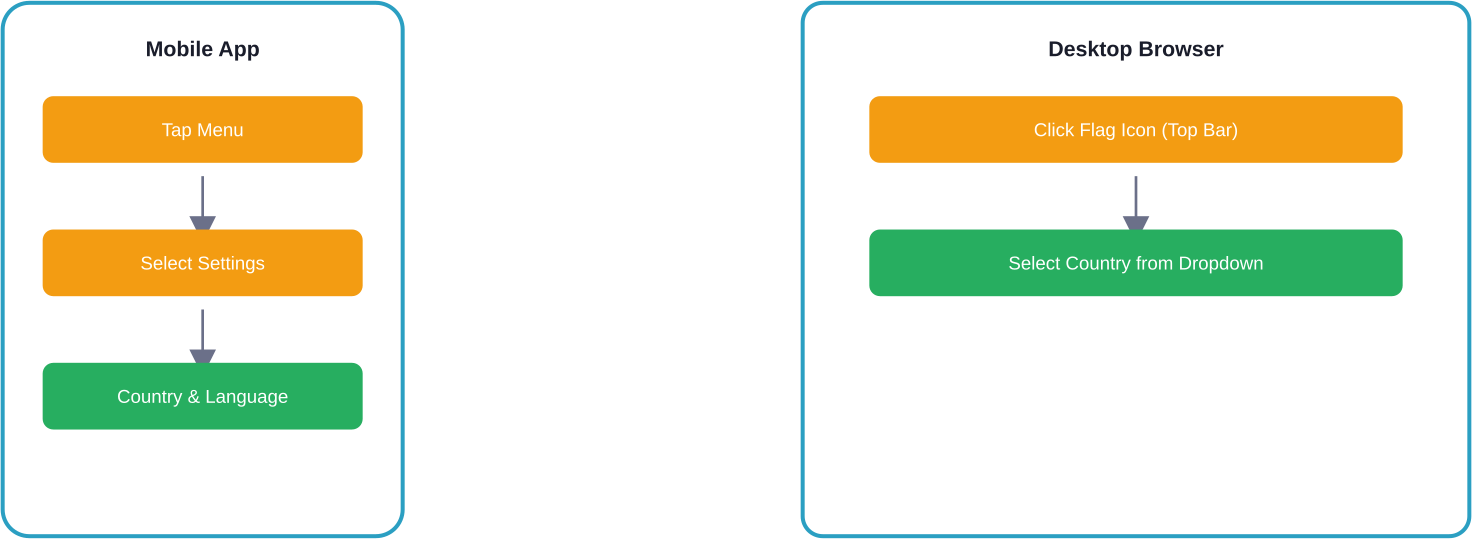
- On Desktop: Navigate to the top navigation bar and locate the flag icon next to the search box. Click it and select another country from the dropdown menu. The page refreshes to display that region’s Amazon store.
- On Mobile App: Tap the hamburger menu (three horizontal lines), scroll to Settings, then select Country & Language. Choose the preferred country and currency, then tap Done.
Transferring Your Account Permanently
Relocated to another country? That’s when account transfer becomes necessary. But wait—this process impacts digital content significantly.
Transferring an Amazon account to another region may affect previously purchased digital items like Kindle books, Prime Video content, and music. Some content may not transfer due to licensing restrictions between regions.
You can transfer your account and digital content yourself through the ‘Manage Your Content and Devices’ section.
| Aspect | Shopping Location Change | Account Transfer |
|---|---|---|
| Reversibility | Instant, anytime | Permanent process |
| Digital Content | Unchanged | May lose access |
| Process | Self-service | Contact support |
| Payment Methods | Unchanged | Must update |
| Prime Membership | Unchanged | Separate by region |

Expand Your Amazon Brand Into International Markets
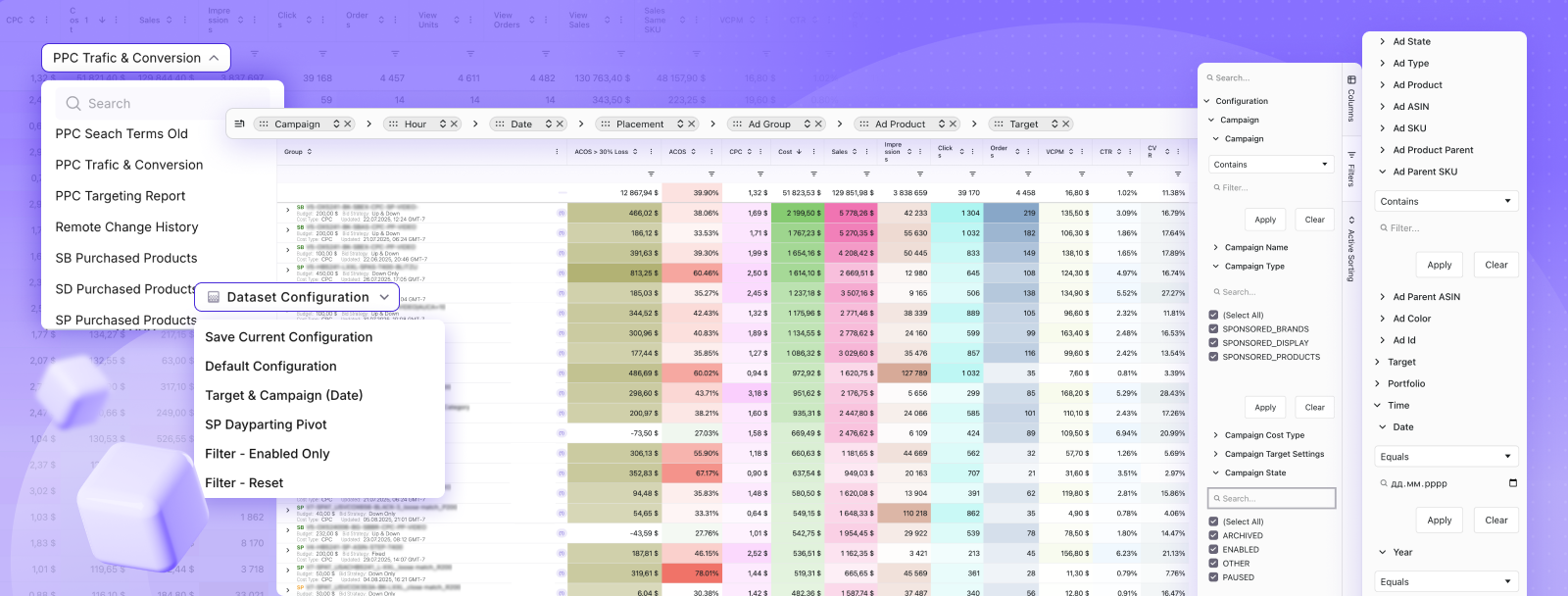
Changing your country’s settings as a shopper is a simple process, but for sellers, entering new international marketplaces involves complex logistics and localized advertising strategies. Successfully launching a brand in a different region requires expert management to handle currency changes, local competition, and region-specific PPC campaigns. WisePPC provides specialized Amazon account management and advertising services to help sellers scale their businesses across global marketplaces efficiently.
- Global PPC Strategy: Optimized advertising campaigns tailored to the specific search behavior of different countries.
- Multi-Marketplace Management: Professional oversight of account health and listings across various international Amazon regions.
- Localized Optimization: Ensuring product data and keywords are relevant to the local audience to maximize conversion rates.
- Performance Tracking: Data-driven reporting to monitor growth and ROI as the brand expands into new territories.
Scale your international sales with WisePPC.
Currency and Language Preferences
Currency settings follow country selection automatically, but can be adjusted independently. Desktop users find this in the same Country & Language menu. Mobile users access it through Settings.
Language preferences work similarly—they’re not locked to country selection. Amazon supports multiple languages across most regions, allowing customization based on preference rather than location.
Common Issues and Solutions
Payment methods cause the most frequent problems. Credit cards and bank accounts from one region may not work on another region’s Amazon store. Adding a local payment method before shopping prevents checkout failures.
Shipping addresses must match the selected country for most orders. International shipping exists, but availability varies by seller and product category.
FAQ
Can I shop from multiple Amazon countries with one account?
Yes, you can use the same login credentials to sign in to most Amazon international marketplaces.
Does Amazon Prime work across all countries?
No, Prime memberships are region-specific. A membership from one country does not provide benefits in other Amazon marketplaces.
How long does account transfer take?
Account transfers typically take 24–48 hours after contacting support, though complex cases may take longer.
Can I keep my wishlist when changing countries?
Wishlists remain tied to the original region and may not transfer due to differences in product availability.
What happens to gift card balances during transfer?
Gift card balances usually do not transfer between regions. It’s recommended to use them before initiating a transfer.
Do I need different apps for different Amazon countries?
No, the main Amazon app supports multiple regions. You can switch countries through the Country & Language settings.
Conclusion
Managing Amazon country settings comes down to understanding the difference between browsing internationally and relocating permanently. Temporary shopping location changes offer flexibility without commitment, while account transfers suit genuine relocations despite the digital content tradeoffs.
Need to switch regions? Start with the shopping location change to test the waters before committing to permanent transfer.
 No credit card required