
 EN
EN  ES
ES  FR
FR  DE
DE  IT
IT  KO
KO  JA
JA  ZH
ZH  AR
AR  PT
PT  TR
TR PL
PL
Amazon Business is Amazon’s marketplace built specifically for organizations. That includes small companies, large enterprises, schools, hospitals, and government buyers.
Any seller on a Professional plan can sell through Amazon Business. What makes it different is pricing flexibility. Sellers can offer special per-unit prices and volume discounts that are only visible to registered business customers.
Those buyers behave differently from retail shoppers. They buy in bulk, return fewer orders, and tend to reorder when pricing makes sense. That’s why B2B pricing isn’t just a nice add-on. It’s often where sustainable growth comes from.
Business Prices and Quantity Discounts Explained
A business price is a specific per-unit price shown only to Amazon Business customers. While it is often lower than the retail price, it can match the standard price to serve as a baseline for quantity discounts.
On top of that, sellers can add quantity discounts that reward larger orders. These can be set in two ways:
- Percentage discounts, where the price drops by a set percent after a certain quantity
- Fixed pricing, where the unit price is locked at a lower amount for bulk orders
A simple example might look like this:
- Buy 5 to 9 units and get 5% off
- Buy 10 or more units and get 10% off
The goal isn’t to race to the bottom. It’s to align pricing with how business customers actually purchase.
What Business Discount Insights Does
Business Discount Insights is a free tool inside Amazon Business that highlights where your B2B pricing could perform better.
It surfaces up to 10 products with the strongest potential impact if business pricing or quantity discounts were added or adjusted. You can also generate a full catalog report that shows pricing gaps and missed opportunities across all your listings.
Instead of guessing where discounts might help, the tool points directly to products that already have B2B demand signals.
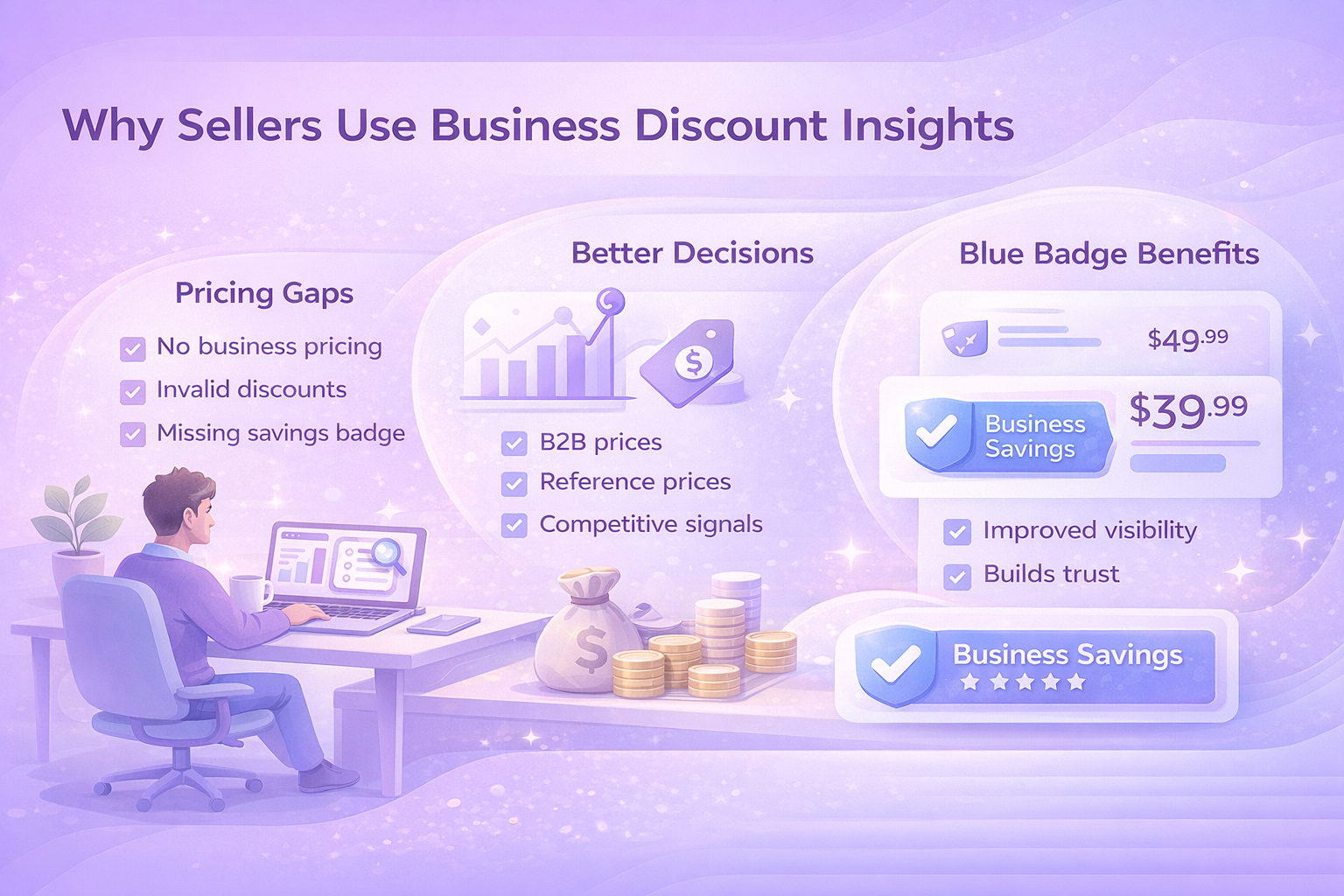
Why Sellers Use Business Discount Insights
Business buyers typically purchase more units per order and return items far less often than retail customers. Business Discount Insights helps sellers tap into that behavior using real data.
Here’s what the tool helps uncover:
Pricing Gaps you Might Miss
It flags products that:
- Don’t have business pricing at all
- Don’t include quantity discounts
- Have invalid or misaligned business prices
- Don’t qualify for the Business Savings Blue Badge
Better Decisions, Backed by Numbers
Instead of relying on intuition, sellers can review:
- B2B Featured Offer pricing
- Business Savings Blue Badge reference prices
- Product glance views
- Suggested discount tiers
Built-in Competitive Signals
The Business Savings Blue Badge appears on products that offer a meaningful discount compared to the standard retail price. It helps buyers quickly spot value, especially when comparing similar listings.
Staying competitive here matters. The B2B Featured Offer price improves visibility, while the badge reinforces trust and savings.
An Often Overlooked Benefit: Lower Fulfillment Costs
Business discounts don’t only influence how much you sell. In many cases, they also reduce what it costs to fulfill those orders. This part is easy to miss, but it can make a real difference to margins, especially for products that are frequently ordered in bulk.
When business customers purchase multiple units with qualifying discounts in place, Amazon may apply Fulfillment by Amazon fee reductions. For standard-size products, these savings can range from a few cents to over a dollar per unit, depending on order size. The more units in a single order, the bigger the potential reduction.
There’s also an impact on referral fees. High-value business orders for a single product can qualify for lower referral rates as the total order value increases. In some cases, the percentage drops significantly compared to standard retail orders. These reductions apply whether the order is fulfilled by Amazon or by the seller.
For products that are already well-suited to bulk purchasing, these cost savings compound quickly. Over time, they can offset part of the discount you’re offering, making business pricing more profitable than it might appear at first glance.
How to Find Pricing Opportunities in Seller Central
Business Discount Insights connects with several areas inside Seller Central, so sellers can act wherever they manage inventory.
To view recommendations:
- Open Seller Central
- Go to B2B, then Business Discount Insights
- Review the top opportunities ranked by potential impact
Each recommendation shows:
- Current business price
- B2B Featured Offer price
- Suggested quantity discount tiers
To analyze your full catalog, generate and download the detailed report. It includes pricing gaps, reference prices, and performance indicators across all eligible products.
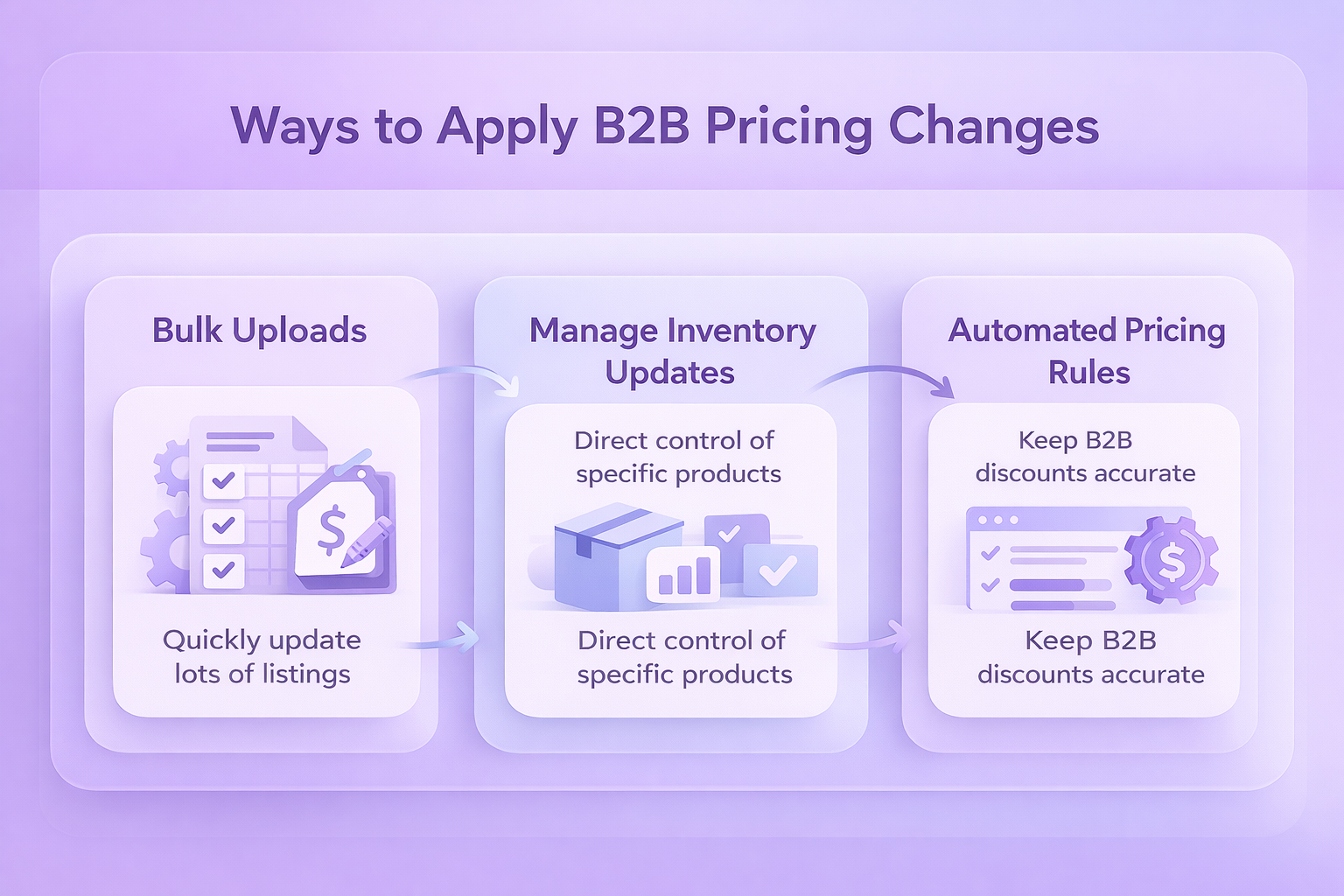
Ways to Apply B2B Pricing Changes
There isn’t one right method. Sellers can choose based on scale and workflow.
Bulk Uploads
For larger catalogs, bulk files are the fastest option. Sellers can apply business prices and up to five discount tiers per product in one upload.
Manage Inventory Updates
For targeted changes, prices and discounts can be edited directly inside Manage Inventory. This works well for testing or adjusting high-priority listings.
Automated Pricing Rules
Automation helps keep prices aligned when standard prices change. Reviewing Business Discount Insights alongside automated rules makes it easier to spot patterns and fine-tune discounts without constant manual work.
One important note: manually editing prices can remove products from automated rules. If consistency matters, automation should remain the default.
How to Get Better Results Over Time
The tool delivers the best results when it’s treated as part of an ongoing pricing process, not something you set once and forget. B2B pricing works best when it’s reviewed, tested, and adjusted as buying behavior becomes clearer.
1. Start With a Small Test
Begin by applying business pricing and quantity discounts to a limited group of products. Choose items with steady demand or frequent multi-unit orders. Watch how sales volume, average order size, and margins change over the first few weeks. This gives you a clearer picture of what works before you roll changes out across a larger part of your catalog.
2. Define Clear Pricing Guidelines
Set simple rules upfront. Decide which margins you need to protect, how aggressive you’re willing to be with discounts, and which products should never be discounted beyond a certain point. Having these guidelines in place makes it easier to evaluate recommendations quickly and keeps pricing decisions consistent as you scale.
3. Track Performance Regularly
Make it a habit to review performance in B2B Central and Amazon business reports. Compare B2B and non-B2B results side by side. Look beyond total sales and focus on unit volume, order size, and repeat purchases. These metrics often reveal whether business pricing is attracting the right buyers or just shifting volume without real gains.
4. Plan for Seasonality
Business purchasing patterns change throughout the year. Some categories see predictable spikes tied to budgeting cycles, restocking periods, or industry events. Adjust pricing strategies ahead of these high-volume windows and review results afterward. Over time, this helps you fine-tune discounts based on real seasonal demand instead of assumptions.
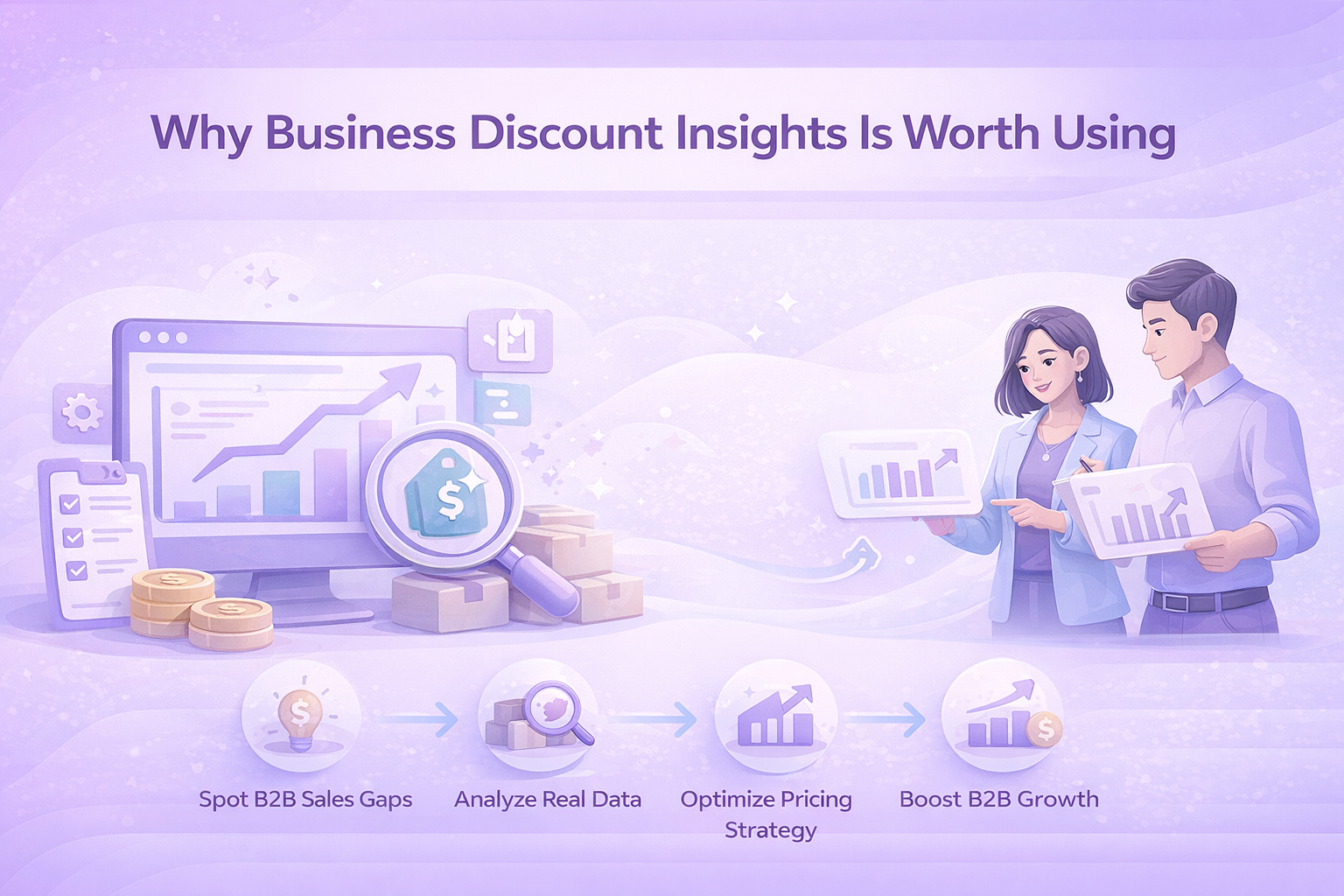
Why Business Discount Insights Is Worth Using
Many sellers lose B2B sales simply because their pricing isn’t aligned with how business customers buy. Not because the product is wrong. Not because demand isn’t there.
Business Discount Insights closes that gap. It shows where pricing holds listings back and gives sellers a practical way to fix it using real data.
If you sell products that businesses buy in volume, it’s one of the simplest tools you can use to unlock more consistent growth.

Turning Marketplace Data Into Actionable Insights WisePPC
At WisePPC, we help marketplace sellers replace guesswork with clear, actionable data. Our platform is built around advanced analytics that give you full visibility into performance across advertising and sales, so decisions are based on what’s actually working, not assumptions.
We combine long-term historical data, real-time metrics, and granular reporting to show trends that are easy to miss in standard dashboards. With bulk actions, advanced filtering, and inline editing, you can act on insights quickly without jumping between tools or spreadsheets. Everything is designed to save time and keep workflows simple, even as accounts grow.
As an Amazon Ads Verified Partner, we work through official integrations and follow Amazon’s best practices. That means reliable data, cleaner insights, and a system that scales with your business as performance and complexity increase.
Conclusion
B2B pricing on Amazon doesn’t need to rely on guesswork. Business Discount Insights gives sellers a clearer view of where pricing adjustments can actually make a difference, using real buying behavior instead of assumptions.
When used consistently, the tool helps uncover missed opportunities, align discounts with how business customers purchase, and balance volume with profitability. It also makes it easier to spot patterns over time, so pricing decisions improve as your catalog grows.
The key is treating Business Discount Insights as an ongoing reference, not a one-time fix. Start small, test changes, and review results regularly. Over time, those small adjustments can lead to more predictable B2B sales and healthier margins without adding unnecessary complexity to your workflow.
Frequently Asked Questions
What is Business Discount Insights used for?
Business Discount Insights helps Amazon sellers spot where business pricing or quantity discounts could improve B2B sales. It highlights products with pricing gaps and provides reference prices so decisions are based on data, not guesswork.
Who can use Business Discount Insights?
The tool is available to sellers on a Professional selling plan who are enrolled in Amazon Business. There’s no extra cost to access it.
Do business prices replace my regular prices?
No. Business prices are shown only to Amazon Business customers. Your standard consumer pricing stays the same for retail shoppers.
Are business prices required to offer quantity discounts?
Yes. A business price must be set before quantity discounts can be added. If you only want to offer quantity discounts, the business price can match your standard price.
How quickly do pricing changes take effect?
Most updates appear to Amazon Business customers within about 15 minutes after being saved in Seller Central. Bulk uploads may take a little longer.
 No credit card required