
 EN
EN  ES
ES  FR
FR  DE
DE  IT
IT  KO
KO  JA
JA  ZH
ZH  AR
AR  PT
PT  TR
TR PL
PL
Crafting standout Amazon product listings is the key to grabbing shoppers’ attention and driving sales-it’s like setting up the perfect storefront display. With the right tools, anyone can transform a basic listing into a buyer magnet. This article dives into the top software and tools, covering everything from keyword research to complete listing builders, designed to help sellers shine in a crowded marketplace.

Try WisePPC for Working with Amazon Sells
Not only listing services are offered for Amazon product promotion. WisePPC is a universal tool which handles different services, pulling together sales and ad data into one spot, making it simpler for sellers to tweak and refine product pages based on actual performance metrics. It’s all about spotting what’s working or not, like using filters to zero in on underperforming keywords or campaigns, and then editing right there without jumping around different screens. Sometimes it’s the little things, like color-coding tables to highlight weird spikes in spend, that make digging through data feel less like a chore.
The platform also keeps long-term data on hand, way beyond what Amazon holds onto, so sellers can look back at trends over months or years to adjust listings accordingly. Charts let you overlay multiple metrics at once, giving a clearer picture of how changes in bids or placements affect visibility. It’s practical for ongoing tweaks, though you have to connect accounts first to get everything syncing smoothly.

What we usually handle:
- Filters narrow down campaigns or targets for bulk edits like pausing or adjusting bids.
- Charts support up to six metrics with options for daily or yearly views.
- Gradient highlighting in tables flags performance issues quickly.
- On-spot editing changes names, statuses, or budgets directly in the interface.
- Segments data by campaign types or bid strategies to pinpoint effective approaches.
Who it’s best for:
- Sellers managing multiple campaigns who need quick bulk actions.
- Businesses tracking long-term trends to refine product pages over time.
Contacts:
- Website: wiseppc.com
- Facebook: www.facebook.com/people/Wise-PPC
- LinkedIn: www.linkedin.com/company/wiseppc
- Instagram: www.instagram.com/wiseppc
Top Amazon Tools for Listing Creation
Turning to the main theme of our article, here is a list of tools which can help you to create listing for your Amazon content and make it more convenient to search.

1. Helium 10
What Helium 10 is really focused on is taking the guesswork out of keyword research. You can feed competitor ASINs into their system or just browse through what they’ve collected, and it’ll surface keyword options that might actually work for your products. Their AI then generates listing drafts – titles, bullet points, descriptions – trying to work those keywords naturally. Everything happens in one dashboard, which keeps you from jumping between tabs. That said, most sellers still end up reworking what the AI spits out because, well, it needs that human touch to match how you actually talk about your brand.
They’ve also built out this scoring system that analyzes your whole listing. It looks at images, features, all of it, and gives you feedback on where you might rank or how sales could pan out. Pretty useful when you’re testing different backend keywords or reorganizing content to read better. The thing is, keyword trends shift constantly, so you’ll need to circle back regularly if you want to stay relevant.
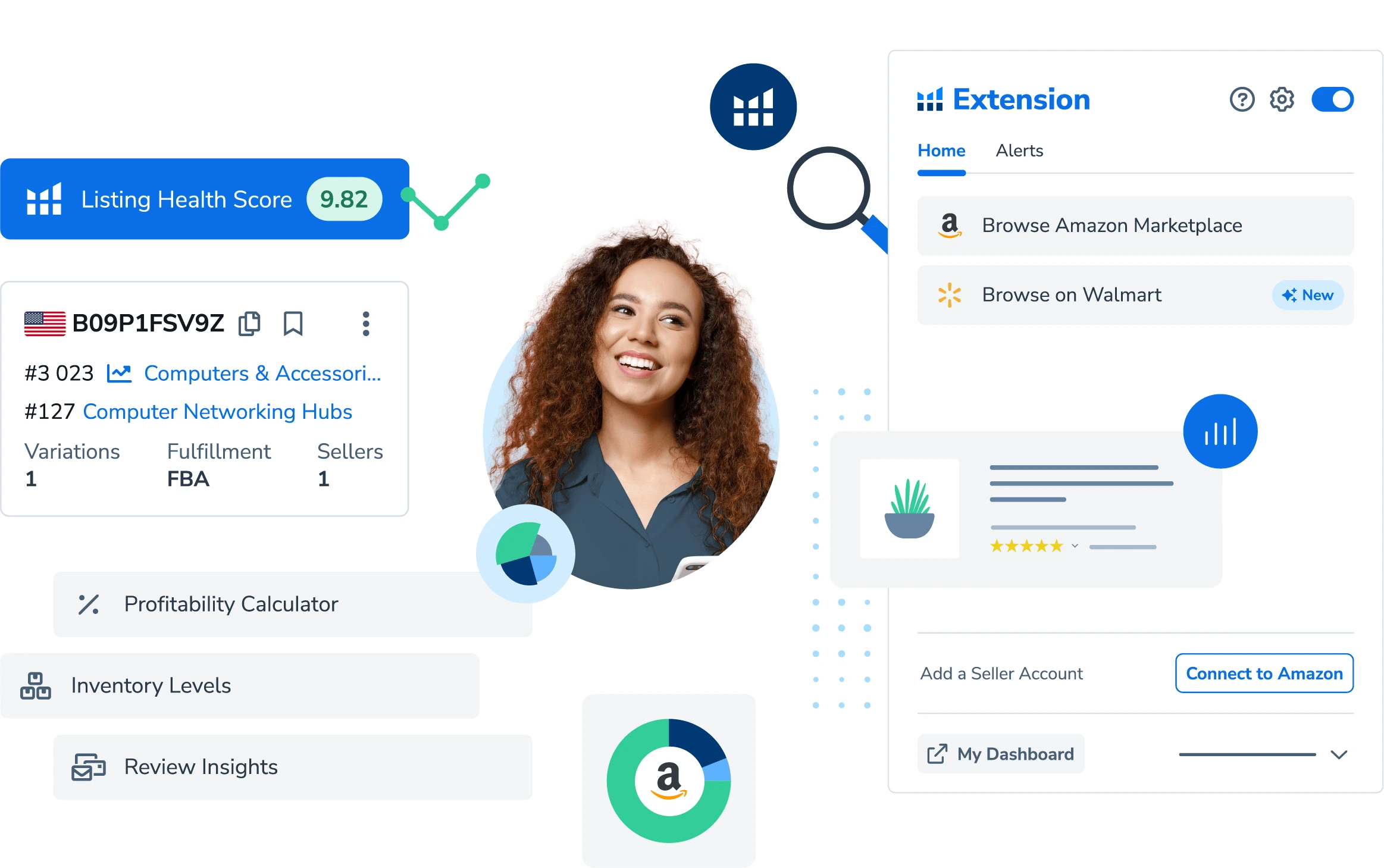
What they’ve built:
- Competitor ASIN analysis that pulls relevant keyword suggestions
- AI-generated content for titles and descriptions
- Listing score calculator with improvement recommendations
- Centralized dashboard for managing everything
- Step-by-step guides for optimizing your pages
Makes sense for:
- Sellers who are new to Amazon and want some AI assistance
- Anyone expanding into different markets where keyword strategy changes
- Teams that care about visual optimization
Contacts:
- Website: www.helium10.com
- Facebook: www.facebook.com/Helium10Software
- Twitter: x.com/H10Software
- LinkedIn: www.linkedin.com/company/helium10
- Instagram: www.instagram.com/helium10software

2. Jungle Scout
Their system connects right to Amazon Seller Central, so you can pull existing listings in, make your edits, and push them back live. The AI works with keyword collections they’ve already vetted to build out content that’s solid without feeling stuffed. Oh, and it auto-saves, which honestly saves your sanity when you get pulled away mid-task.
There’s this live rating feature that watches your title, images, and bullet points as you work, throwing out suggestions for climbing search results. They let you filter keywords by performance metrics, which helps when you’re trying to balance relevance with cost. Getting your accounts linked up front cuts down on repetitive work, and it’s particularly handy if you’re the type who likes running quick tests and iterating.

What’s in there:
- Direct Seller Central integration for seamless updates
- AI content generation using pre-filtered keywords
- Real-time scoring with actionable tips
- Auto-save functionality
- Keyword filtering for cost and performance
Works well for:
- Sellers wanting faster edits through Amazon integration
- People building keyword strategies
- Teams juggling multiple listings
- Anyone who tests frequently and refines on the go
Contacts:
- Website: www.junglescout.com
- E-mail: press@junglescout.com
- Facebook: www.facebook.com/amazonjunglescout
- Twitter: x.com/junglescout
- LinkedIn: www.linkedin.com/company/junglescout
- Instagram: www.instagram.com/junglescout_
- Address: 328 S. Jefferson St., Suite 1030 Chicago, IL 60661

3. AMZScout
They kick things off with keyword research – pulling from competitor ASINs or general searches – then feed everything to their AI, which generates titles, bullets, and descriptions pretty quickly. There’s a compliance checklist built in that catches formatting issues before they become problems, like character count limits. Interesting approach: they also mine customer reviews for phrases that actually resonate with buyers and work those into the content.
The platform puts a lot of emphasis on backend keyword management, helping you boost search visibility without cluttering up what customers read. Their reverse lookup tool shows you what competitors are targeting, so you can adjust over time. You’ll likely want to polish the AI’s output yourself, but it gives you a decent framework to start with.
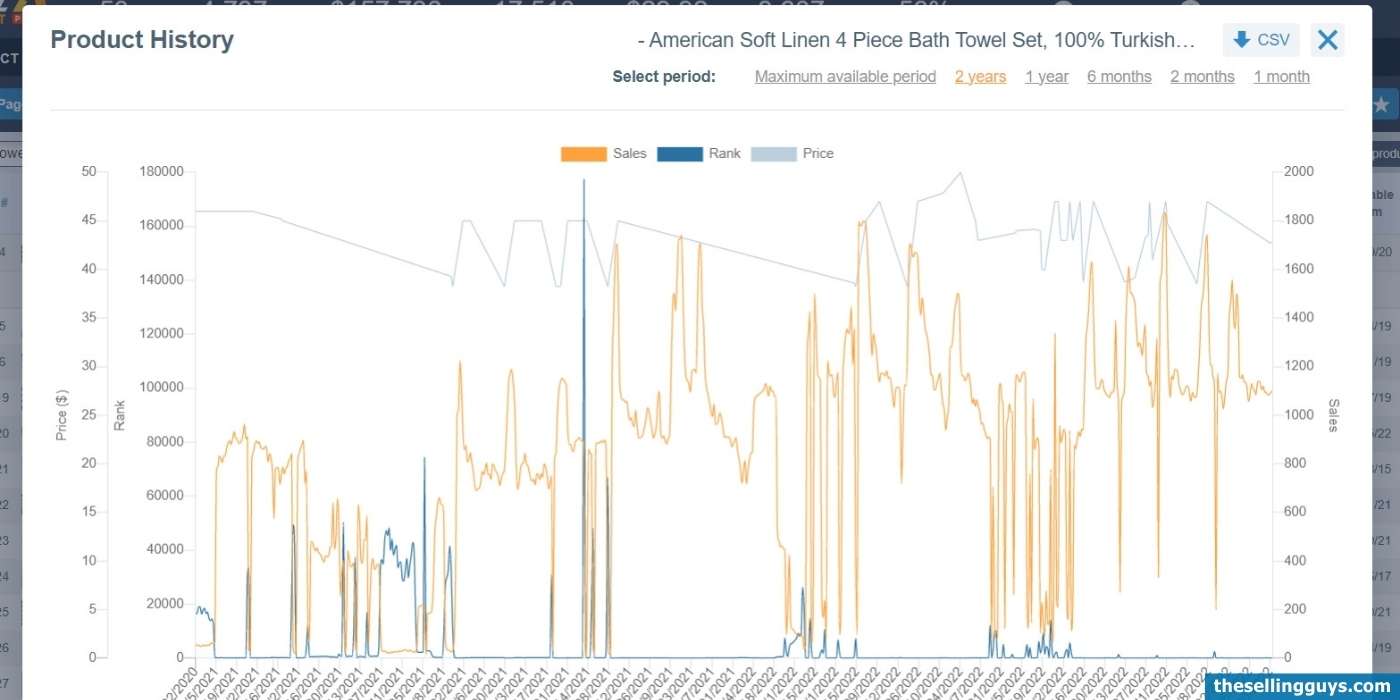
What they’re working with:
- AI content generation from keyword data
- Amazon compliance checker
- Review mining for authentic phrasing
- Backend keyword optimization tools
- Competitor keyword reverse lookup
Fits these people:
- New sellers learning Amazon’s formatting requirements
- Anyone tracking what competitors are doing with keywords
- Sellers who want to incorporate actual customer language
Contacts:
- Website: amzscout.net
- Facebook: www.facebook.com/amzscoutcrew

4. ZonGuru
They’ve integrated keyword research directly into their listing workflow instead of treating it as a separate step. Keywords get ranked by performance first, then the AI uses that prioritization when drafting or editing your listings. You can add brand voice notes so the output doesn’t sound completely generic. Still, expect to do some manual cleanup – it’s more of a starting point than a finished product.
Their comparison feature lets you stack your drafts against up to eight competitors, which surfaces gaps in your keyword coverage or weak spots in your setup. Real-time scoring tracks how well you’re matching Amazon’s algorithm while you edit. Publishing takes one click once you’re done, and they track keyword rankings afterward. Good option if you’re someone who digs into performance data and tweaks regularly.
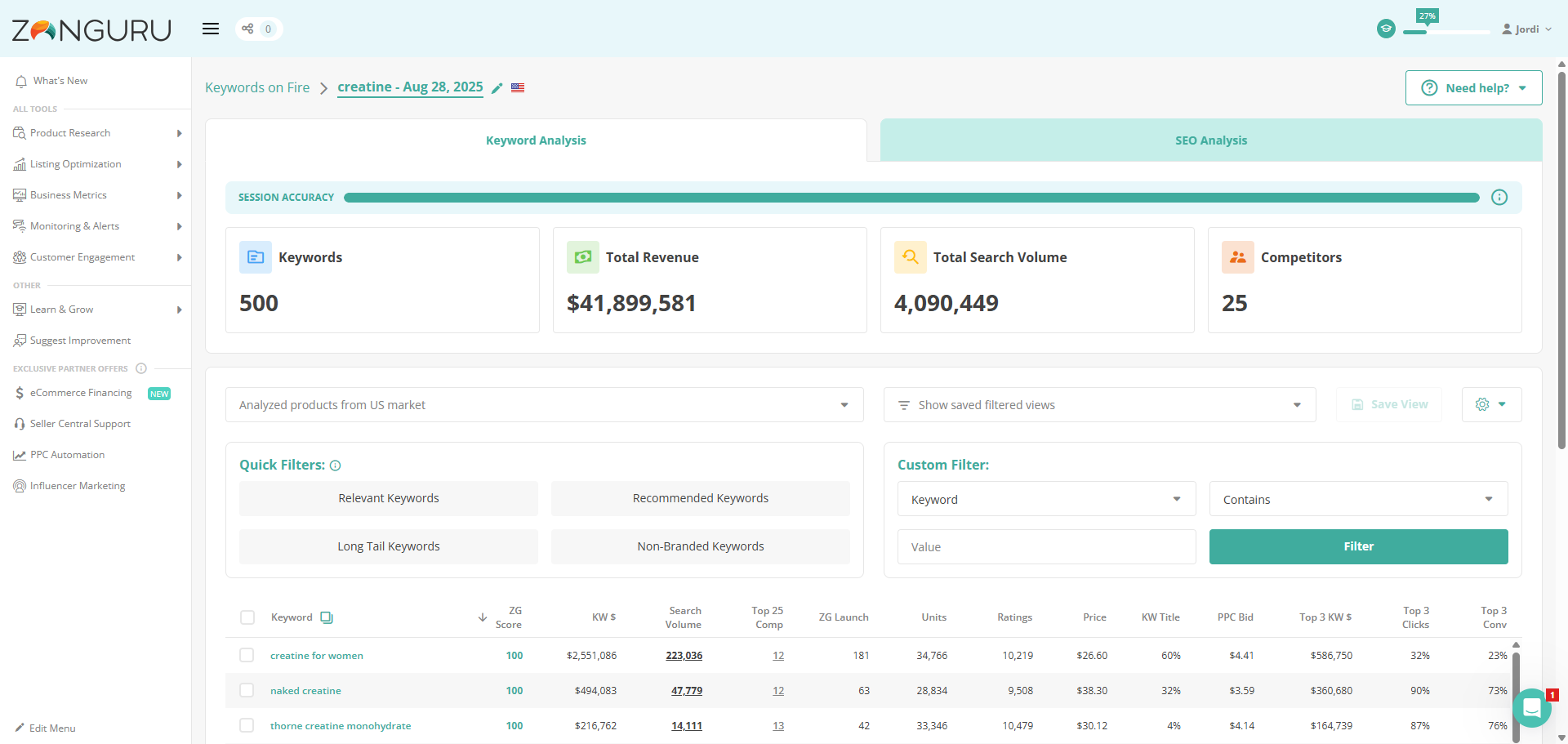
What’s available:
- AI drafting with brand tone customization
- Multi-competitor comparison analysis
- Algorithm alignment scoring in real-time
- One-click publishing
- Post-launch keyword tracking
Right for:
- Sellers who benchmark against competitors regularly
- People who want to maintain consistent brand voice
- Teams doing frequent listing optimizations
- Businesses that need quick publishing and ongoing monitoring
Contacts:
- Website: www.zonguru.com
- Facebook: www.facebook.com/zonguru
- Instagram: www.instagram.com/zonguru

5. DataHawk
Their focus is monitoring keyword performance within your listings, using dashboards that highlight problems – missing keywords in titles or bullets, that sort of thing. The AI scores your complete listing and then breaks down each section with specific recommendations for fixes. They’re big on data-driven decisions, sending alerts when your metrics drop or when competitors make changes worth noticing.
The system grabs keyword ideas from competing listings and turns that into detailed reports you can use for strategy adjustments. Everything – sales figures, ad performance, all your data – shows up in one place to inform your editing decisions. You’re still doing the actual changes yourself, but if you like working through things methodically with plenty of information backing you up, this approach clicks.
Core features:
- Section-by-section keyword tracking
- AI-powered listing scores with targeted fixes
- Competitor keyword extraction
- Unified dashboard for sales and advertising data
- Performance alerts
Suited for:
- Sellers who prefer data-heavy decision making
- Teams monitoring market changes actively
- Businesses coordinating organic and paid strategies
- Anyone who takes a methodical, step-by-step approach to optimization
Contacts:
- Website: datahawk.co
- Facebook: www.facebook.com/datahawkco
- Twitter: x.com/datahawkco
- LinkedIn: www.linkedin.com/company/datahawk-technologies
- Address: 31 Rue Vivienne 75002 Paris, France

6. Eselt
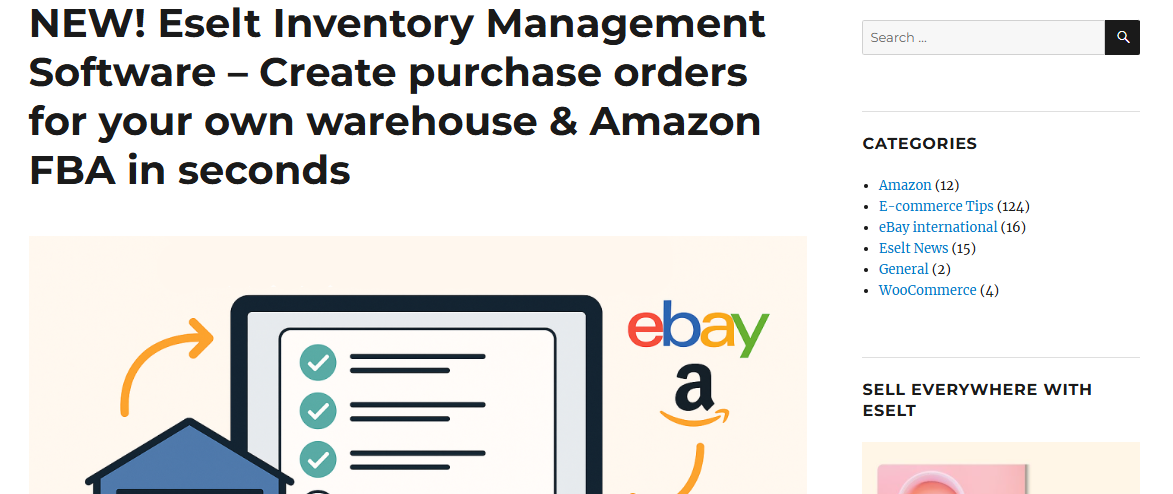
Eselt’s trying to cut through the complexity of getting products onto Amazon. They’ve put together a setup where you dump in all your product info – titles, descriptions, those annoying variants like different colors or sizes – and handle it in one pass. What’s kind of handy is their import feature that grabs listings from places like eBay or WooCommerce, then you adjust them for Amazon’s requirements. The bulk editing saves you from clicking through Seller Central a million times when you need to update pricing or categories across a bunch of products. Fair warning though, you’ll want to review anything you’ve imported because automated doesn’t always mean perfect.
On the inventory side, they sync stock between Amazon and eBay automatically, which prevents those awkward moments when you sell something that’s already gone. They’ve also thrown together some guidance on compliance stuff like GPSR safety regulations, breaking down what information you actually need. It’s geared toward people who don’t want to overthink things and just need to get moving, though getting all the account connections set up initially might test your patience a bit.
What they’ve got:
- Manages product variants in a single listing
- Pulls listings from eBay or WooCommerce for quick Amazon setup
- Bulk editing across multiple products
- Real-time inventory syncing between marketplaces
- Pre-launch error checking
Works for:
- Sellers balancing Amazon and eBay who can’t deal with manual stock updates
- Anyone with lots of variants who wants faster setup
- New sellers looking for something straightforward to start with
- Teams needing help with Amazon’s compliance requirements
Contacts:
- Website: eselt.de
- Twitter: x.com/Eselt_

7. Sellerhook
These folks take a more manual approach to building your Amazon listings. You fill out a form with your product details and what you’re trying to accomplish, then they go dig into keyword research based on search volume and competition levels. Those keywords end up in your titles, bullets, and descriptions. They give you two revision rounds to get everything dialed in, which helps, but the whole thing takes around a week for the complete report. So if you’re in a rush, this might not be your speed.
They put real effort into backend search terms – the hidden keywords that help you show up in searches without cramming your actual listing full of awkward phrases. If you’re working on product bundles, they’ll sometimes include PPC keyword suggestions for running ad campaigns. Once you submit your information, it’s pretty hands-off from there. Good fit for sellers who’d rather have someone else tackle the tedious research part and just want to review the finished work.

What they offer:
- Custom-written titles, bullets, and descriptions using researched keywords
- Backend search term optimization
- PPC keyword ideas for bundled products
- Two revision rounds included
Right for:
- Sellers who want keyword-heavy copy but don’t have time for research
- People launching new products and need strong copy quickly
- Businesses that prefer delegating listing creation
Contacts:
- Website: sellerhook.com

8. Listing Mirror
Listing Mirror pulls your Amazon listings into their system so you can adapt them for other marketplaces – eBay, Walmart, wherever you’re selling. Everything happens from one dashboard. Inventory updates in real time, meaning when something sells on one platform, the stock count changes everywhere else immediately. They’ve also integrated with fulfillment options like FBA, so you can route orders from other channels through Amazon’s warehouses if that makes sense for your setup.
Their platform handles some extra stuff like creating product bundles or forecasting inventory needs for planning purposes. It connects with Shopify, Etsy, and other platforms too, giving you flexibility in where you sell. Getting everything linked up can be a bit of a project though. It’s a decent option for sellers managing multiple sales channels and wanting to keep it all organized in one place, but you might end up contacting their support for the more complicated configurations.
Features worth mentioning:
- Imports Amazon listings for adaptation to other platforms
- Live inventory syncing across all channels
- FBA integration for multi-channel fulfillment
- Product bundling capabilities
- Inventory forecasting tools
- Works with Shopify, Etsy, and other marketplaces
Makes sense for:
- Sellers moving beyond Amazon into other marketplaces
- Anyone using FBA for shipping across different channels
- Businesses with expanding product catalogs needing centralized management
- Teams creating bundled products
Contacts:
- Website: www.listingmirror.com
- LinkedIn: www.linkedin.com/company/listing-mirror
- Twitter: x.com/listingmirror
- Facebook: www.facebook.com/listingmirror

9. Ecomtent
Ecomten’s gone all-in on AI for building listing elements. You give them product photos or some basic prompts, and their AI generates titles, bullets, descriptions – the whole package. They also produce infographics and A+ content designed to perform well in AI-driven search tools like Amazon’s Rufus or Google’s Gemini. Upload a photo, describe a scene you want, and they’ll spit out multiple variations quickly. Pretty useful when you’re testing different creative approaches. Their emphasis on visuals – custom product shots with models, different backgrounds, specific scenarios – gives sellers ways to make listings more eye-catching.
They track how the AI-generated stuff performs and provide reports showing what’s resonating with buyers. The AI moves fast, but you’ll probably need to edit the output to sound like your brand. It’s designed for sellers who want to iterate quickly and experiment with visuals or adapt their content for these newer AI search algorithms that are changing how people find products.

What’s included:
- AI-generated titles, bullets, and descriptions from images or text prompts
- Custom product photography with models and varied settings
- Infographic creation
- Optimization for AI search engines
- Performance tracking with buyer engagement reports
- Unlimited content variations for testing
- A+ content development
Good for:
- Sellers needing product photos and visual assets fast
- Anyone optimizing for AI-powered search like Rufus
- Brands scaling quickly with automated content drafts
- Businesses that like testing multiple creative versions
- Teams investing in A+ content
Contacts:
- Website: www.ecomtent.ai
- E-mail: info@ecomtent.ai
- Instagram: www.instagram.com/ecomtent
- LinkedIn: www.linkedin.com/company/ecomtent
- Twitter: x.com/ecomtent_ai
- Address: 344 20th St, Oakland, CA 94612

10. Sellbrite
If you’ve got products already in Amazon’s catalog with ASINs, Sellbrite lets you select them in their platform and list them on Amazon or other channels like eBay. You’ll need to link accounts and match your drafts to the correct ASINs before anything goes live, which adds a step to the process. They provide templates for saving your pricing or shipping preferences, which helps keep new listings consistent once you’ve set them up the first time.
The platform syncs inventory after each sale and tracks variants separately – sizes, colors, whatever you’ve got – to keep counts accurate. Bulk listing speeds up adding multiple products at once, and their shipping tools let you print labels or route orders to FBA without switching between systems. Once you’ve got everything connected, it runs pretty smoothly, but getting those initial integrations configured might take some time.

Key offerings:
- Lists products with existing ASINs to multiple platforms
- Template system for consistent pricing and shipping settings
- Separate inventory tracking for product variants
- Cross-channel inventory syncing
- Bulk listing functionality
- Integrated FBA shipping management
Fits these sellers:
- Anyone with established Amazon catalogs expanding to other marketplaces
- Sellers with lots of variants needing accurate tracking
- Businesses using bulk listing to speed up onboarding
- Teams consolidating shipping through FBA
Contacts:
- Website: www.sellbrite.com
- Instagram: www.instagram.com/sellbrite
- LinkedIn: www.linkedin.com/company/sellbrite
- Twitter: x.com/sellbrite
- Facebook: www.facebook.com/sellbrite
Conclusion
The folks at these companies each tackle Amazon listings in their own way, and picking the right one depends a lot on what you need and how much time you’ve got. Some of them focus on nailing keyword-driven drafts, while others help keep your inventory in sync across different platforms. They’re all about making listings easier, whether that’s through quick AI-generated content, handling multi-channel stock, or digging into data to tweak performance. It’s not about one tool doing everything perfectly – each has its own angle to help sellers get their products noticed.
For someone just starting out, there are tools that keep things simple with an easy setup, which is great if you’re still figuring out the ropes. Meanwhile, businesses juggling tons of products might lean toward others for their bulk editing features. The key is finding a tool that fits your priorities – maybe you need speed, better visuals, or detailed analytics. It’s all about trying things out, seeing what works, and tweaking as you go to make your listings pop.
 No credit card required