
 EN
EN  ES
ES  FR
FR  DE
DE  IT
IT  KO
KO  JA
JA  ZH
ZH  AR
AR  PT
PT  TR
TR PL
PL
Fulfillment by Amazon can feel like a black box when you’re staring at your first pallet of inventory. One wrong label and the whole shipment sits in limbo. These nine videos from Seller University, all free on YouTube, walk through the exact process Amazon expects. From the moment boxes leave your door to the dashboard that tracks every sale, nothing is left to guesswork. Skip the trial-and-error; start with the footage that already fixed everyone else’s mistakes.
Why Video Beats Reading the Fine Print
Amazon’s help pages stretch for miles. Click deep enough and you’ll find the rule about poly bags thicker than 1.5 mil, but good luck remembering it when the warehouse calls at 6 a.m. Video sticks. You see the barcode placement, hear the tone when support explains a rejection, and pause the frame exactly where the cursor hovers over “Create Shipment.”
Seller University built the series for people who learn by watching, not by skimming PDFs at midnight. Each clip runs under twelve minutes – short enough to finish during a coffee break, long enough to cover real scenarios. No fluff, no upsell, just the steps that turn a garage side-hustle into Prime-eligible listings.
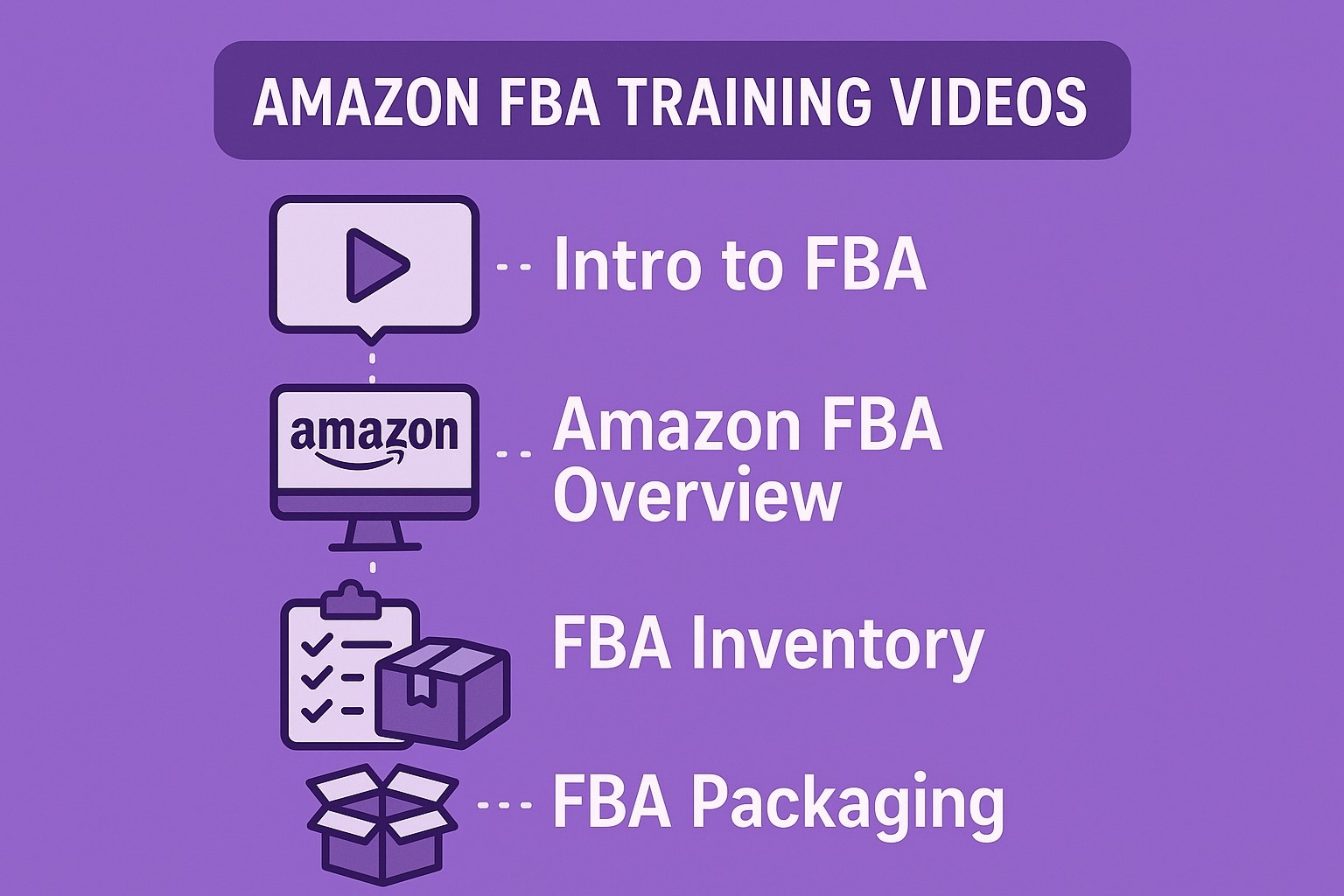
Amazon FBA Training Videos That Save New Sellers From Costly Mistakes
Video 1: Intro to Fulfillment by Amazon (FBA)
The opener wastes zero seconds. A calm voice over clean graphics explains the hand-off: you ship stock to an Amazon warehouse, Amazon stores it, picks it when an order hits, and ships it with the little Prime badge customers trust.
Key takeaway that surprises most rookies – Amazon handles returns and customer emails too. One seller in the comments said the video alone convinced him to ditch his spare bedroom full of bubble wrap. If you only watch one clip before sending your first box, make it this.
Video 2: Amazon FBA Inventory Requirements (Overview)
Eight rules, eleven minutes, zero excuses for rejected units. The presenter flips through actual product photos – a scuffed corner here, a missing UPC there – and shows the exact error code each triggers in Seller Central.
- Title length: 200 characters max, no promotional junk.
- Condition notes: “Used – Good” needs visible wear in the photo or Amazon flags it.
- Poly bag rule: Anything that can poke through must sit in a bag at least 1.5 mil thick with a suffocation warning printed in the right font size.
Video 3: How to Manage Your Amazon FBA Inventory
Once inventory clears inbound, the game shifts to rotation. The clip opens on the “Inventory Amazon Fulfills” tab – the single page every FBA seller lives in.
You learn to spot stranded listings, set restock alerts at 30-day supply, and request removal before long-term storage fees kick in on month thirteen. The presenter clicks “Fix Stranded Inventory” live; the fix takes twelve seconds. Watching it once beats three support tickets.
Video 4: Amazon FBA Packaging, Prep, and Labeling Requirements
Label placement matters more than perfect folds. The video lines up three identical plush toys – one with the FNSKU sticker crooked, one covering the manufacturer barcode, one perfect. Only the third scans on the first try.
Quick prep cheat sheet from the footage:
- Use 100% coverage opaque labels on multipacks.
- Bubble wrap fragile items individually with at least two layers and ensure they pass a three-foot drop test.
- Tape box seams with 2-inch clear tape, three strips top and bottom.
Dock workers scan 3,000 units an hour. Make their job easy and your boxes move to storage shelves instead of the problem pile.
Video 5: Intro to Send to Amazon Workflow
Older sellers remember juggling spreadsheets, printing PDF labels, and praying the case count matched. The new Send to Amazon tool consolidates everything into one screen.
The five-minute demo starts with a mixed-SKU pallet:
- Upload a simple CSV.
- Pick the fulfillment center Amazon assigns.
- Print labels directly from the browser.
One click downloads the exact box content PDF that receiving demands. The presenter ships 48 units in under four minutes. Copy the template; reuse it forever.
Video 6: Multi-Channel Fulfillment Explained
Sell on Shopify, Etsy, or your own site? Multi-Channel Fulfillment (MCF) lets Amazon ship those orders too. The clip shows a ceramic mug listed on three platforms – all pulling from the same FBA stock.
Rates run slightly higher than pure Amazon orders, but you dodge separate warehouses and still hit two-day delivery. The math example in the video: 100 extra units at $3.80 fulfillment beats renting a 3PL for $500 a month. Numbers don’t lie.
Video 7: Calculate Your Profits
Fulfillment fees, storage fees, removal fees – the list scares people until they see the actual line items. The presenter pulls a real invoice for a board game in standard size.
- Fulfillment: $3.19 per unit.
- Monthly storage (January): $0.87 per cubic foot.
- Long-term fee (after 365 days): $6.90 per cubic foot or $0.15 per unit, whichever stings more.
Pause at 2:42; the slide shows exactly when slow movers start bleeding cash. Set calendar reminders for inventory clean-out every February and August.
Video 8: How to Estimate Core Selling and Amazon FBA Fees
Three tools, one goal: know the take-home before you buy wholesale. The seven-minute tour covers:
- The quick estimator on any product page.
- The full Revenue Calculator widget.
- The Fee Preview report for bulk uploads.
Plug in a $9.99 toy with $3.00 landed cost. FBA profit lands at $2.81 after fees; self-fulfilled jumps to $4.12 but eats two hours packing per 100 sales. Pick your poison with real numbers in front of you.
Video 9: Amazon FBA Dashboard Overview
Last stop, the cockpit. The dashboard packs shipments, returns, and performance metrics onto one customizable screen.
Drag the “Restock Inventory” widget to the top; set it to flash red below 21 days of stock. The presenter adds a second widget for Buy Box percentage – anything under 95% triggers an alert. Ten minutes of setup saves ten hours of panic later.

WisePPC: Building Smarter Tools for Amazon Sellers
At WisePPC, we started with a simple frustration – Amazon’s ad dashboard gives you the basics, but digging into what really moves the needle feels like chasing shadows in a spreadsheet. We’re a team of marketers, data nerds, and former sellers who’ve spent years knee-deep in Sponsored Products and Brands campaigns. Our mission? Cut through the clutter so you can spot winning keywords, tweak bids without the headache, and actually see how ads fuel your sales. Today, as an official Amazon Ads Verified Partner, we bring that expertise to a platform that’s all about giving you the edge.
What sets us apart is our focus on the details that add up. We built WisePPC to handle the heavy lifting: pulling in your campaign data, crunching it against historical trends, and surfacing the insights Amazon buries. No more exporting CSVs at midnight or guessing why your ACOS spiked last quarter. Our toolkit lets you filter down to the exact ad group that’s underperforming, apply bulk bid adjustments in seconds, and chart out how placements stack up over months – not just the last 60 days Amazon keeps on hand.
We’re proud of earning that Verified Partner badge because it means we stick to Amazon’s playbook while pushing it further. We integrate directly with your seller accounts, syncing everything from clicks to conversions in real time. Whether you’re running a single store or juggling multiple marketplaces like Shopify, our dashboard pulls it all together. Users tell us they shave hours off weekly optimizations, and we’ve seen campaigns tighten up by spotting anomalies early – like a keyword eating budget with zero ROAS.
In the end, WisePPC exists to make growth feel straightforward. We track over 30 metrics, from TACoS to hourly granular data on 250,000+ targets, so you can focus on scaling, not scrambling. If you’re tired of ads that look good on paper but fizzle in reality, let’s connect. Drop us a line – we’re here to help you turn data into dollars.

Bonus: Pair Videos With the New Seller Guide
Amazon claims sellers who use the New Seller Guide in the first 90 days earn six times more in year one. The guide itself lives behind a login, but the videos act as the public masterclass.
Watch the playlist once straight through on a quiet Sunday. Then re-watch one clip right before each milestone:
- Video 2 before the first supplier order.
- Video 5 before the first pallet ships.
- Video 7 before Black Friday prep.
The loop keeps mistakes cheap and momentum high.
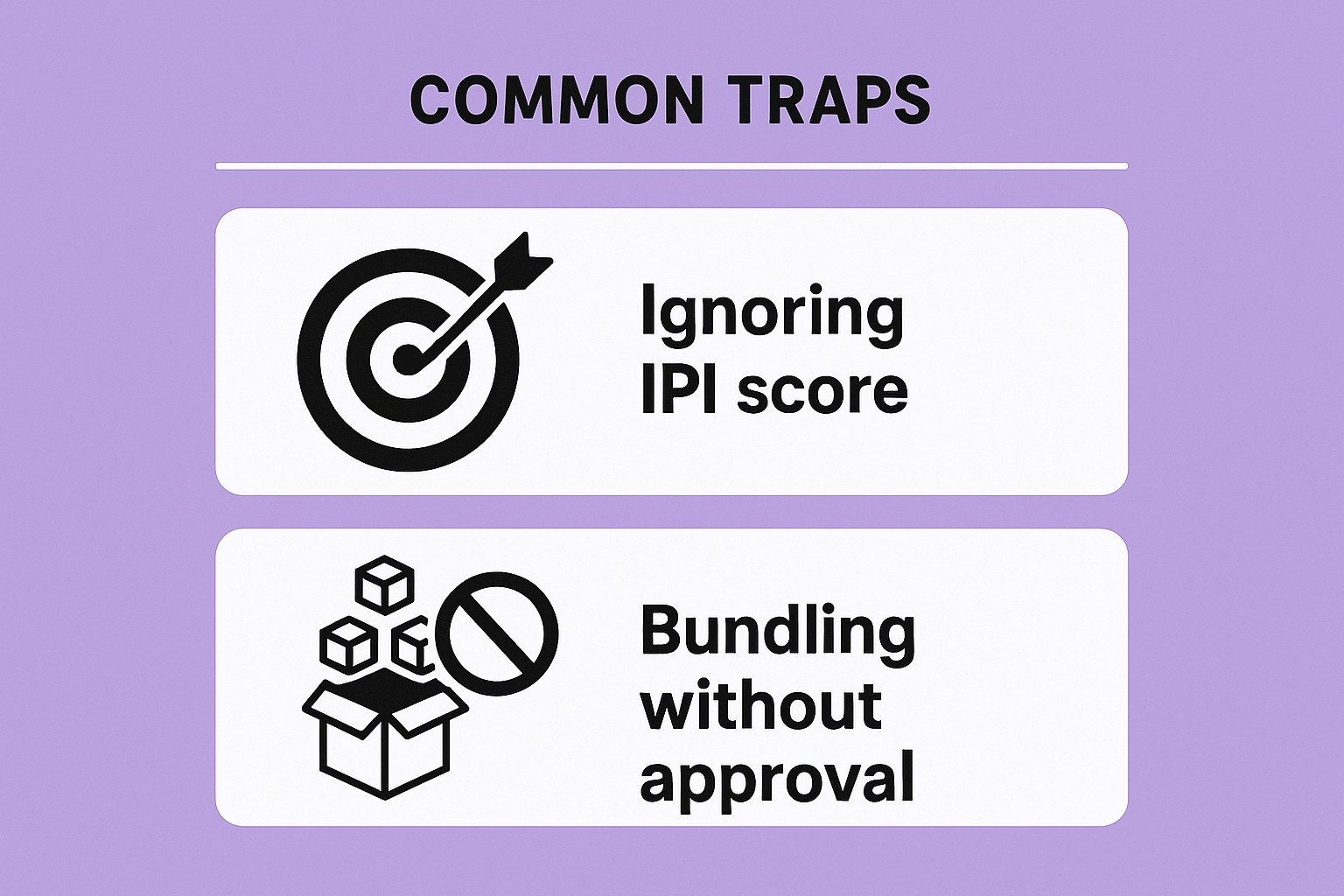
Common Traps the Videos Quietly Fix
Seasoned sellers still catch these:
- Ignoring IPI score: drop below 450 and storage limits lock you out of new shipments.
- Bundling without approval: tape two items together and Amazon splits them unless you create a proper multipack ASIN.
Each video plants a flag on the exact rule. Miss the flag and you pay in fees or delays.
How to Watch Without Distraction
Open YouTube, search “Seller University FBA playlist,” and save it to a private list. Turn on 1.5x speed – the narration stays clear and you shave twenty minutes off the total runtime. Keep a Google Doc open; jot the timestamp every time a rule surprises you. Those notes become your custom SOP.
Conclusion
Nine videos, less than two hours total, and every frame earns its keep. Start with the crash course tonight, pause when the presenter clicks “Create Shipment,” and mirror the move in your own Seller Central. By the time the final dashboard tour ends, the once-daunting FBA machine looks like a well-oiled conveyor belt waiting for your boxes. Ship the first five units as a test run; the second shipment will already glide through receiving because you watched the prep clip twice. Amazon built the playlist to shrink the gap between “idea” and “Prime badge.” Close the laptop, hit play, and let the footage do the heavy lifting.
FAQs
Do the videos cost anything?
No. Every clip lives on the public Seller University YouTube channel. Search “FBA playlist” and the full series pops up free.
Can the videos replace the New Seller Guide?
The guide helps access New Seller Incentives; the videos show the exact clicks to earn the credits without guessing.
What if a shipment still gets rejected after watching?
Open the rejection email, note the error code, then jump to the matching timestamp in Video 2 or 4. Nine times out of ten the fix sits thirty seconds away.
 No credit card required