
 EN
EN  ES
ES  FR
FR  DE
DE  IT
IT  KO
KO  JA
JA  ZH
ZH  AR
AR  PT
PT  TR
TR PL
PL
Let’s be honest – “Amazon Pay” sounds like one of those techy features you’re supposed to understand but secretly don’t. Luckily, it’s not that complicated. In fact, it’s kind of the opposite. Amazon Pay is basically a shortcut for checking out online without having to retype all your payment info every time.
If you already have an Amazon account (and honestly, who doesn’t at this point?), you can use that same login to pay on other websites. No digging out your credit card. No creating another account you’ll forget the password to. Just log in, confirm, and be done.
But it’s not just about saving time. Amazon Pay also comes with a built-in layer of trust – and that’s huge, especially when you’re buying from a site you’ve never heard of before.
Let’s break down what Amazon Pay actually does, how it works, and whether or not it’s something you should care about – whether you’re shopping, selling, or somewhere in between.
So… What Is Amazon Pay, Really?
At its core, Amazon Pay is a way to check out faster using the payment and shipping info you already saved to your Amazon account. Instead of entering your credit card all over again, you just click the Amazon Pay button, log in, and boom – you’re through the checkout.
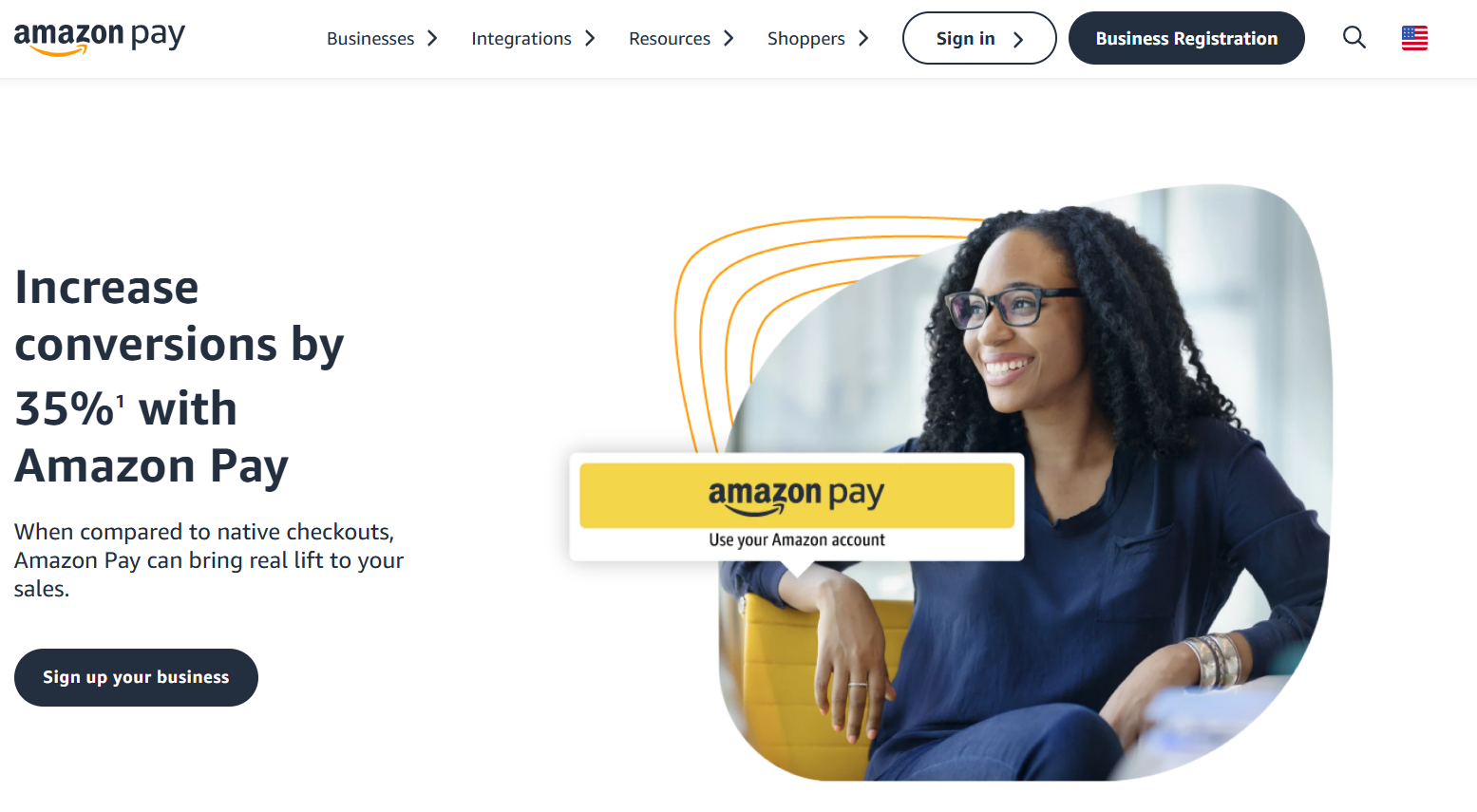
If you’re a seller, it’s kind of like adding PayPal or Stripe to your site. You don’t handle the sensitive stuff like credit card numbers, and you get the benefit of Amazon’s reputation – which can help shoppers feel more comfortable hitting “buy.”
It’s Not Just for Amazon Anymore
Amazon Pay isn’t just something you use when you’re buying socks on Amazon.com. You’ll see it pop up on tons of other websites too – especially smaller ecommerce sites that want to make checkout easier for customers. It usually shows up alongside Apple Pay and PayPal, often as a bright yellow “Amazon Pay” button.
Some apps even let you use it directly in their checkout process. And if you’ve got an Alexa device, yeah – you can use voice commands to place an order. (It’s a little futuristic, but it’s real.)
How Amazon Pay Works (from Both Sides)
Let’s look at what the experience is like depending on who you are.
If You’re Shopping
When you check out on a site that supports Amazon Pay, just pick it as your payment method. You’ll log in with your regular Amazon info, double-check your shipping and billing details (which are already saved), and you’re good to go. The payment is processed through Amazon, and you’re covered by their A-to-Z Guarantee – so if something goes wrong, you’ve got some protection.
If You’re Selling
There’s a bit more legwork to set it up, but it’s not too bad. You sign up as a merchant, get verified, and then add the Amazon Pay button to your site – usually with a plugin if you’re using something like Shopify or WooCommerce. It also works with platforms like BigCommerce and Adobe Commerce (formerly Magento). No need to start from scratch.
It’s More Than Just One-Time Payments
Amazon Pay isn’t just a “pay now, done” kind of tool. It can handle all kinds of payment situations:
- Charge immediately.
- Authorize now, charge later (great for preorders).
- Split charges (like when an order ships in separate packages).
- Recurring payments (for subscriptions).
- Mix of one-time and ongoing charges.
- Full or partial refunds.
Basically, it gives sellers some options to handle payments the way that fits their setup.
What It Costs (and What’s Free)
If you’re just buying stuff, Amazon Pay is totally free to use. You’re just using the payment method already saved to your Amazon account.
For sellers, there are fees – similar to other payment processors:
- 2.9% + $0.30 per transaction for domestic orders.
- 4% + $0.30 for Alexa orders.
- Add 1% for international transactions.
- $20 per chargeback.
- If you issue a refund, you get the percentage back but not the 30 cents.
There’s no signup fee, no monthly subscription, and no special hardware required. That said, if you’re selling a bunch of low-priced items, those per-transaction fees can add up.
Why Bother with Amazon Pay?
Look, there are tons of payment options out there. Some are faster. Some are cheaper. But Amazon Pay does a solid job of blending speed, trust, and mobile-friendliness. And that’s a pretty decent combo.
Main Amazon Strengths to Consider
People Already Trust Amazon
When you land on a site you’ve never used, it’s normal to feel a little cautious. But if you see the Amazon Pay logo? Most people relax a little. It feels familiar. That’s not nothing.
It’s Fast – Especially on Mobile
Nobody wants to click through six screens just to buy a pair of socks. Amazon Pay trims down the process to a couple of taps. That’s huge on phones, where checkout can be super clunky otherwise.
Solid Security
It uses the same fraud protection and encryption as Amazon itself. No system is flawless, but it’s a lot more secure than what many small businesses could build on their own.
Insights for Sellers
Beyond just handling the payment, Amazon Pay gives sellers helpful data – like where people drop off during checkout or what devices they’re using. That kind of info can really help when you’re trying to fine-tune your store.
A Few Drawbacks to Know About
No tool is perfect, and Amazon Pay has a few quirks worth noting:
- The Amazon logo shows up during checkout, which might not mesh with your branding.
- New sellers may have to wait up to 7 days for payouts.
- It’s not available on every platform or in every country.
- Flat fees mean no volume discounts for large sellers.
So yeah, it’s not a magic bullet – but depending on your audience, it could be a great fit.
So… Why Did Amazon Build This in the First Place?
Amazon Pay isn’t just about making checkout smoother. It’s part of a bigger strategy – helping Amazon stay involved in ecommerce, even when people aren’t shopping directly on Amazon. For businesses, it’s a way to tap into Amazon’s infrastructure without actually selling on their marketplace. You get the trust and tools, but still run your own store.

WisePPC: Making Amazon Pay Work Harder
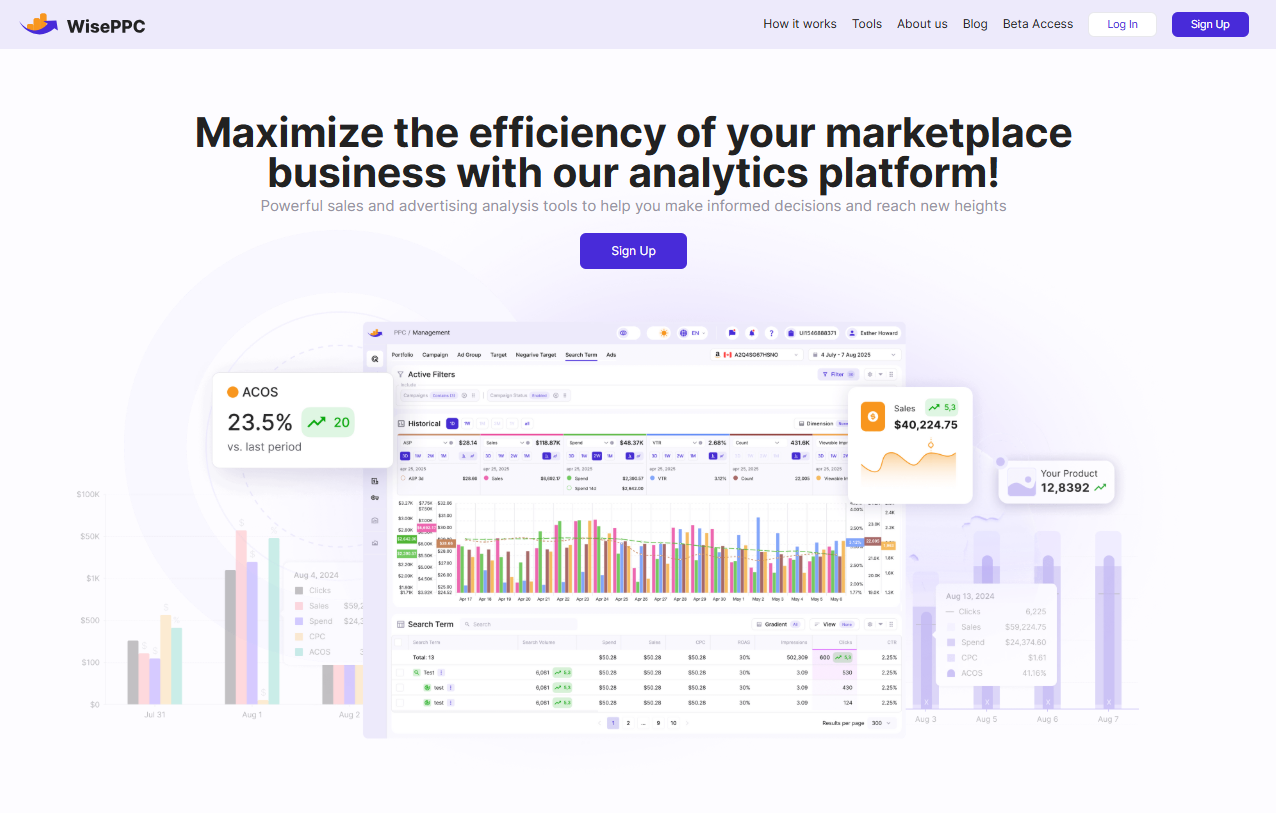
At WisePPC, we look at Amazon Pay as more than just a button at checkout. We dig into how people got there, when they decided to pay, and what campaigns nudged them in that direction. It’s not just about processing payments – it’s about understanding the journey from ad click to order confirmation. Used right, Amazon Pay becomes a powerful part of your conversion strategy.
Final Thoughts
Amazon Pay won’t be the right fit for every single person or business. But if you’re a frequent Amazon shopper or a seller who wants to simplify checkout without reinventing the wheel, it’s absolutely worth a look.
And honestly? You’ve probably already used it – even if you didn’t realize it.
FAQ
1. Is Amazon Pay the same as using a credit card on Amazon?
Not quite. Amazon Pay uses the same payment method you already saved to your Amazon account, but you’re using it outside of Amazon – on other websites that offer Amazon Pay at checkout. So it’s technically your card, yes, but the experience is more like using a digital wallet. No retyping your info, no creating new logins – just confirm and go.
2. Do I need an Amazon account to use Amazon Pay?
Yep, that’s kind of the whole point. Amazon Pay is built to work with your existing Amazon login. If you don’t have an account, you’d need to create one first. But once you’re in, everything’s already connected – your billing info, your shipping address, even your saved preferences. That’s what makes the checkout experience so fast.
3. Can businesses outside of Amazon use Amazon Pay?
They can, and many already do. Amazon Pay is designed to be used by third-party sellers and independent websites that want to offer an easier, more trusted payment option. It integrates with popular ecommerce platforms, and setup isn’t overly complicated – especially if you’re already selling on marketplaces.
4. Is there a fee to use Amazon Pay?
If you’re a shopper, no – there’s no cost to use it. For merchants, though, Amazon Pay charges transaction fees similar to other processors. There’s a percentage-based cut plus a flat fee per sale, and possibly more for cross-border payments. Worth noting if you’re comparing options on the business side.
5. What happens if there’s a problem with a payment?
Amazon Pay offers buyer protection through its A-to-Z Guarantee. So if something shows up late, damaged, or doesn’t show up at all, you’ve got a path to dispute the transaction. That adds a nice layer of security, especially when you’re buying from a site you haven’t used before.
 No credit card required