
 EN
EN  ES
ES  FR
FR  DE
DE  IT
IT  KO
KO  JA
JA  ZH
ZH  AR
AR  PT
PT  TR
TR PL
PL
Finding what to sell on Amazon doesn’t have to be guesswork anymore. With Product Opportunity Explorer, you can use real Amazon data to see what customers are searching for, what they buy most often, and where there might be room for something new. It’s like having a window into customer behavior and demand trends, all in one place. In this guide, we’ll break down how the tool works, why it matters, and how you can use it to find products that are more likely to succeed.
What Product Opportunity Explorer Really Does
Product Opportunity Explorer is a research tool inside Seller Central that analyzes customer demand using aggregated marketplace data from Amazon.
At its core, it answers four practical questions:
- What are customers actively searching for?
- Which products attract the most clicks and purchases?
- Where is demand growing faster than supply?
- What problems cause returns or negative reviews?
Instead of starting with products, the tool starts with customer needs. That difference matters more than it sounds.
Most sellers think in terms of items. Customers think in terms of problems, uses, and outcomes. Product Opportunity Explorer bridges that gap by organizing demand into niches built from real search behavior and purchase patterns.
Understanding Niches Before You Touch Any Data
Everything in Product Opportunity Explorer revolves around niches, so it is worth slowing down here.
A niche is not a category and it is not a keyword. It is a group of related search terms and products that reflect a specific customer need.
For example, “dog bed” is not just a keyword. It represents a broader intent that includes size preferences, materials, durability, washing needs, and price sensitivity. The niche groups all of that behavior together.
A single product can belong to multiple niches. A single search term can appear in more than one niche. That overlap is intentional and mirrors how real customers browse and compare.
Niche data in Product Opportunity Explorer is updated monthly. Each metric reflects the last 30, 90, or 360 days of aggregated data, but the refresh cycle itself occurs on a monthly basis. This keeps the insights current without being noisy.
Getting Started Inside Seller Central
To access Product Opportunity Explorer:
- Log in to Seller Central.
- Open the main menu.
- Go to Growth.
- Select Product Opportunity Explorer.
If this is your first time inside the tool, start by watching the short overview videos. They help orient you without locking you into any specific strategy.
Once inside, you can explore in three main ways:
- Browse example niches
- Search by keyword
- Search by ASIN
Each approach serves a different research goal.
When to Search by Niche and When to Search by ASIN
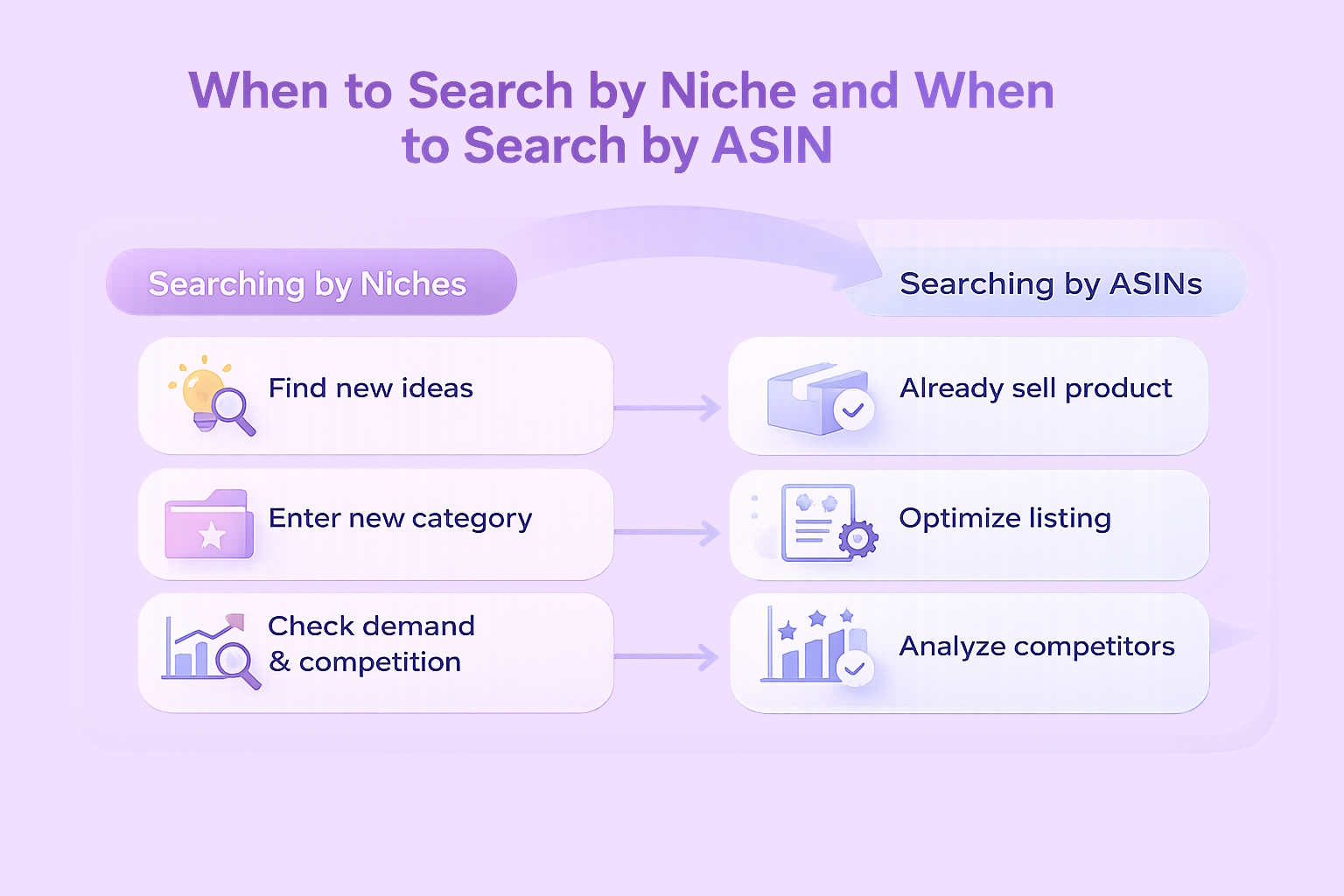
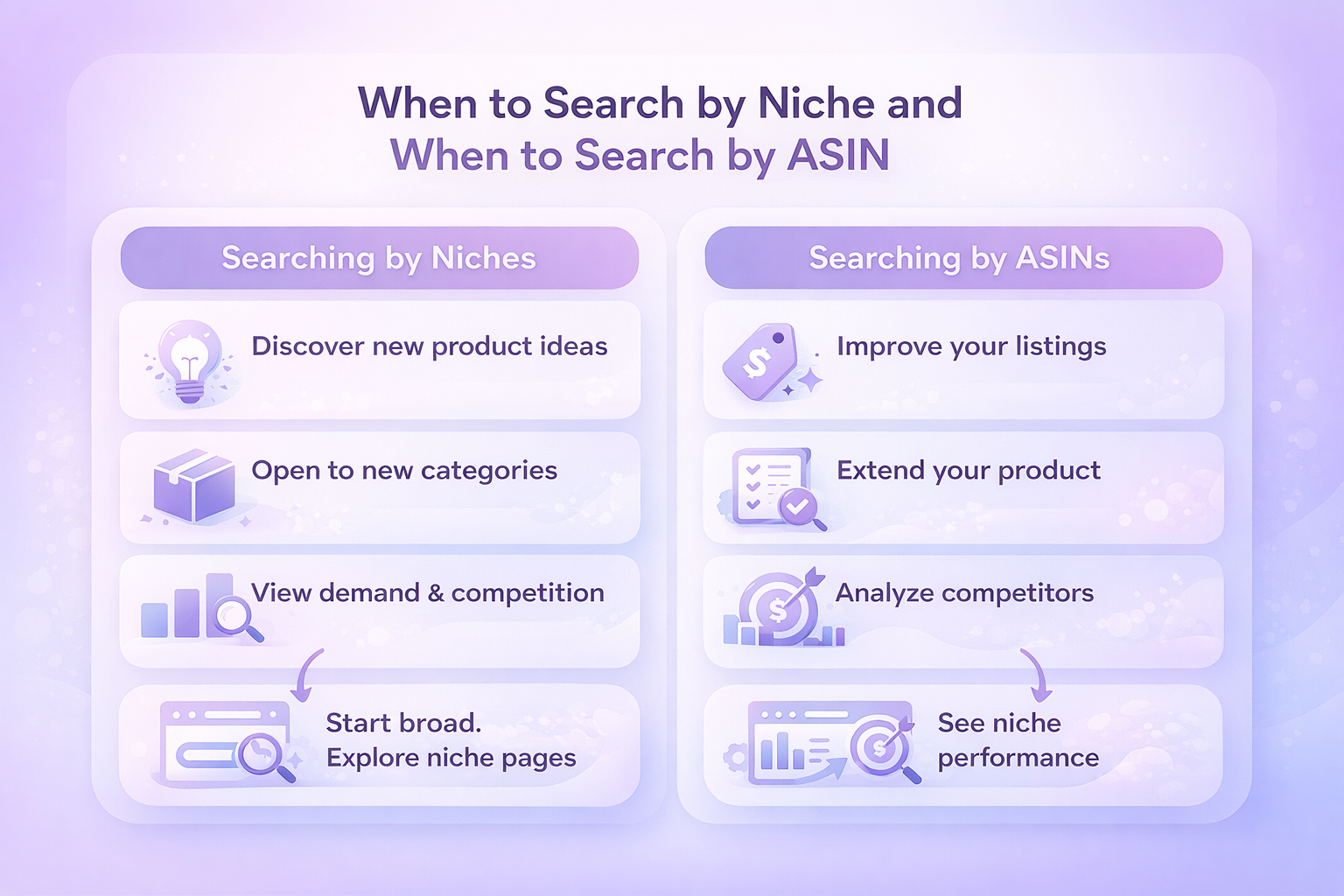
Searching by Niches
Niche search is best when:
- You want to discover new product ideas
- You are open to entering a new category
- You want a high-level view of demand and competition
Start broad. Type a general keyword that reflects a customer problem, not a specific product model. Let the tool show you how that demand breaks down across niches.
From there, click into individual niche pages to explore deeper.
Searching by ASINs
ASIN search is best when:
- You already sell a product
- You want to improve or extend an existing listing
- You want to see which niches your competitors dominate
When you search by ASIN, Product Opportunity Explorer shows which niches that product appears in, along with its relative performance. This is useful for identifying adjacent opportunities or weaknesses in existing offers.
Reading Niche Pages Without Jumping to Conclusions
Every niche page in Product Opportunity Explorer is built to tell a complete story, not to hand you a single yes-or-no answer. Each tab exists for a reason. One shows demand, another shows competition, another shows customer satisfaction, and another exposes risk. Looking at only one of them almost always leads to a distorted view.
A common mistake sellers make is anchoring on a single number, usually search volume or average price. High demand can look attractive, but without context it means very little. A niche can have strong search volume and still be a poor opportunity if most clicks go to a handful of established brands or if return rates are consistently high. The opposite can also be true. A niche with moderate demand may quietly perform well because competition is fragmented and customer needs are not fully met.
The real insight appears when you connect signals across tabs. Product data shows how crowded the space is. Search terms reveal how customers describe their needs. Insights help you judge whether entry is realistic. Reviews and returns explain where products succeed or fail in real use. When these pieces align, confidence increases. When they conflict, it is a warning to slow down and investigate further.
Instead of asking “Is this niche big enough?”, a better question is “Does this niche make sense when all the data is viewed together?”. That mindset shift alone helps avoid many costly product decisions.
The Products Tab: What Is Actually Selling
The Products tab shows ASIN-level data for the most-clicked products in the niche.
Key things to pay attention to:
- Number of products receiving the majority of clicks
- Review counts and average ratings
- Average selling prices
- Brand concentration
- Product age and launch timing
If a niche has many products with similar click share and review counts, competition may be balanced. If a small number of products dominate clicks, entry will be harder unless you have a clear angle.
Avoid assuming that high price equals high opportunity. Price only matters when viewed alongside click share and conversion signals.
The Search Terms Tab: How Customers Express Demand
This tab shows how customers phrase their intent.
You will see:
- Search terms
- Search volume
- Search volume growth
- Click share
- Conversion rate
- Top clicked products per term
This is where you learn how customers think, not how sellers label products.
Look for:
- Search terms with rising volume
- Terms with strong conversion rates
- Language customers use that is missing from existing listings
These insights influence not only product selection but also listing structure, titles, bullet points, and advertising.
The Insights Tab: Viability at a Glance
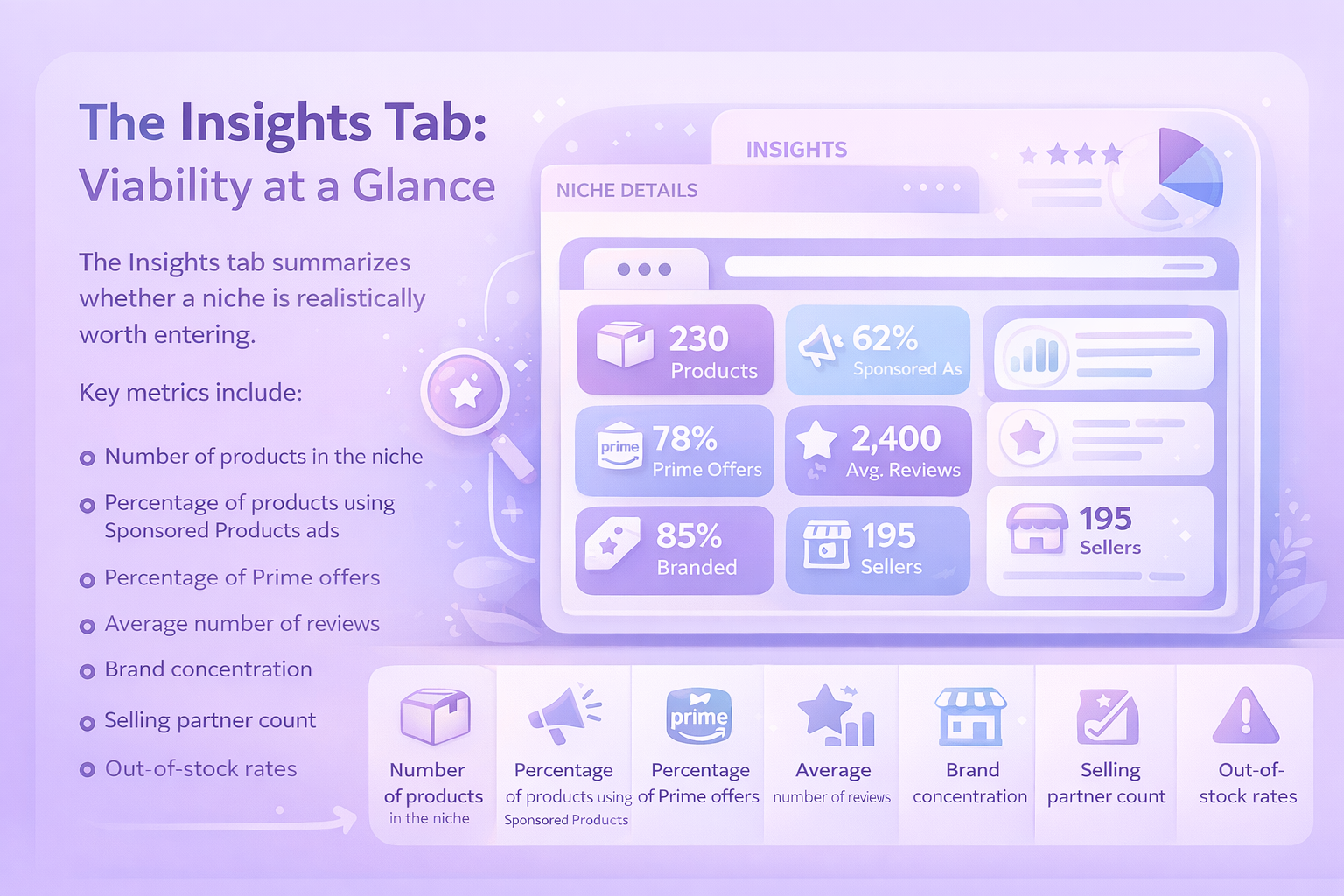
The Insights tab summarizes whether a niche is realistically worth entering.
Key metrics include:
- Number of products in the niche
- Percentage of products using Sponsored Products ads
- Percentage of Prime offers
- Average number of reviews
- Brand concentration
- Selling partner count
- Out-of-stock rates
This tab helps you answer one critical question:
Is this niche competitive in a way I can realistically compete with?
High demand alone does not make a good opportunity. A niche with moderate demand and manageable competition often performs better for new or growing sellers.
Using Customer Review Insights to Improve Products Before Launch
Customer Review Insights aggregates positive and negative review themes across a niche or group of products and turns them into something you can actually work with. Instead of reading through hundreds of individual reviews, the tool highlights recurring complaints, recurring praise, and shows how each theme influences overall star ratings.
This perspective is especially valuable during product planning and refinement. When you are designing a new product, it helps reveal which features customers consistently care about and which issues cause frustration. When you already sell in a niche, it becomes a fast way to identify what could be improved without guessing or relying on isolated feedback.
The real opportunity appears when the same negative themes show up again and again across top products and remain unresolved. That usually points to unmet demand rather than poor execution. On the other hand, if complaints are scattered, minor, or inconsistent, making changes may not meaningfully improve performance.
Using Returns Data to Avoid Costly Mistakes
Returns data is easy to ignore, but it is one of the most practical signals Product Opportunity Explorer provides. The Returns tab summarizes why customers send products back, how often specific issues appear, and whether those problems are becoming more or less common over time.
Looking at this data helps surface issues that are not always obvious from listings or reviews alone. Some returns point to clear product flaws. Others reveal design mismatches or usage expectations customers did not anticipate. In some cases, the data highlights entire niches where dissatisfaction is common, regardless of brand.
A niche can still be worth entering even if return rates are high, but only when the causes are clear and fixable. If returns stem from structural limitations of the product type itself, it is usually a sign to pause and reconsider. Walking away early is often cheaper than learning that lesson after launch.
Evaluating Competition Without Overthinking It
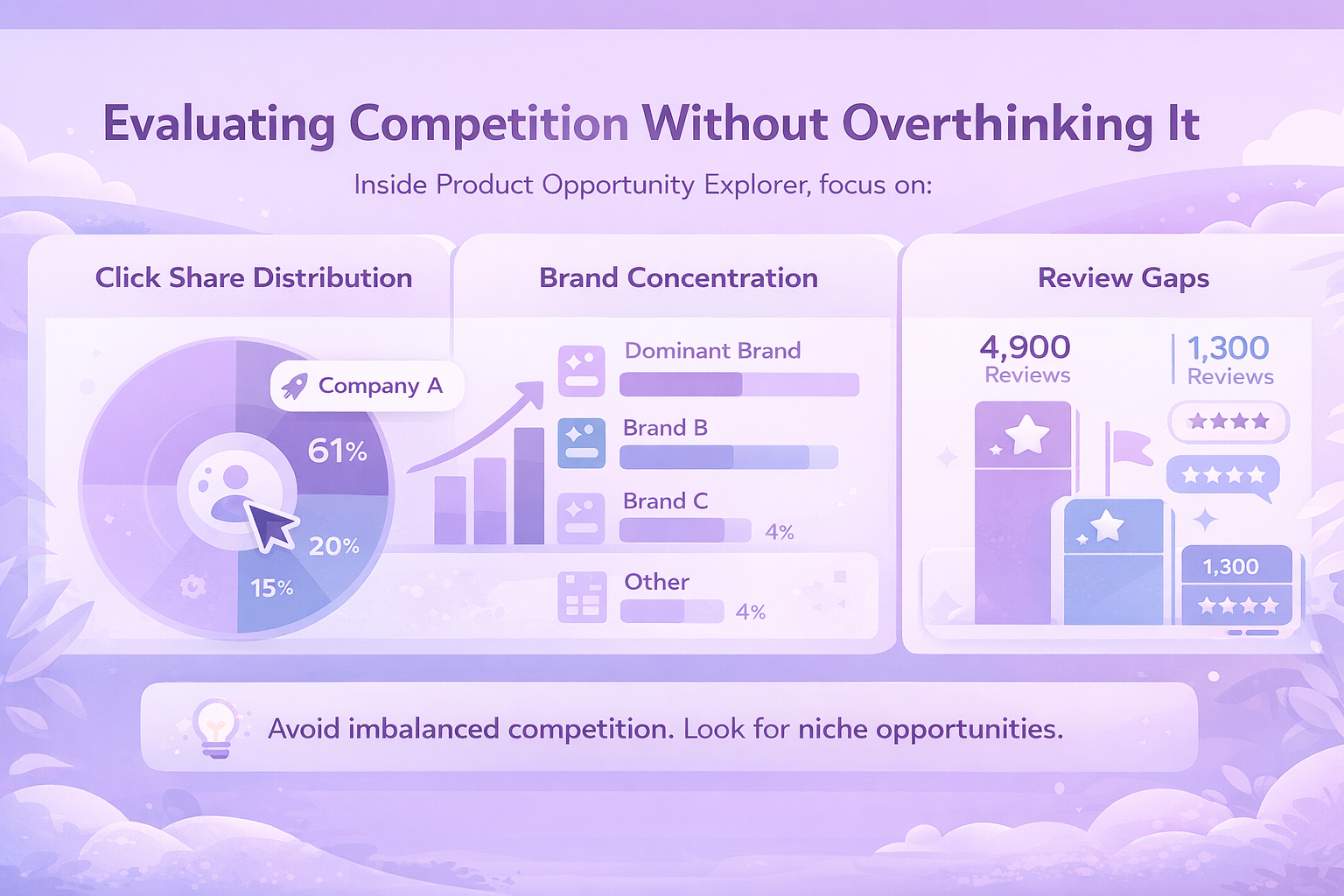
Competition analysis inside Product Opportunity Explorer is less about counting sellers and more about understanding dominance.
Pay attention to:
- Click share distribution
- Brand concentration in the top products
- Review gaps between leaders and challengers
A niche dominated by a few brands with massive click share and review advantages requires differentiation. A niche with fragmented attention allows room for entry.
Do not avoid competition entirely. Avoid imbalanced competition.
Spotting Seasonal Demand Early
Product Opportunity Explorer allows you to view trends over different timeframes.
Use this to:
- Identify seasonal spikes
- Avoid one-off trends
- Plan inventory cycles realistically
Products that sell well year-round behave very differently from those driven by holidays or weather. The tool helps you see that before committing capital.

Turning Product Research Into Sales With WisePPC
Finding a strong product idea is only half the job. Turning that idea into consistent sales is where most sellers struggle. That’s exactly why we built WisePPC.
Once Product Opportunity Explorer shows you where demand exists, we help you act on it faster and smarter. Our platform brings advertising and sales data into one clear view, so you can see what actually drives revenue and what quietly wastes budget. No spreadsheets. No guessing.

We store years of historical data, not just the last 60 to 90 days, which means you can spot trends, seasonality, and real performance shifts early. Bulk actions, advanced filters, and visual highlights make it easy to scale campaigns, adjust bids, and cut inefficiencies in minutes instead of hours.
The goal is simple. Better decisions. Lower wasted spend. Faster growth once your product is live.
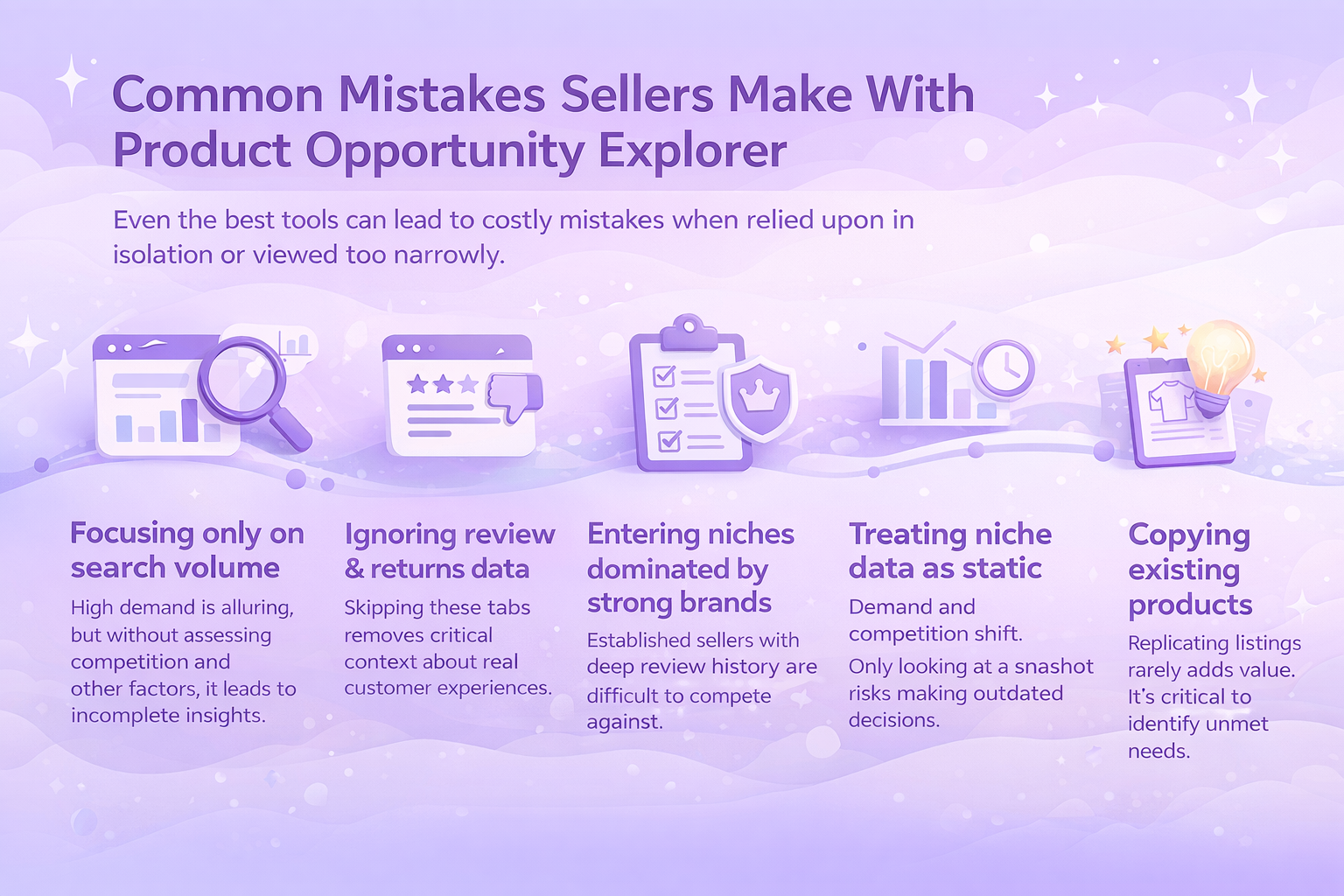
Common Mistakes Sellers Make With Product Opportunity Explorer
Even the most useful tools can lead to poor decisions when they are used in isolation or rushed through. Product Opportunity Explorer is no exception. Most mistakes happen not because the data is wrong, but because it is interpreted too narrowly or taken at face value.
Common mistakes include:
- Focusing only on search volume. High demand looks attractive, but it does not tell the full story. Without considering competition, pricing pressure, and customer satisfaction, search volume alone can be misleading.
- Ignoring review and returns data. Reviews and returns often explain why products struggle or succeed. Skipping these tabs removes critical context about real customer experience.
- Entering niches dominated by entrenched brands. Some niches are controlled by a small number of sellers with strong brand recognition and deep review history. Breaking into these spaces usually requires more time, capital, and patience than many sellers expect.
- Treating niche data as static. Demand, competition, and customer expectations change. Relying on a single snapshot instead of tracking trends over time can lead to outdated decisions.
- Copying existing products instead of improving them. Replicating what already exists rarely creates an advantage. The real value comes from identifying gaps, not cloning top listings.
Product Opportunity Explorer reflects what is actually happening in the marketplace. It offers clarity, not shortcuts.
Final Thoughts
Product Opportunity Explorer removes much of the guesswork from Amazon product research, but it does not remove responsibility.
It shows what customers want, how they behave, and where friction exists. What you do with that information determines outcomes.
Sellers who treat the tool as a thinking aid, not a shortcut, tend to make better decisions. Fewer surprises. Fewer costly lessons. More intentional launches.
Used properly, Product Opportunity Explorer is less about chasing trends and more about understanding demand deeply enough to meet it well.
And that, in the end, is what good product selection has always been about.
FAQ
What is Product Opportunity Explorer used for?
Product Opportunity Explorer is used to research customer demand on Amazon. It helps sellers understand what shoppers are searching for, which products attract clicks and purchases, and where unmet demand may exist.
Who should use Product Opportunity Explorer?
The tool is useful for both new and experienced sellers. New sellers can use it to avoid entering overly competitive niches, while established sellers can use it to expand product lines or improve existing listings.
Do I need an active Amazon selling account to access it?
Yes. Product Opportunity Explorer is available inside Seller Central and requires an active Amazon seller account. Access may depend on account type and region.
How often is the data updated?
Niche data in Product Opportunity Explorer is updated monthly. Each metric reflects the last 30, 90, or 360 days of aggregated data, but the refresh cycle itself occurs on a monthly basis. This allows sellers to track changes in demand and competition without relying on outdated data.
Can Product Opportunity Explorer guarantee a successful product launch?
No tool can guarantee success. Product Opportunity Explorer provides data and insights, but outcomes still depend on product quality, pricing, positioning, and execution.
 No credit card required