
 EN
EN  ES
ES  FR
FR  DE
DE  IT
IT  KO
KO  JA
JA  ZH
ZH  AR
AR  PT
PT  TR
TR PL
PL
Quick Summary: Amazon does not accept Apple Pay directly at checkout. But you can use the Apple Card (the physical or virtual credit card issued by Apple) as a payment method on Amazon, or use Apple Pay for purchases from Amazon merchants through Apple Pay-enabled websites or apps outside Amazon’s main platform.
The question pops up constantly in Apple support forums and Reddit threads: can Amazon customers tap their iPhone at checkout and pay with Apple Pay? It’s a reasonable expectation, considering Apple Pay works at millions of retailers worldwide.
Here’s the reality. Amazon’s main shopping platform—both the website and mobile app—does not support Apple Pay as a payment method. According to official Apple support discussions, Amazon does not accept Apple Pay as a payment method on its platform. This decision likely stems from Amazon’s preference for its own payment ecosystem and the desire to control customer transaction data.
But that doesn’t mean Apple users are completely out of options.
Why Amazon Doesn’t Accept Apple Pay
Amazon operates one of the world’s largest e-commerce platforms with its own payment infrastructure. The company has historically favored direct payment methods—credit cards, debit cards, Amazon gift cards, and its own branded credit cards.
Apple Pay functions as a digital wallet that tokenizes your existing credit and debit cards. When a merchant accepts Apple Pay, they’re essentially accepting the underlying card networks (Visa, Mastercard, American Express) through Apple’s secure payment system. Amazon simply hasn’t enabled this payment pathway on its platform.
Some users on platforms like Reddit have expressed frustration with this limitation. Many shoppers who’ve grown accustomed to the convenience and security of Face ID or Touch ID authentication find Amazon’s checkout process feels outdated by comparison.
The Apple Card Workaround
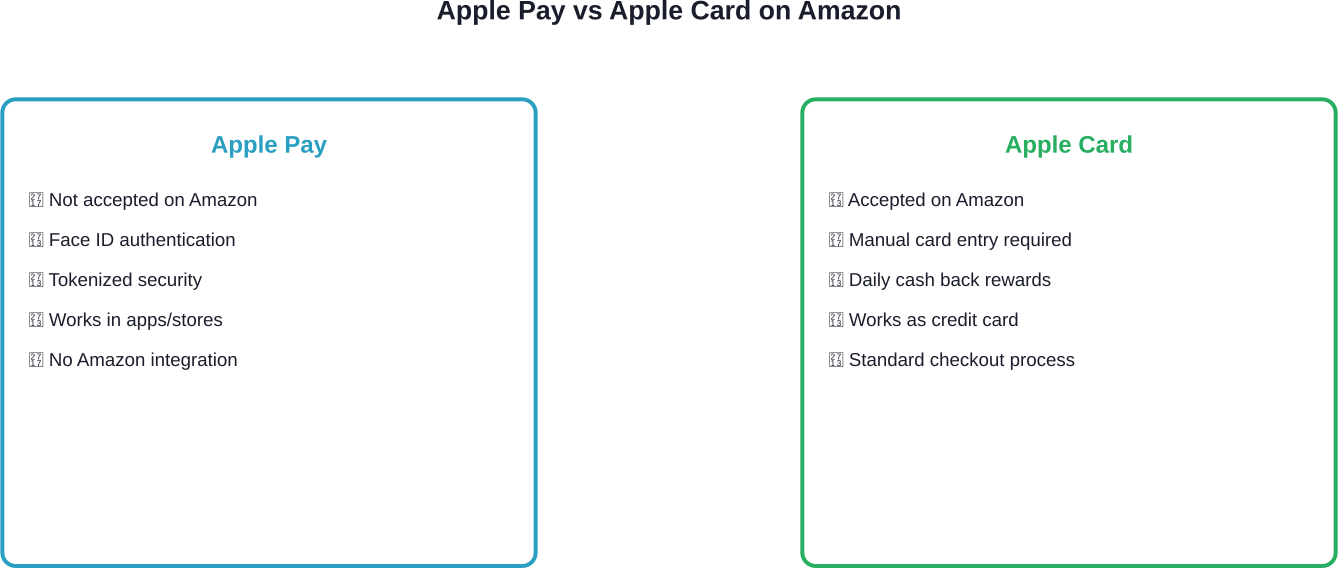
While Amazon doesn’t accept Apple Pay, it does accept the Apple Card as a standard credit card payment method. This distinction matters.
The Apple Card is a physical and virtual credit card issued by Apple. When added to an Amazon account, it functions like any other credit card—no biometric authentication, no Apple Pay interface, just traditional card-on-file processing.
To add an Apple Card to Amazon:
- Open the Wallet app on iPhone and locate the Apple Card
- Tap the three dots to view card information
- Request the virtual card number (different from Apple Pay token)
- Navigate to Amazon’s payment methods section in account settings
- Add the card number, expiration date, and security code manually
This method provides access to Apple’s credit card benefits—daily cash back, spending tracking, and financial management tools—but lacks the seamless one-tap experience that makes Apple Pay distinctive.
Amazon Payment Services and Apple Pay Integration
There’s an important distinction to understand. Amazon Payment Services (APS)—a payment processing solution for merchants in the Middle East and North Africa—does support Apple Pay integration. This is a B2B service that allows other businesses to accept Apple Pay through Amazon’s payment infrastructure.
According to official documentation from Amazon Payment Services, merchants can integrate Apple Pay through multiple methods including web integration, API endpoints, SDK integration, and hosted checkout. The service supports major payment networks including Visa, Mastercard, American Express, and regional options like mada.
This creates confusion. Amazon provides the technology for other merchants to accept Apple Pay, but doesn’t enable it on its own retail platform. It’s a technical capability versus business decision scenario.
Alternative Payment Options for Apple Users
Beyond the Apple Card workaround, several other options exist for streamlining Amazon purchases from Apple devices:
- Safari Autofill: Safari on iPhone and Mac can securely store credit card information and autofill payment forms during checkout. While not as seamless as Apple Pay, it reduces manual typing.
- Amazon Store Card: Amazon offers its own branded credit cards with rewards for Prime members. These integrate directly with Amazon accounts and provide one-click purchasing after initial setup.
- Third-Party Retailers: Some products available on Amazon can also be purchased from retailers that do accept Apple Pay. Checking manufacturer websites or authorized dealers might reveal Apple Pay-compatible alternatives.
| Payment Method | Amazon Support | Biometric Auth | Rewards |
|---|---|---|---|
| Apple Pay | No | Yes | Depends on card |
| Apple Card (virtual) | Yes | No | Daily cash back |
| Credit/Debit Cards | Yes | No | Varies by issuer |
| Amazon Store Card | Yes | No | Amazon-specific |
Security Considerations
One reason shoppers prefer Apple Pay is security. Apple Pay uses tokenization technology, meaning actual card numbers are not transmitted directly during transactions. Each payment requires biometric or passcode authentication.
When adding traditional payment methods to Amazon accounts, that security layer disappears. Card numbers are stored in Amazon’s systems and charged without per-transaction authentication (beyond account login).
To maintain security when using standard payment methods:
- Enable two-factor authentication on Amazon accounts
- Use unique, strong passwords through Apple’s built-in password manager
- Monitor transaction notifications from card issuers
- Consider virtual card numbers if banks offer them (similar to Apple Card’s approach)
- Regularly review purchase history for unauthorized charges
What the Future Might Hold
Will Amazon ever integrate Apple Pay? Based on community discussions and the current landscape, it seems unlikely in the near term. Amazon has invested heavily in its own payment ecosystem, including Amazon Pay (which other merchants can integrate), and shows little indication of changing course.
That said, competitive pressure could shift the calculation. As digital wallets become increasingly standard—Google Pay, Samsung Pay, and others—consumer expectations evolve. If enough shoppers abandon purchases due to payment friction, business incentives might override strategic preferences.
Real talk: don’t hold your breath waiting for this integration.

Once Payments Are Sorted, Focus On What Drives Results
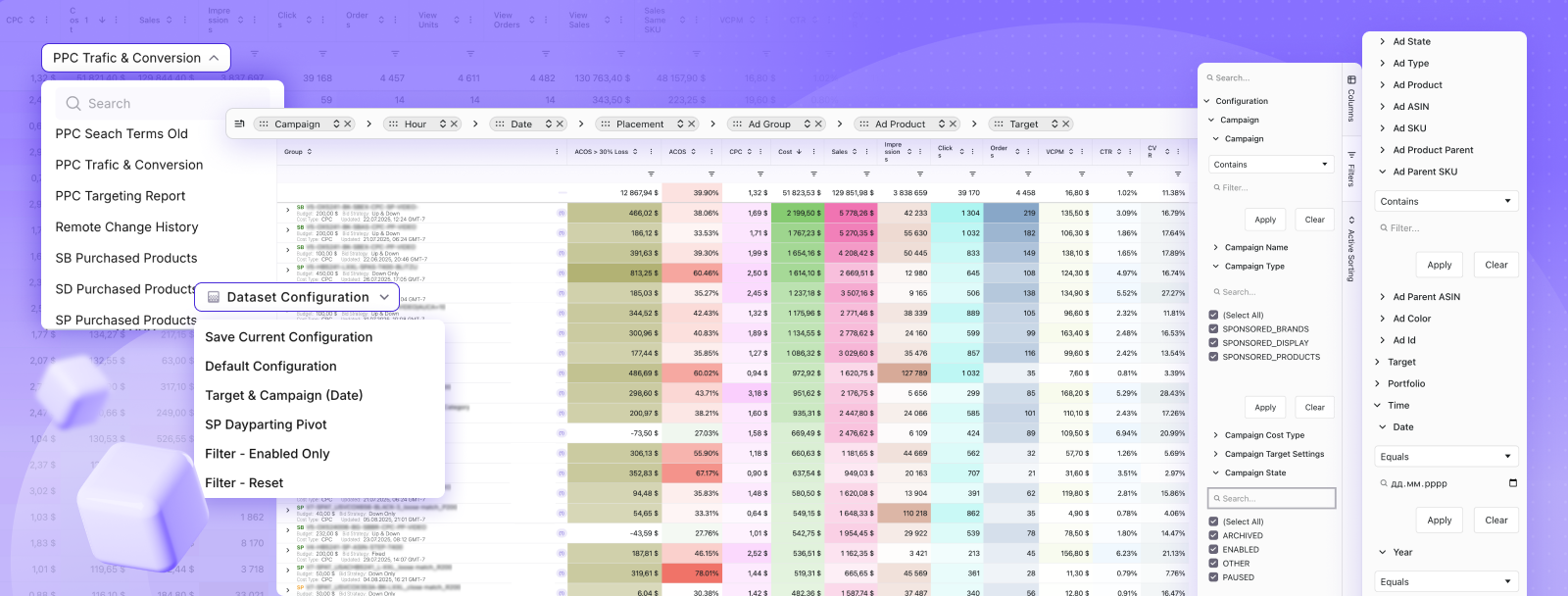
Using Apple Pay on Amazon is mostly about convenience at checkout, but that’s only a small part of how things work on the platform. WisePPC sits on the seller side, where visibility and performance actually get shaped. It connects your Amazon ads, sales, and product data into one place, so you can see how traffic turns into orders instead of relying on separate reports.
The platform pulls data automatically from your account and lets you track performance across campaigns, listings, and timeframes without switching tools. That also means more control once things are running – adjusting bids, reviewing trends, and spotting what’s worth scaling without digging through spreadsheets or short-term data limits.
Explore WisePPC to see how your Amazon data comes together in one place.
Frequently Asked Questions
Can I use Apple Pay on the Amazon app?
No, the Amazon app does not support Apple Pay. You can pay using credit cards, debit cards, gift cards, or Amazon payment options.
Does Amazon accept Apple Pay in physical stores?
Yes, many Amazon physical locations like Whole Foods and Amazon Go accept Apple Pay for in-store purchases.
Can I add my Apple Cash card to Amazon?
No, Apple Cash cannot be used directly. You must transfer funds to a bank account and use a linked debit card instead.
Why doesn’t Amazon support Apple Pay?
Amazon likely prefers its own payment ecosystem and avoids third-party transaction fees.
Is the Apple Card worth using on Amazon?
Since Apple Pay isn’t supported, purchases earn the base 1% cashback, which may be less competitive than other cards.
Can merchants on Amazon accept Apple Pay?
No, Amazon’s checkout system doesn’t support Apple Pay, even for third-party sellers.
What’s the easiest way to check out on Amazon with an iPhone?
Enable one-click purchasing and use autofill to speed up checkout.
Conclusion
The bottom line remains clear: Amazon’s main shopping platform doesn’t support Apple Pay, and that’s unlikely to change soon. For Apple users seeking convenience, the Apple Card offers partial integration—access to Apple’s credit product without the signature biometric checkout experience.
Understanding these limitations helps set realistic expectations. Check your wallet for the Apple Card virtual number, add it to Amazon’s payment methods, and at least consolidate rewards tracking even if the checkout process feels less futuristic than tapping an iPhone at a retail terminal.
For the complete Apple Pay experience, stick to the millions of merchants—both online and offline—that have embraced the technology. Amazon made its choice. Shoppers can make theirs accordingly.
 No credit card required