
 EN
EN  ES
ES  FR
FR  DE
DE  IT
IT  KO
KO  JA
JA  ZH
ZH  AR
AR  PT
PT  TR
TR PL
PL
Quick Summary: Amazon Digital Rewards are promotional credits earned through No-Rush Shipping or Amazon Day Delivery, typically ranging from $1 to $3 per eligible order. These credits automatically apply to purchases of digital content like Kindle eBooks, Prime Video rentals, and Amazon Music. Users can view their balance under “Gift Cards” in their account settings and redeem them at checkout on eligible digital items.
Amazon Digital Rewards offer Prime members a practical way to accumulate credits for digital purchases. These promotional rewards appear when selecting slower shipping options during checkout.

Get a More Complete View of Performance
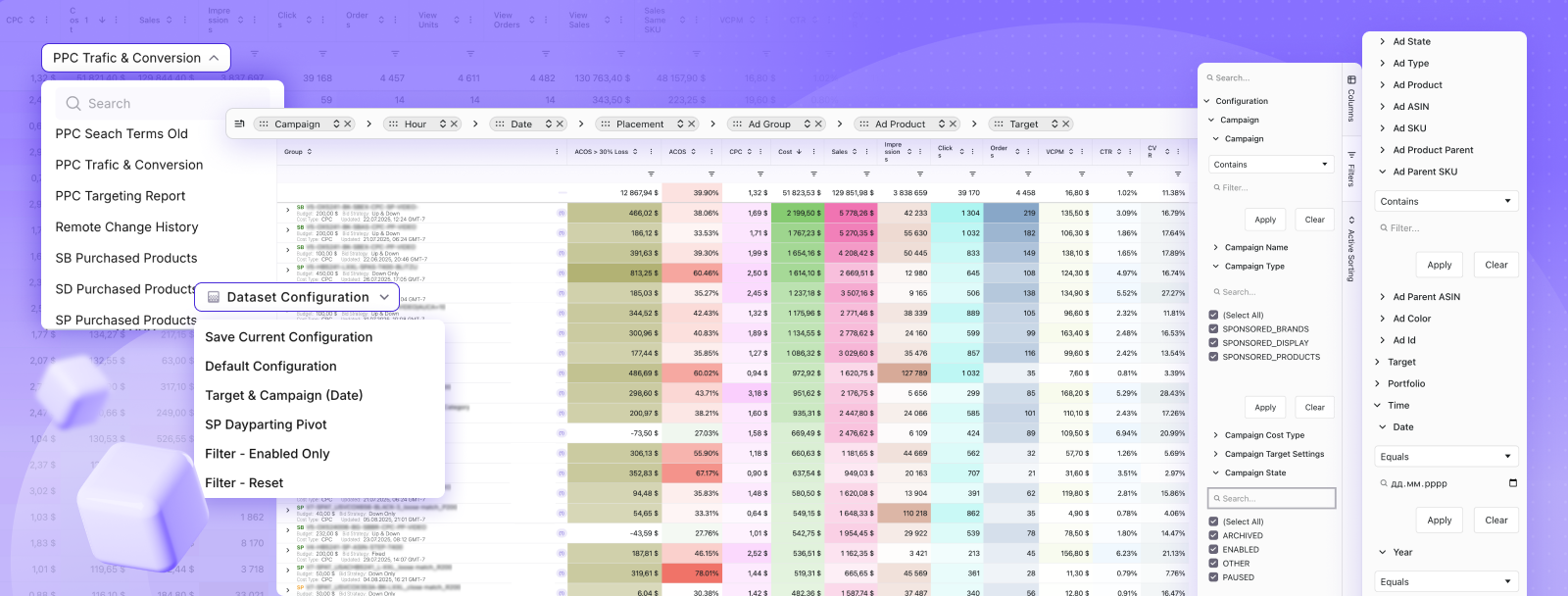
WisePPC combines ad and sales data from Amazon into one dashboard. It separates paid and organic results, so it is easier to understand what is actually driving growth. It also allows deeper filtering and comparison across campaigns, products, and time periods.
Want Better Performance Tracking?
Use WisePPC to:
- review campaign and product performance
- track long-term trends
- separate paid and organic results
👉 Explore WisePPC to understand your Amazon advertising data.
How to Earn Digital Rewards
Prime members earn credits by choosing No-Rush Shipping or Amazon Day Delivery at checkout. Each eligible order generates a small credit, usually between $1 and $3, applied automatically to accounts.
Amazon Day Delivery consolidates packages to a single weekly delivery day. This option reduces packaging waste while building digital credits over time.
Where to Spend Your Credits
Digital rewards apply to select Kindle eBooks, Prime Video rentals and purchases, and Amazon Music content. Credits cannot be used for physical products or third-party subscriptions.
Digital rewards can be used for select digital content purchases. Prime Video content, including movies and TV shows, accepts reward redemption at checkout.
Checking Your Balance
Navigate to “Accounts & Lists,” then select “Gift Cards.” Digital reward balances appear under promotional credits. The balance displays available amounts and expiration dates.
Credits have expiration dates that should be checked in account settings. Amazon sends reminder notifications before expiration.
Redeeming at Checkout
During digital purchases, eligible credits apply automatically. The checkout page displays available promotional balance before finalizing transactions.
For Prime Video rentals, rewards reduce the total cost at payment confirmation. Kindle purchases show the credit deduction on the order review screen.
FAQ
Do Amazon Digital Rewards expire?
Yes, digital rewards have expiration dates that vary. Check your account to see the exact expiration for each credit.
Can I use digital rewards for Prime membership?
No, digital rewards can only be used for eligible digital content like Kindle books, Prime Video, and Amazon Music—not for Prime subscriptions.
How much do I earn per No-Rush Shipping order?
Rewards typically range from $1 to $3 per order, depending on current promotions.
Can I combine multiple digital rewards?
Yes, promotional credits automatically stack and are applied at checkout for eligible purchases.
Where do digital rewards show up?
They appear in your account under “Gift Cards” as promotional credit, separate from your regular balance.
Can I transfer digital rewards to another account?
No, digital rewards are non-transferable and can only be used by the account that earned them.
Do all Prime orders offer digital rewards?
No, only orders with No-Rush Shipping or Amazon Day Delivery options may qualify, depending on availability.
 No credit card required