
 EN
EN  ES
ES  FR
FR  DE
DE  IT
IT  KO
KO  JA
JA  ZH
ZH  AR
AR  PT
PT  TR
TR PL
PL
If you’ve ever recommended something to a friend and thought, “I should’ve gotten paid for that,” affiliate marketing might be your thing. And when it comes to affiliate programs, Amazon’s is one of the easiest places to start. You don’t need to be a tech genius, and you don’t need millions of followers either – just a solid platform and a bit of consistency.
In this guide, we’ll walk through exactly how to become an Amazon affiliate, from setting up your account to creating your first affiliate link. Whether you’re building a blog, running a YouTube channel, or just getting your feet wet with online income, this is a great first step toward turning your content into cash.
What Is the Amazon Associates Program?
The Amazon Associates Program is Amazon’s official affiliate marketing platform. When you join, you get a unique tracking ID that you can attach to links leading to products on Amazon. If someone clicks your link and buys something (anything, not just the product you linked), you earn a small commission.
It doesn’t cost anything to join, and the setup is fast. You don’t need to stock products or handle customer service. You’re just pointing people to things they might already be buying anyway.

What You’ll Need Before You Apply
Getting into the Amazon Associates program isn’t rocket science, but there are a few things Amazon expects you to have in place before they give you the green light. It’s not about being perfect or having a huge following – it’s more about showing that you’re serious, consistent, and capable of sending people their way.
A Website, Channel, or App That’s Actually Active
You can’t just toss up a homepage and expect Amazon to hand you an affiliate badge. You’ll need a live platform where your content lives. That could be a blog, a YouTube channel, a mobile app, or even a decent-sized Instagram or TikTok account. What matters is that it exists, it’s public, and you’re using it to post original stuff – not just placeholders or filler content.
Amazon’s not going to comb through every post, but they will check that your site or channel looks legit. You’ll want to have at least ten pieces of content already published – recent ones, not articles from three years ago. If you’re applying with social media, your follower count should show that people are actually paying attention. You don’t need to be an influencer, but having a few hundred real, organic followers is usually the baseline.
Content That Has a Purpose and a Point
Amazon wants to see that your content actually offers something useful. Whether you’re writing gear reviews, posting tutorial videos, or sharing product roundups, your site should make sense to a visitor. It should help someone learn, decide, compare, or discover – ideally all of the above.
You don’t need fancy writing or a professional camera setup. But your content should be original. That means no copy-pasting from other websites, no AI-written spam, and no sketchy scraped content. Amazon’s review team can usually tell if you’re trying to game the system, and they won’t hesitate to reject your application if things look off.
If you’re not sure whether your content passes the test, ask yourself this: if a stranger landed on your site, would they trust you enough to click a product link and possibly buy something?
Some Kind of Real Traffic, Even If It’s Small
You don’t need thousands of views a day, but there should be some sign that people are actually visiting your site or engaging with your content. Amazon is less concerned with volume and more interested in potential. They want to see that your audience is real, that your platform has momentum, and that you’re capable of sending traffic to their site.
Maybe you’ve got a few blog posts that are ranking in search. Maybe you’ve had a video get some traction. Maybe your followers ask for product recommendations in your comments. Those are all signs that you’re building something with staying power, and that’s what Amazon wants to see.
If your platform is brand new, it’s okay. Just focus on creating helpful content, publishing regularly, and getting a few early visitors before you apply. You don’t need to be perfect, but you do need to look like you’re here for the long haul.
How to Apply to the Amazon Associates Program
Once your platform is up and running, the actual sign-up process is pretty painless. Here’s a quick breakdown of how it works:
- Go to affiliate-program.amazon.com.
- Sign in with your existing Amazon account or create a new one.
- Fill in your personal details and the website or app you’ll use.
- Create a store ID (this is just a unique name for tracking your links).
- Choose your content categories and traffic methods.
- Add your tax and payment information.
- Complete a quick phone verification step.
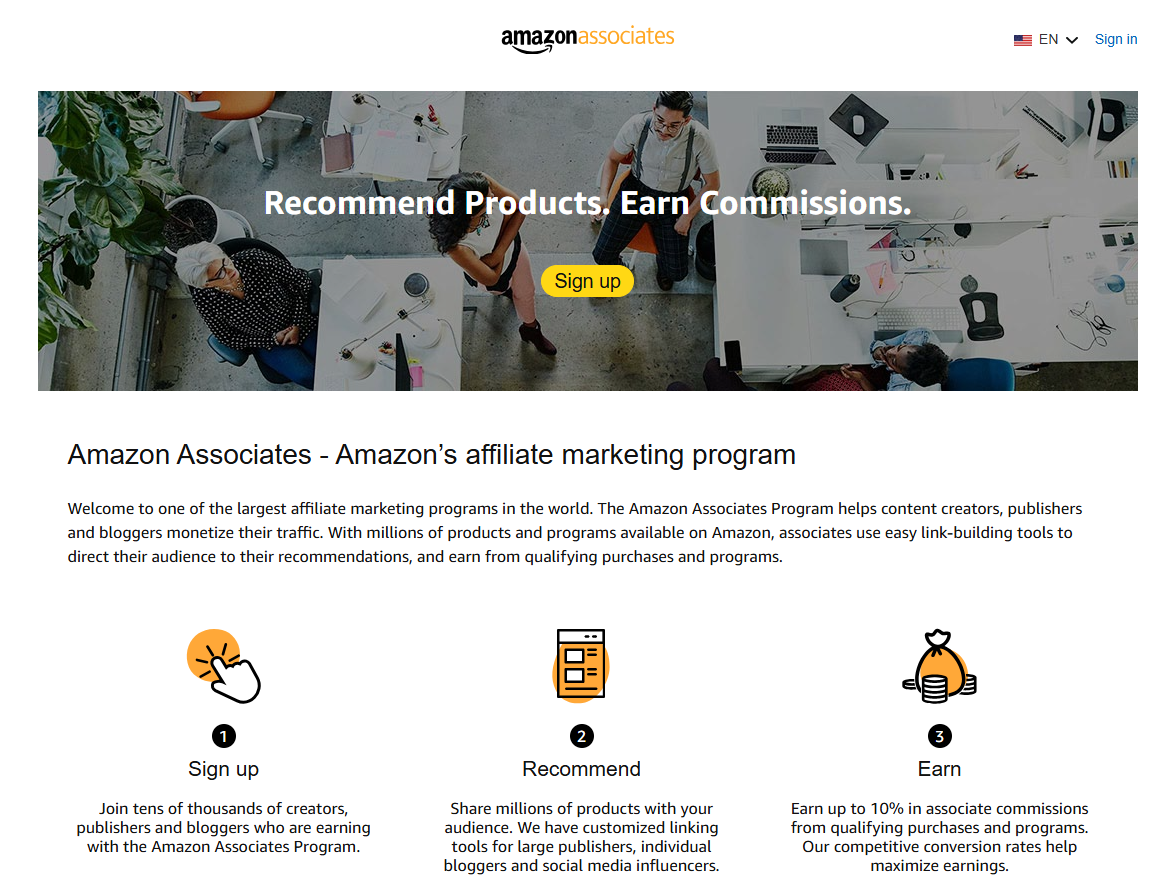
After that, you’re technically approved – but there’s a catch: you have 180 days to make at least three qualifying sales, or your account will be deactivated.
Creating and Using Affiliate Links
Once your Amazon Associates account is active, you can start generating affiliate links almost immediately. And thankfully, Amazon makes this part pretty straightforward. You’ve got a few different tools to work with depending on how and where you manage your content.
SiteStripe for Quick Desktop Linking
If you’re browsing Amazon on a laptop or desktop while logged into your affiliate account, you’ll see a horizontal toolbar appear at the top of every product page. That’s SiteStripe. It’s built right into the Amazon experience, so you don’t need to jump into another dashboard or mess with third-party tools.
Click the “Get Link” option right from that toolbar and you can grab a shortened link, full HTML, or a text-and-image version depending on where you plan to paste it. It’s quick, clean, and honestly one of the easiest ways to grab links while you’re actively researching or building content.
GetLink for Mobile Convenience
If you’re the type who prefers to do things from your phone – whether you’re creating content on the go or sharing quick links via social – it’s worth getting familiar with the GetLink feature inside the Amazon app. You’ll find it when you tap the Share icon on any product page. Just scroll until you see the “Copy Associates Link” option, and that’s it. You’ve got a mobile-ready affiliate link tied to your ID, ready to drop into your next Instagram caption or YouTube description.
It’s not fancy, but it works. And it saves you from having to log into a desktop just to grab a link, which is great if you’re juggling content across multiple channels or on the move.
Using the Associates Central Dashboard for More Control
For those times when you want a bit more precision, maybe you’re planning a full product roundup or writing a blog post that needs 10 links, it makes more sense to head into the Amazon Associates Central dashboard. From there, you can search for products by name, keyword, or ASIN, and then generate links with custom tracking tags.
This method gives you a lot more control over how you organize and track your links, especially if you’re testing different placements or running campaigns across a few platforms. You can assign separate tracking IDs for each blog post, channel, or even individual piece of content if you want to see what’s converting and what’s just sitting there.
Where to Share Your Links (Without Getting Banned)
This is important. Amazon has strict rules about how and where you can post affiliate links. Violating them can get your account shut down fast.
Allowed:
- Your own website or blog.
- YouTube video descriptions.
- Public social media accounts (Facebook, Twitter, TikTok, etc.).
- Email newsletters (if you link to content with affiliate links, not directly to Amazon).
Not allowed:
- Private groups or closed forums.
- Email directly linking to Amazon.
- Using link cloaking or hiding affiliate IDs.
- Paid ads that link directly to Amazon.
Just be sure to always disclose your affiliate relationship clearly (e.g., “This post contains affiliate links. As an Amazon Associate, I earn from qualifying purchases.”)
How Much Can You Actually Make?
Here’s the honest truth: most beginners won’t get rich with Amazon affiliate links alone. But it can absolutely grow into a decent income stream over time, especially if you focus on the right products and content.
Commission Ranges (2025 Examples):
- Luxury Beauty: 10%
- Amazon Haul category: 7%
- Physical books, kitchen, and auto: 4.5%
- Fashion, devices, accessories: 4%
- Groceries, video games, and electronics: 1-3%
Amazon also runs a Bounty Program, where you get a fixed fee (like $3 to $25) for things like Audible sign-ups or Prime trials.
Example Earnings:
- Beginners: $50 – $500/month
- Intermediate marketers: $500 – $5,000/month
- Advanced affiliates: $5,000+/month
The biggest earners usually have content platforms that bring in consistent search or social traffic and focus on niches with higher average order values.
Tips to Boost Your Affiliate Earnings
Just tossing links into random posts won’t cut it. Here are a few proven strategies to actually grow your income.
1. Pick a Focused Niche
Instead of trying to appeal to everyone, build around a specific niche. This helps build trust and SEO relevance. Good niches in 2025 include:
- Smart home tech.
- Health and wellness.
- Pet care.
- Sustainable living.
- Outdoor recreation.
- Home office setups.
2. Create Helpful, Searchable Content
Think product comparisons, gift guides, “best of” lists, or tutorials that naturally include affiliate links.
Some effective content types:
- “Best gear for remote workers”.
- “How to start a podcast on a budget”.
- “Top gifts for dog lovers”.
Use long-tail keywords to help your content rank in Google. Tools like Ubersuggest, SEMrush, or even the Amazon autocomplete bar can help you find what people are searching for.
3. Optimize for Mobile
Most of your visitors are probably coming from a phone. Make sure:
- Your content is mobile-responsive.
- Pages load fast (under 3 seconds is ideal).
- Buttons and links are easy to tap.
- Affiliate links are placed early in the content, not buried at the bottom.
4. Track What’s Working
Amazon lets you set up multiple tracking IDs so you can see which content, platforms, or link placements perform best.
- Create separate tracking codes for blog vs YouTube vs Instagram.
- Monitor what’s getting clicks but not sales.
- Double down on what works, tweak or remove what doesn’t.
What Happens If Someone Returns a Product?
Here’s the downside: Amazon only pays commission after the item ships. If a customer returns something, your commission gets revoked.
To protect your earnings:
- Promote well-reviewed, high-conversion products.
- Avoid hyping anything you wouldn’t buy yourself.
- Diversify with content that earns from multiple items per session (like bundles or curated lists).
Integrating Amazon Affiliate Links with Your Online Store
If you’re running a Shopify site (or planning to), you can combine ecommerce with affiliate marketing using apps that import Amazon products into your storefront. That way, customers browse your store, but the checkout happens on Amazon, and you still earn a commission.
It’s not for everyone, but it’s a clever workaround if you want to monetize a store without managing inventory.
Make Better Decisions With Smarter Data
At WisePPC, we help marketplace sellers make sense of their advertising and sales performance. Whether you’re just starting out as an Amazon affiliate or already juggling multiple accounts, we give you the visibility and tools to manage campaigns more effectively. Our platform is packed with features that cut through the noise – real-time data, bulk edits, performance comparisons, and historical tracking that goes far beyond what Amazon offers on its own.
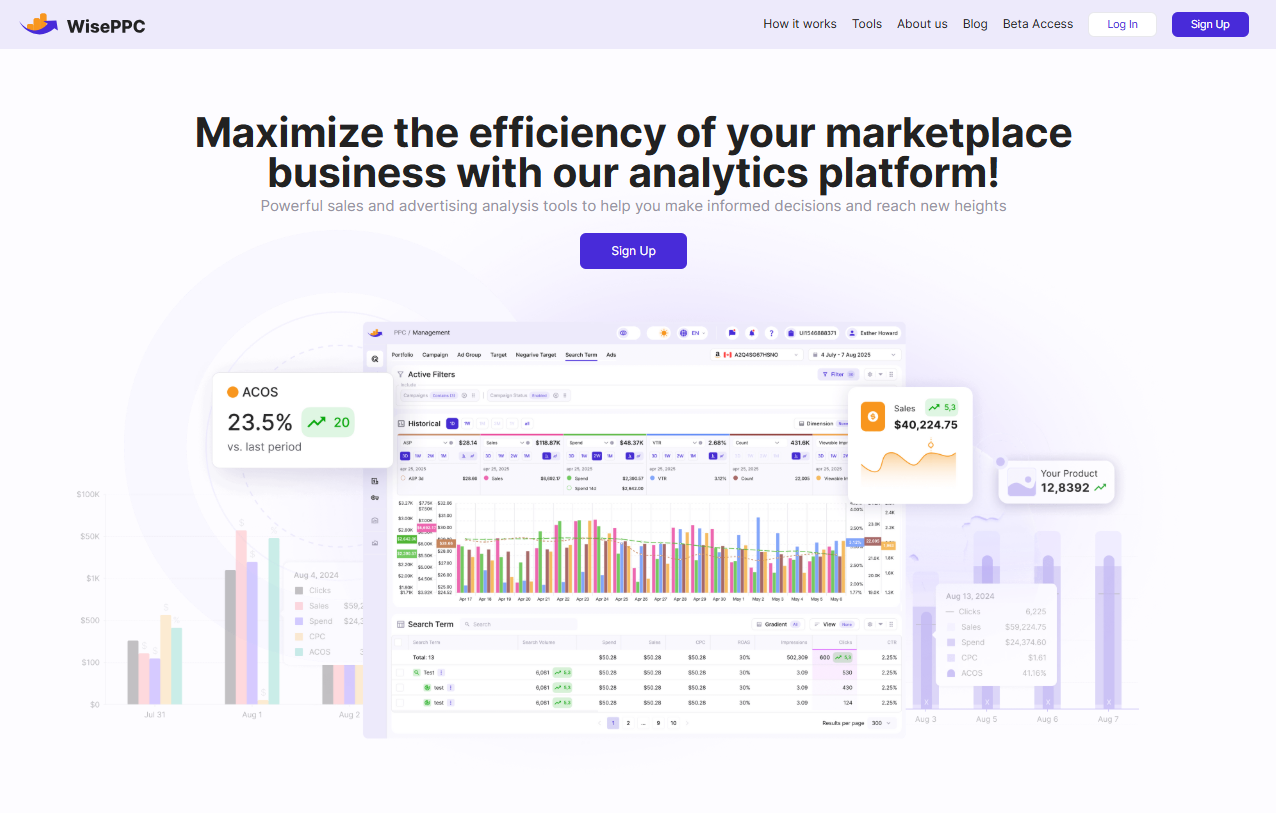
We’re proud to be an Amazon Ads Verified Partner, which means we follow Amazon’s best practices, use official integrations, and stay focused on what actually drives growth. Our goal is to simplify the backend of your business so you can spend more time creating, scaling, and improving results. If you want to take affiliate marketing seriously and back your strategy with real data, our WisePPC is built for that.
Final Thoughts: Is It Worth It?
If you’re expecting to slap a few links on a blog and make a fortune overnight, this probably isn’t for you. But if you’re willing to build real content, learn a bit of SEO, and stick with it for a few months, the Amazon affiliate program is a solid way to start earning online.
You’re not just making money from products – you’re learning how to run a digital business, how to create value, and how to grow a traffic source you own. That kind of experience pays off far beyond commissions.
FAQ
1. Do I need a website to become an Amazon affiliate?
Not necessarily. You can use a YouTube channel, TikTok account, or even a mobile app instead of a website. That said, a website still gives you the most flexibility and long-term control over your content. Just make sure whatever platform you’re using has some real content and actual engagement. Amazon wants to see that you’re doing more than just signing up to drop links.
2. How long does it take to get approved?
The initial sign-up is quick – most people can complete it in under 20 minutes. But you’re not fully in the clear until you make three sales within your first 180 days. Think of it like a probation period. If you don’t hit that target, your account will be closed, but you can always apply again once your platform is ready.
3. Can I use affiliate links in emails or private messages?
Not directly. Amazon’s policies are pretty strict about this. You’re not allowed to put affiliate links in emails or private DMs. The safer route is to send people to a blog post, YouTube video, or public page that includes your affiliate links. That way you stay compliant while still sharing helpful content.
4. What happens if someone buys more than one item after clicking my link?
You get credit for the whole order, not just the item you linked. As long as the purchase happens within the 24-hour cookie window, you earn a commission on everything they buy, even if they wander off and add five unrelated things to their cart. That’s one of the sneaky benefits of affiliate marketing with Amazon.
5. Is it worth becoming an Amazon affiliate in 2025?
It depends on your goals. If you’re looking to build a serious content platform or already have an audience, it’s one of the easiest ways to start earning online. No need to deal with inventory, support, or shipping. But if you’re hoping to make a full-time income from Amazon links alone, it’s going to take time, strategy, and a lot of content. It’s not magic money, but it is a solid stepping stone.
 No credit card required