
 EN
EN  ES
ES  FR
FR  DE
DE  IT
IT  KO
KO  JA
JA  ZH
ZH  AR
AR  PT
PT  TR
TR PL
PLDoes Amazon Accept Cash App as a Payment Method in 2025?
Cash App is a popular mobile payment platform, widely used for peer-to-peer transfers and online purchases. As more users rely on digital wallets, many wonder if they can use Cash App to pay for items on Amazon. This article clarifies whether Amazon accepts Cash App directly, outlines indirect ways to use it, and explains alternative payment methods available on the platform.
What is a Cash App on Amazon?
Cash App is not officially integrated as a direct payment method on Amazon. This means you cannot select “Cash App” during the checkout process like you would with a credit card or PayPal. However, some users associate their Cash App account with Amazon by using the Cash App Card.
The Cash App Card is a free, customizable Visa debit card linked to your Cash App balance. Once activated, it works like any other debit card and can be added to your Amazon account for purchases. When users refer to “Cash App on Amazon,” they are typically talking about using this card rather than a built-in Cash App payment option.
While Amazon does not support Cash App directly, the Cash App Card allows users to spend their balance on the platform seamlessly.

Can You Use the Cash App Card on Amazon?
Yes, you can use the Cash App Card on Amazon, but not the Cash App app itself. Amazon does not support Cash App as a direct payment method. However, the Cash App Card – a free, customizable Visa debit card linked to your Cash App balance – is accepted just like any other debit or credit card.
Once you order and activate the Cash App Card through the app, it functions like a regular bank-issued Visa card. This means you can use it to shop online at Amazon and any other retailer that accepts Visa. The card pulls funds directly from your Cash App balance, so you don’t need to transfer money to another account first.
The main benefit is convenience – especially for users who prefer to manage their money digitally without traditional banking. As long as there are sufficient funds in your Cash App account, Amazon will process your transaction using the Cash App Card with no issues.
Keep in mind
- If your purchase exceeds your Cash App balance, the transaction may be declined.
- Amazon’s system may perform a temporary authorization charge to verify the card, so always ensure your balance can accommodate this.
- You’ll need to monitor your Cash App account just like you would a traditional bank account, especially if you rely on it for regular Amazon purchases.
How to Add Your Cash App Card to Amazon
To shop on Amazon using your Cash App balance, you’ll first need to add your Cash App Card as a payment method. Here’s a step-by-step guide to help you through the process:
Step-by-step instructions
- Open Amazon: Go to Amazon.com in your browser or launch the Amazon mobile app.
- Access Your Account Settings: On desktop: Hover over “Accounts & Lists” and click “Your Account.” And on mobile: Tap the menu icon (three horizontal lines), then tap “Your Account.”
- Go to Your Payment Settings: Navigate to “Payment Options” (desktop) or “Your Payments” (mobile app).
- Add a New Payment Method: Click or tap on “Add a payment method” and then choose “Add a credit or debit card.”
- Enter Your Cash App Card Details: You’ll need to input: Cardholder Name (as it appears on the Cash App Card), Card Number, Expiration Date, CVV (3-digit security code from the back of the card)
- Save the Card: After entering all information, click “Add your card” or “Save.” The card will now appear in your list of payment methods.
- Set as Default (Optional): If you want to use your Cash App Card for all future purchases, go to your payment settings and set it as your default payment method.
- Check Your Balance: Before placing an order, ensure your Cash App account has enough funds to cover the purchase, including taxes and shipping.
Note: If your card is ever declined, double-check your card details, ensure your billing address matches the one on your Cash App account, and verify that your balance is sufficient.
By linking the Cash App Card to Amazon, you create a seamless way to spend your digital funds on one of the world’s largest online marketplaces, without needing a traditional bank.
Is It Safe to Use a Cash App on Amazon?
Using the Cash App Card on Amazon is generally safe, as long as you follow standard precautions. The Cash App Card is a legitimate Visa debit card issued by Sutton Bank and is protected by the same network-level encryption and fraud protection protocols as other major debit cards. When used on Amazon, your card details are encrypted and stored securely by Amazon’s payment system.
Security protections when using Cash App on Amazon include
- Secure Transactions: Amazon uses HTTPS encryption and PCI-compliant systems to protect card data during checkout.
- Cash App Card Protections: Visa’s Zero Liability policy applies to unauthorized purchases made with the Cash App Card, provided you report issues promptly.
- Account Monitoring: You can track every purchase in real time using the Cash App mobile app, making it easier to spot suspicious activity quickly.
However, there are some limitations to keep in mind
- Limited Dispute Resolution: Cash App’s dispute process may be less comprehensive than credit card companies. If there’s an issue with a transaction, resolution can take time and may depend on whether the merchant (Amazon) agrees to the refund.
- No Built-in Buyer Protection from Cash App: Unlike PayPal or some credit cards, Cash App itself does not offer robust buyer protection for disputed items or order issues. You’re relying mostly on Amazon’s own return and refund policies.
- Card Freeze Option: One advantage of the Cash App Card is that you can disable the card instantly from the app if it’s lost, stolen, or used without your permission.
Best practices for safe usage
- Only shop on Amazon’s official website or app
- Never share your Cash App login or card details
- Regularly monitor your Cash App transaction history
- Immediately report unauthorized activity to Cash App support
In summary, using your Cash App Card on Amazon is secure when handled responsibly, but it’s important to understand the limits of Cash App’s dispute support and rely on Amazon’s return/refund system for order-related problems.
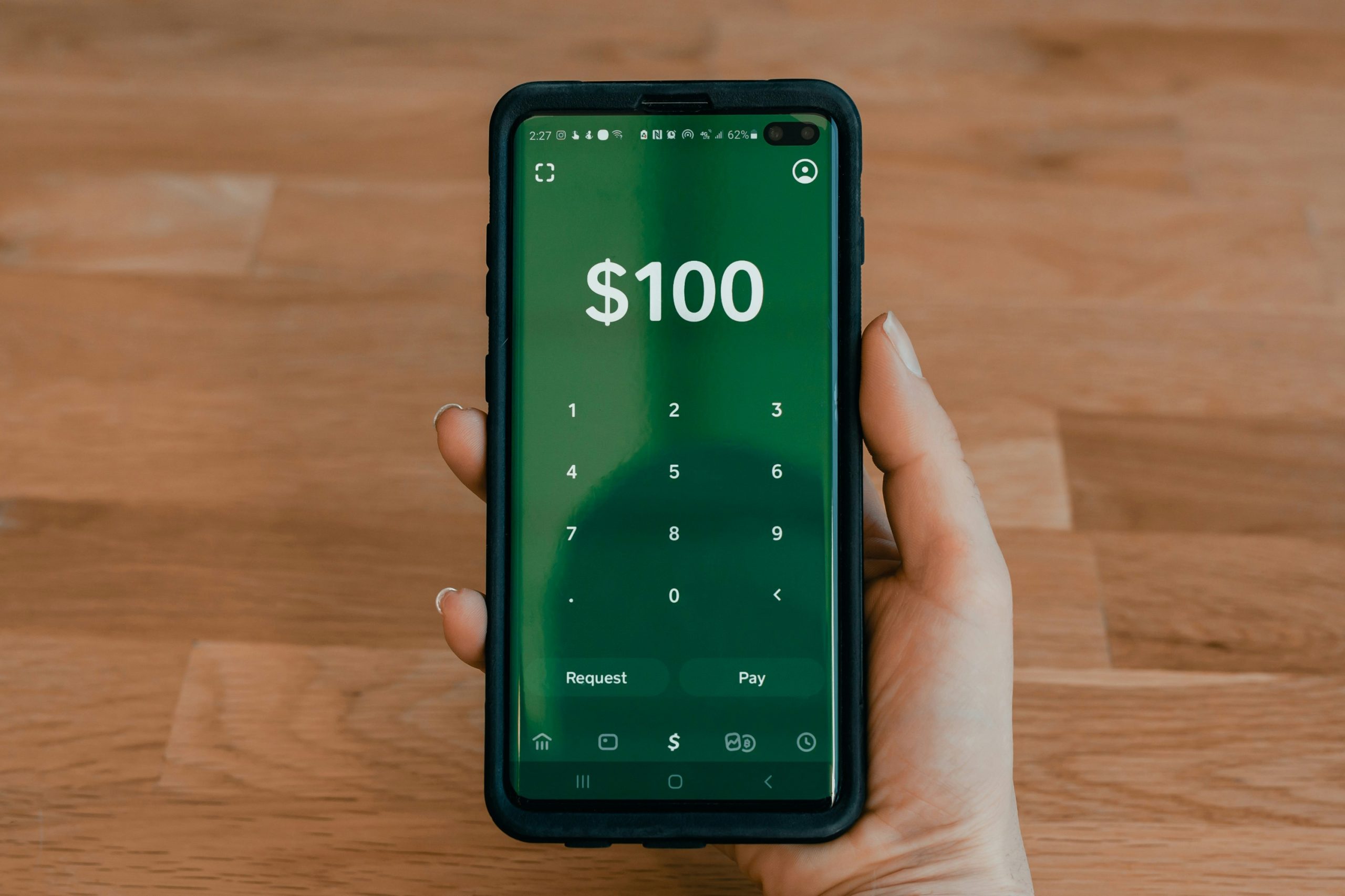
Can You Use Cash App Balance Without the Card?
No, you cannot use your Cash App balance directly on Amazon without the Cash App Card. Amazon does not support Cash App as a native payment method, so there’s no way to log in to your Cash App account or connect it directly during checkout.
The only workaround is to order the Cash App Card. Once you have it, your balance becomes spendable anywhere Visa is accepted, including Amazon. Without the card, your Cash App funds remain accessible only within the app or via person-to-person transfers.
Can You Buy Amazon Gift Cards with Cash App?
Yes, you can buy Amazon gift cards with your Cash App balance, but only if you use the Cash App Card. You can purchase digital or physical gift cards directly on Amazon and pay with your Cash App Card during checkout, just as you would with any debit card.
You may also be able to buy Amazon gift cards from third-party retailers (like CVS, Walgreens, or Walmart) that accept Visa debit cards in-store or online. Always check the retailer’s accepted payment methods before attempting to pay.
What to Do If Your Cash App Card Is Declined on Amazon
If your Cash App Card is declined on Amazon, try the following steps to troubleshoot the issue:
- Check Your Cash App Balance: Make sure you have enough funds in your account to cover the full cost of the order, including tax and shipping.
- Confirm Card Details Are Correct: Recheck that the card number, expiration date, and CVV were entered correctly when you added the card to Amazon.
- Update Billing Address: Ensure that the billing address you entered on Amazon matches the one linked to your Cash App Card. Mismatched addresses can cause declines.
- Verify Card Activation: If the card is new, confirm that it has been properly activated in the Cash App.
- Use Another Payment Method Temporarily: If the card continues to be declined, switch to another card or payment method to complete the transaction, then contact Cash App support for help.
- Contact Cash App Support: If none of the above steps resolve the issue, use the app’s support feature to report the problem and get assistance.

Managing Amazon Ads with WisePPC – Even If You Use Cash App
At WisePPC, we understand that sellers use a variety of tools to manage their marketplace operations, and Cash App is one of them. While Amazon doesn’t allow direct payments through Cash App, many of our users fund their advertising expenses using the Cash App Card or by transferring funds into their business accounts. Regardless of how you handle your finances, our platform is designed to help you get the most out of your Amazon Ads investment.
As an Amazon Ads Verified Partner, we’ve built a robust analytics and optimization toolkit that simplifies complex advertising data. With WisePPC, you don’t have to waste time switching between spreadsheets or trying to guess what’s working. Our system pulls in real-time campaign data and surfaces the metrics that matter – whether it’s ACoS, TACoS, ROAS, CTR, or ad spend by keyword or placement.
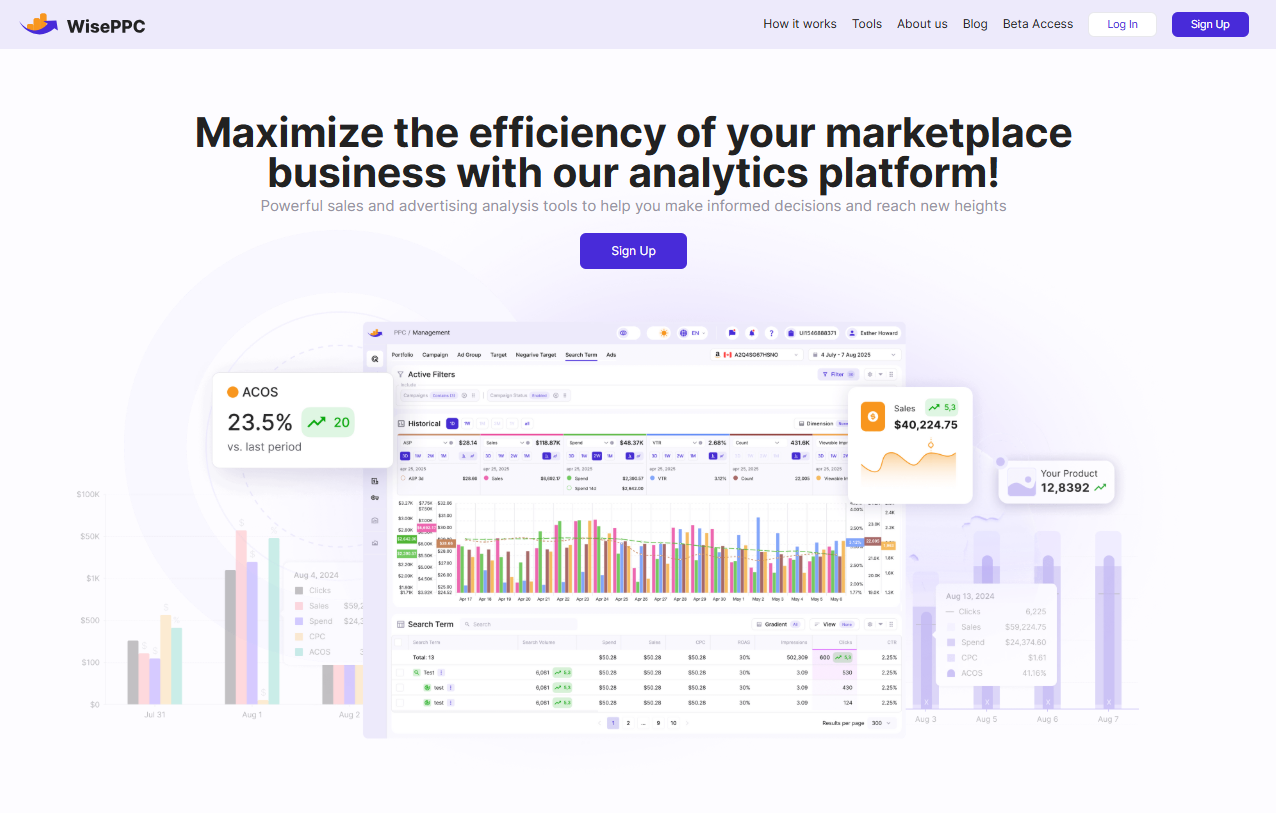
Here’s what you can do with WisePPC:
- Optimize ad spend with AI-powered bid strategies that adapt to performance trends
- Perform bulk actions on campaigns, ad groups, and targets – all from a single interface
- Visualize historical performance beyond Amazon’s 60-90 day data limit – we keep your records for years
- Segment data by match type, cost model, campaign type, or even bid strategy
- Track the Average Selling Price (ASP) and understand what’s really driving revenue – ads or organic traffic
We’re building features for sellers at every stage – from product launches to scaling across multiple accounts. You can even manage multiple Amazon or Shopify stores in one centralized dashboard.
So even if you manage your ad budget through Cash App or fund your operations from non-traditional sources, you can still make data-driven decisions with WisePPC. Our goal is to give you full control, clarity, and confidence as you grow.
Conclusion
While Amazon does not accept Cash App as a direct payment option, you can still use your Cash App balance to shop by linking the Cash App Card – a free Visa debit card – to your Amazon account. This allows you to pay for purchases just like you would with any other debit or credit card. However, without the physical card, your Cash App funds cannot be used on Amazon.
For shoppers, using the Cash App Card is a secure and convenient way to access your digital balance. For sellers, it may also serve as a funding source for ad budgets and business expenses. Just be aware of the platform’s limitations, especially when it comes to dispute resolution and buyer protection.
If you want to use your Cash App money on Amazon, ordering and activating the Cash App Card is the key. Once set up, you’ll be able to shop, manage payments, and even monitor transactions directly from the app.
FAQ
Can I pay directly with a Cash App on Amazon?
No, Amazon does not support direct Cash App payments. You cannot log in to Cash App at checkout or use it as a standalone payment option.
How can I use my Cash App balance on Amazon?
You need to order and activate the Cash App Card, which functions as a Visa debit card. Once added to your Amazon account, it allows you to spend your Cash App balance like any other debit card.
Is it safe to use the Cash App Card on Amazon?
Yes, using the Cash App Card on Amazon is safe. It uses Visa’s payment network and benefits from encryption, fraud protection, and the ability to disable the card instantly if needed.
Can I buy Amazon gift cards with Cash App?
Yes, but only if you’re using the Cash App Card. You can purchase Amazon gift cards either on Amazon or at participating retailers that accept Visa debit cards.
What happens if my Cash App Card is declined on Amazon?
Common issues include insufficient funds, incorrect billing details, or an inactive card. Double-check all information and ensure your balance covers the full purchase. If issues persist, contact Cash App support.
Can I use a Cash App on Amazon without the Cash App Card?
No, you cannot use your Cash App balance on Amazon without the Cash App Card. The app itself cannot be linked to Amazon as a payment method.
Does Amazon accept any other mobile payment apps like Cash App?
Amazon does not currently accept Cash App, Venmo, or Zelle directly. Supported payment methods include credit and debit cards, Amazon gift cards, and Amazon Pay.
Start Your Free 30-Day Trial Today
Start your 30-day free trial today. No credit card required. From an Amazon Ads Verified Partner you can trust.
 No credit card required
30-day free trial
Access metrics Amazon Ads won’t show you
No credit card required
30-day free trial
Access metrics Amazon Ads won’t show you