
 EN
EN  ES
ES  FR
FR  DE
DE  IT
IT  KO
KO  JA
JA  ZH
ZH  AR
AR  PT
PT  TR
TR PL
PLCan You Use PayPal on Amazon? What You Should Know
If you’ve ever tried checking out on Amazon and reached for your PayPal balance, only to realize it’s not an option – you’re not alone. For a platform that seems to offer every payment method under the sun, the lack of PayPal support feels… odd. But there’s a reason behind it, and luckily, a few clever workarounds too. Whether you’ve got funds stuck in PayPal or just prefer its security, we’ll break down what’s going on and how you can still use PayPal (sort of) to shop on Amazon. Let’s get into it.
So, Can You Pay with PayPal on Amazon?
Let’s be honest: most of us have tried to check out on Amazon with PayPal at some point. Maybe you had money sitting in your PayPal account or just trust the extra layer of security it offers. Either way, you probably noticed there’s no “Pay with PayPal” button. Frustrating, right?
The truth is, Amazon doesn’t allow direct PayPal payments. But that doesn’t mean you’re out of options. If you’re determined to spend your PayPal balance on Amazon, there are a few reliable workarounds – some more straightforward than others.
Why Amazon Doesn’t Accept PayPal (And Probably Never Will)
There’s no official statement from Amazon about this, but there’s a pretty solid backstory.
Years ago, PayPal was owned by eBay. That matters because eBay and Amazon are direct competitors in the online retail space. Even though PayPal is now a separate company, that competitive tension stuck around.
More importantly, Amazon has its own payment system: Amazon Pay. Think of it as their version of PayPal. Letting PayPal in would basically mean giving up space to a rival when Amazon has a system of its own to promote. That’s likely why PayPal is missing from Amazon’s checkout screen – and it’s probably going to stay that way.

Can You Still Use PayPal for Amazon Purchases: Here Are Several Options
Technically, no. You can’t log into PayPal during checkout on Amazon like you can on eBay or other retailers.
But if you’re willing to take a few extra steps, you can still use your PayPal funds to pay for stuff on Amazon. The key is going around the usual payment path by using PayPal tools or third-party services that are compatible with Amazon.
Let’s break down the main options.
Option 1: Use a PayPal Debit Card or PayPal Business Debit Mastercard
This is the simplest and most direct workaround.
If you have a PayPal Debit Card (for personal accounts) or a PayPal Business Debit Mastercard, you can use them on Amazon just like a regular debit card. Both of these cards pull money directly from your PayPal balance.
Here’s how it works:
- Go to your Amazon payment settings.
- Add your PayPal debit card as a new payment method.
- Use it at checkout like any other card.
Amazon won’t know or care that the funds are coming from PayPal. As far as it’s concerned, it’s just a Mastercard.
Pros:
- Works seamlessly during checkout.
- Lets you use your PayPal balance with no need for transfers.
Cons:
- You need to apply for and receive a physical card.
- PayPal Key (a virtual alternative) is no longer available in most regions, including the U.S.
This method is best if you often keep money in PayPal and regularly shop on Amazon. It takes a little setup upfront, but after that, it’s smooth sailing.
Option 2: Buy Amazon Gift Cards Using PayPal
Another solid workaround: use your PayPal balance to buy an Amazon gift card from a third-party retailer. Once you’ve got the gift card code, you can redeem it on your Amazon account and use the balance toward future purchases.
Some places where you can buy Amazon gift cards with PayPal include:
- Walmart.com
- eGifter
- Gyft
- Dundle
- eBay
How to do it:
- Visit a site that sells Amazon gift cards and accepts PayPal.
- Buy the card and wait for the digital code (usually sent by email).
- Go to your Amazon account → Gift Cards → Redeem a Gift Card.
- Paste in the code and apply the balance.
Pros:
- No need for a physical card.
- Works even if you can’t get a PayPal Debit Card.
- Useful for one-time or occasional Amazon purchases.
Cons:
- Some retailers add small fees or markup.
- You may need to buy multiple cards for large purchases.
This route works well if you’re trying to use a PayPal balance quickly and don’t want to apply for a debit card.
Option 3: Transfer PayPal Funds to Your Bank Account First
Let’s say you’re not interested in cards or gift cards. You can always move your PayPal funds into your bank account and then use your bank-issued debit or credit card to shop on Amazon.
Steps:
- Log in to PayPal and go to Wallet.
- Click Transfer Money.
- Select your linked bank account and complete the transfer.
- Use your regular bank card on Amazon as usual.
Pros:
- No need for extra tools.
- Funds can be used for anything, not just Amazon.
Cons:
- Transfers may take 1-3 business days depending on your bank.
- A bit slower than other methods.
This method is great if you don’t shop on Amazon often or if you just want a one-time fix. It’s also the most flexible option if you’re not in a rush.
What About PayPal Credit?
This one’s easy: you can’t use PayPal Credit on Amazon.
PayPal Credit is only available as a payment method at merchants that support PayPal directly. Since Amazon doesn’t, there’s no way to select PayPal Credit during checkout – even if you try going through a third-party site.
That said, you could theoretically use PayPal Credit to buy an Amazon gift card from a store that accepts PayPal. But that’s starting to feel a little messy, and it might not be worth the hassle.
Real Talk: Which Option Makes the Most Sense?
Each workaround has its place, depending on how often you shop and how comfortable you are jumping through hoops.
Here’s a quick way to decide:
- Use a PayPal Cash or Business Debit Card. If you shop on Amazon often and already have (or are willing to get) the card.
- Buy gift cards with PayPal. If you want a quick fix without needing to sign up for anything new.
- Transfer to your bank. If you’re not in a rush and prefer to shop using your regular debit or credit card.
Are There Any Security Concerns?
Not really, as long as you’re using legitimate tools and trusted sites.
- PayPal cards are issued through Mastercard and have standard protections.
- Sites like Walmart, Gyft, and Dundle are established sellers of digital gift cards.
- Bank transfers are handled through PayPal’s secure interface.
Still, it’s a good idea to double-check the gift card site before entering your PayPal info. Stick with names you recognize or do a quick search for reviews.
What About PayPal Key?
Some guides still mention PayPal Key – a virtual card number linked to your PayPal account. It used to be a great option for online purchases, including Amazon.
Unfortunately, PayPal discontinued PayPal Key in the U.S. and some other regions in 2022-2023.
Looking Ahead: Will Amazon Ever Accept PayPal?
There’s no sign that Amazon plans to support PayPal anytime soon. But in late 2024, a small shift happened – some third-party sellers using “Buy with Prime” on their own websites began offering PayPal as a payment method.
That’s not the same as Amazon’s main site accepting PayPal, but it does show that the wall between the two platforms might be softening… just a little.
Still, for now, don’t count on a direct PayPal checkout button appearing on Amazon.

How WisePPC Helps Sellers Navigate Amazon’s Complex Ecosystem
At WisePPC, we know that navigating Amazon’s limitations – like not being able to pay with PayPal – is just one small part of a much bigger picture. Whether you’re optimizing workarounds at checkout or managing hundreds of ad campaigns across multiple ASINs, the ability to make smart, fast decisions matters more than ever.
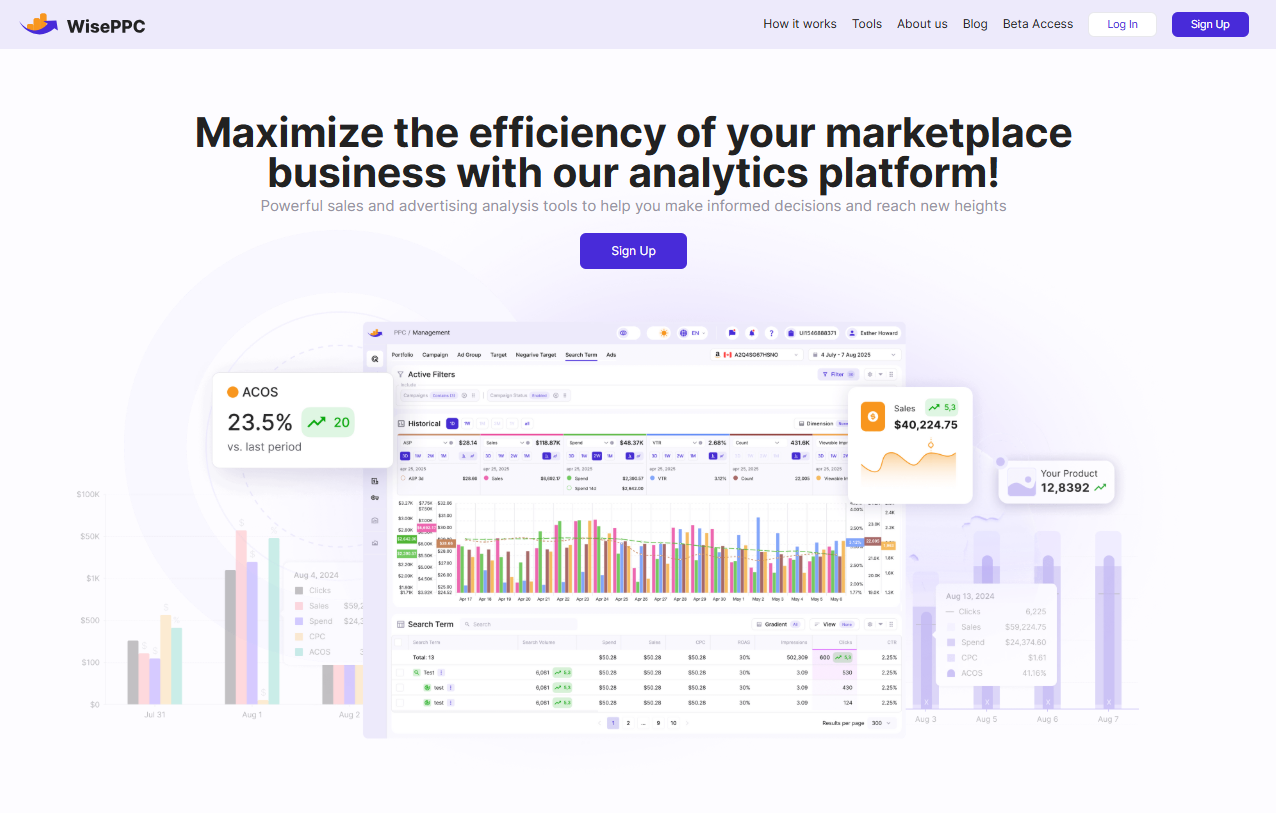
That’s why we built a platform that gives sellers the visibility and control they need to grow efficiently. With deep analytics, real-time data tracking, and tools designed to simplify campaign management, we help marketplace sellers understand what’s working, what’s wasting spend, and where there’s room to grow. If you’re already investing time and budget into Amazon, we make sure every move you make is backed by data – not guesswork.
Final Thoughts
No, you can’t use PayPal directly on Amazon. But there are several smart, safe ways to work around that limitation if you really want to spend your PayPal balance there.
Whether it’s through a PayPal debit card, a gift card purchase, or a simple bank transfer, each method has its perks. It just comes down to how often you shop, how much effort you’re willing to make, and how fast you need it done.
At the end of the day, Amazon and PayPal may not be playing nice, but you’ve still got options – and that’s what really matters.
FAQ
1. Can I link my PayPal account directly to Amazon?
No, you can’t link your PayPal account directly to Amazon like you can on some other websites. Amazon just doesn’t support it. But if you’ve got a PayPal debit card or you’re willing to buy a gift card through a site that takes PayPal, there are still ways to make it work.
2. Is using a PayPal debit card on Amazon safe?
Yes, it’s just as safe as using any other debit or credit card. Amazon treats it like a regular Mastercard, and PayPal’s own protections still apply. As long as you’re shopping from a secure device and sticking to Amazon’s official site, you’re good to go.
3. Can I use PayPal Credit to shop on Amazon?
Not directly. PayPal Credit only works with merchants that accept PayPal at checkout, and Amazon isn’t one of them. If you want to use PayPal Credit to shop on Amazon, your best bet is to try using it to buy an Amazon gift card from a third-party site that accepts PayPal.
4. What’s the easiest way to use PayPal on Amazon without getting a physical card?
If you don’t want another card in your wallet, buying an Amazon gift card with PayPal is probably the most hassle-free option. You’ll find a few trusted sites online that let you do it, and once you’ve got the gift code, it’s super easy to redeem it on your Amazon account.
5. Why hasn’t Amazon added PayPal as a payment option yet?
It mostly comes down to business strategy. Amazon wants to keep people in its own ecosystem, and that means pushing Amazon Pay instead of enabling a competitor like PayPal. It’s less about tech limitations and more about market control.
6. Will Amazon ever accept PayPal in the future?
Hard to say for sure, but right now there’s no real sign that a change is coming. There have been small moves toward PayPal being accepted through third-party merchants using Buy with Prime, but that doesn’t mean full PayPal integration is on the horizon.
Start Your Free 30-Day Trial Today
Start your 30-day free trial today. No credit card required. From an Amazon Ads Verified Partner you can trust.
 No credit card required
30-day free trial
Access metrics Amazon Ads won’t show you
No credit card required
30-day free trial
Access metrics Amazon Ads won’t show you