
 EN
EN  ES
ES  FR
FR  DE
DE  IT
IT  KO
KO  JA
JA  ZH
ZH  AR
AR  PT
PT  TR
TR PL
PL
Fast delivery is one of Amazon’s biggest selling points, so when orders stall, it doesn’t go unnoticed. A late package can trigger bad reviews, higher support volume, and lost repeat business. Sometimes the delay is out of your hands. Sometimes it isn’t. Either way, knowing the common causes and what Amazon is doing about them gives you a better shot at staying ahead – or at least not getting blindsided. Let’s look at what’s actually slowing things down and how sellers can respond without losing their edge.
Why Orders Get Stuck: The Basics of Amazon Shipping Delays
When we talk about Amazon shipping delays, we’re usually referring to any situation where the package doesn’t arrive within the delivery window shown at checkout. That delay might start before the order even leaves the warehouse, or it could happen somewhere in the middle of the journey – often labeled as “delayed in transit.”
The reasons range from predictable ones like holiday traffic and bad weather to more invisible issues like warehouse bottlenecks or routing errors. Whether you’re fulfilling through FBA or doing it yourself, the key thing to understand is this: delays don’t always mean something is broken. Sometimes it’s just the system bending under pressure. Still, for customers, a late box is a late box – and they rarely care whose fault it is.
Why Do Amazon Shipments Get Delayed?
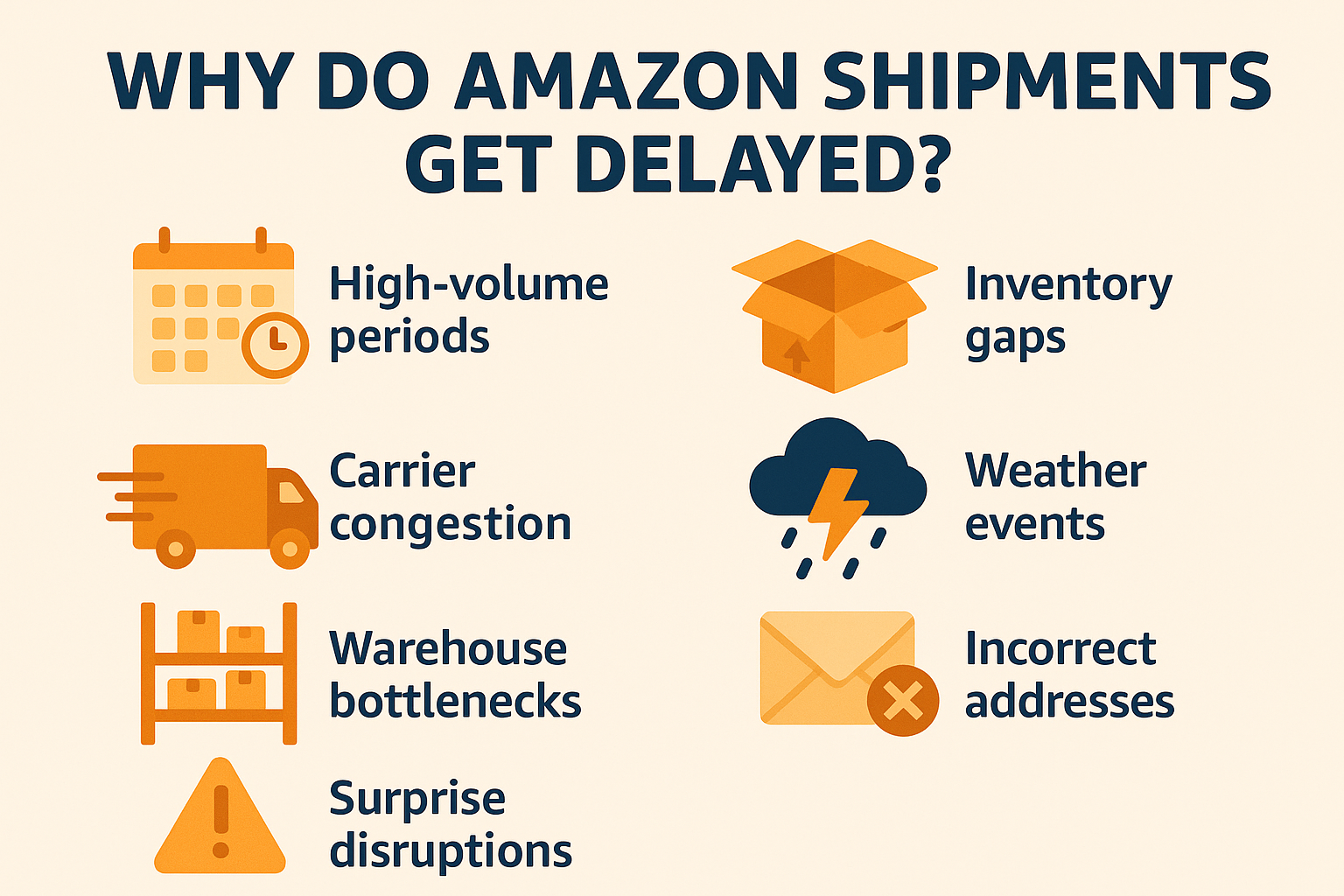
There’s no single reason orders show up late. Usually, it’s a stack of small problems that build into a noticeable delay. Here’s what tends to get in the way:
- High-volume periods: During Prime Day, Black Friday, or even back-to-school season, the system gets stretched thin. Fulfillment centers hit capacity, and the usual delivery speed just isn’t possible.
- Inventory gaps: If the item isn’t stocked close to the buyer, Amazon pulls it from a farther warehouse – sometimes across the country. That adds miles, time, and a few extra hops in the process.
- Carrier congestion: Delays at USPS, UPS, or third-party couriers can stall everything, especially if routes are backed up or the handoff between Amazon and the carrier doesn’t go smoothly.
- Weather events: Snow, floods, heatwaves – all of them disrupt transport. Trucks can’t move, flights get grounded, and last-mile delivery slows to a crawl.
- Warehouse bottlenecks: Even inside Amazon’s network, things can break down. Equipment failures, labor shortages, or sortation issues can cause slowdowns before the item even ships.
- Incorrect or incomplete addresses: A small typo in the shipping info can trigger a re-routing process or send the package into a holding pattern while someone figures it out.
- Surprise disruptions: Strikes, system outages, or global events (like a pandemic) are wildcards. They throw off the usual flow and create ripple effects across the entire chain.
How Amazon Shipping Delays Affect Sellers
Shipping delays might feel like a logistics problem, but for sellers, they show up as performance issues, customer support tickets, and lost trust. When a package misses its expected delivery window, buyers don’t usually blame the weather or warehouse congestion – they blame the seller. That can mean poor reviews, a drop in your metrics, or even losing the Buy Box.
For FBM sellers, delays tied to late handling or slow carriers put account health directly at risk. If it becomes a pattern, suspension warnings aren’t far behind. Even FBA sellers aren’t fully shielded. Yes, Amazon owns the fulfillment process, but you still deal with refund requests, customer complaints, and awkward follow-ups when delays happen. The bottom line? Late shipments don’t just slow down delivery – they slow down everything that depends on customer confidence.
What Sellers Can Do to Reduce the Impact of Shipping Delays
Shipping delays might not be avoidable, but they’re manageable – if you’re watching the right signals and acting fast. Here’s how to stay in control when delivery starts to slide.

1. Use Data to Catch Problems Early – Our Approach at WisePPC
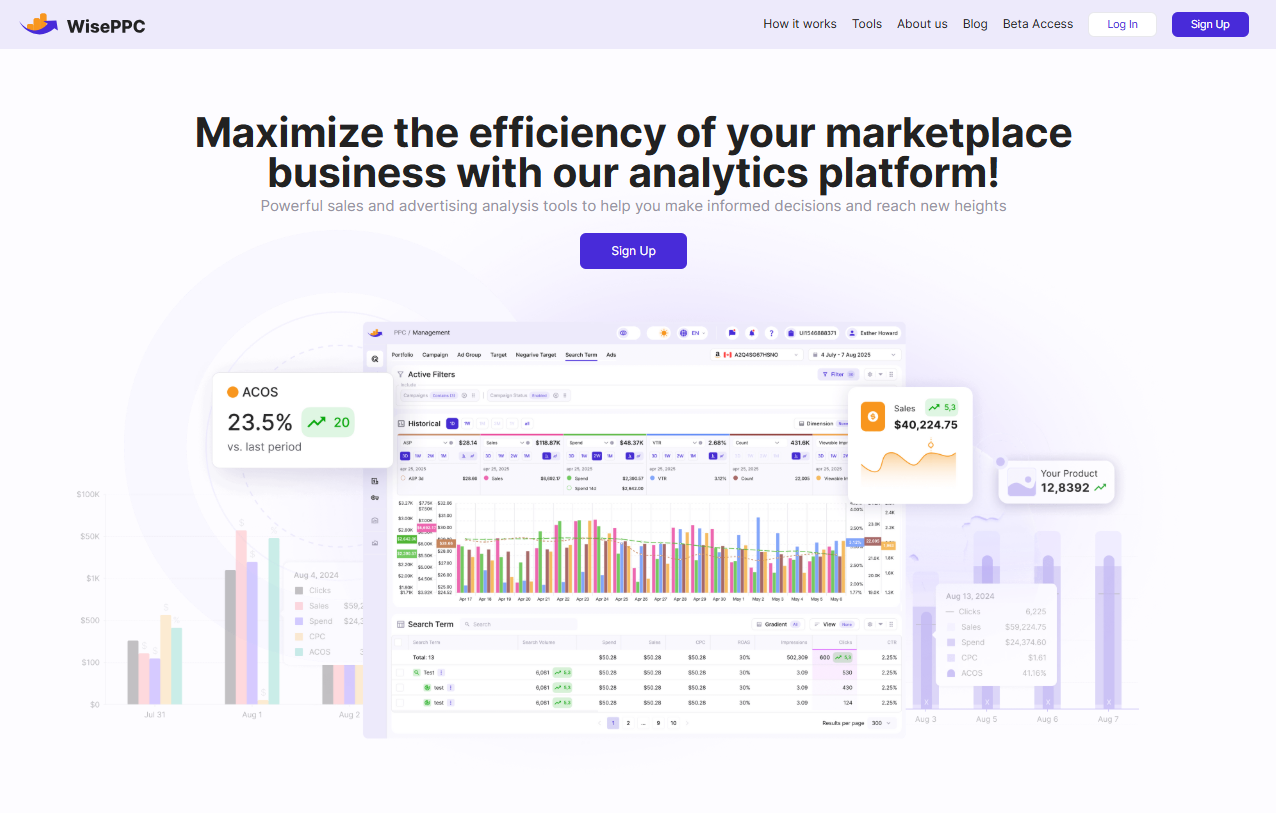
At WisePPC, we help sellers stay ahead of fulfillment issues by making operations more visible – not more complicated. Our platform tracks real-time marketplace performance across campaigns, inventory, and order flow, so you can flag risks before they hit your metrics. Maybe it’s a top product that’s suddenly underdelivering in a key region, or ad spend running on SKUs that are sitting in the wrong warehouse. Either way, you’ll see it before your customers do.
We’ve built tools to simplify the backend – granular analytics, campaign-level filters, long-term historical data (yes, more than Amazon’s 60-day limit), and one-click bulk updates. It’s about reducing chaos, not reacting to it. You’ll find us working closely with sellers across channels – and if you’re curious how others use the platform, we’re not hard to find. We share real use cases and updates over on Instagram, LinkedIn, and Facebook – feel free to jump in.
2. Forecast Inventory Like It Actually Matters
If you don’t know what you’re likely to sell, you’re always going to be behind. Delays from Amazon often start with low or misplaced stock – especially if you’re using FBA and the system pulls inventory from the wrong region. Use demand forecasting tools or even just a rolling spreadsheet to track fast movers and flag items with long lead times. More accuracy here = fewer backorders = fewer late shipments.
3. Set Expectations Clearly and Early
Overpromising is one of the easiest ways to rack up bad reviews. Be upfront in your listings about processing time, shipping windows, and what qualifies as “expedited.” Especially if you’re FBM, don’t commit to 2-day delivery unless you’re absolutely sure you can pull it off every time. Delays hurt, but broken promises hurt more.
4. Keep Your Communication Game Tight
Silence kills trust. If you know there’s a delay – even if it’s Amazon’s fault – reach out to the buyer. A short, clear message with a new ETA and a quick “we’re on it” goes a long way. People tend to be more forgiving when you don’t vanish on them.
5. Audit Your Fulfillment Workflow
It’s easy to blame Amazon or the carrier. But sometimes the slowdown is internal: late label printing, slow picking, or missed handoffs. Run a regular check on where things bottleneck inside your own flow. Even one skipped scan can throw off the tracking chain and spark a support ticket.
6. Offer Small Fixes That Feel Big
When a customer’s patience runs out, a small gesture can save the relationship. That could be a partial refund, free shipping on the next order, or even just a handwritten note if you’re FBM. Not every delay needs a coupon – but a little friction credit keeps the door open for a future purchase.

Are Sellers Eligible for Amazon Shipping Delay Refunds?
Sometimes – but not always, and not for everything that feels unfair. If you’re using FBA and the delay is clearly on Amazon’s side (e.g., warehouse misrouting, missed handling windows, or lost-in-transit inventory), you may be eligible for reimbursement. Since November 2024, Amazon automatically processes some reimbursements for delays, but manual claims may still be needed for complex cases. File a case with order details within 60-120 days, per Amazon’s updated policy, to confirm eligibility.
Now, if you’re FBM, it’s a different game. Shipping delays caused by your chosen carrier – or delays from slow handling on your end – don’t qualify for any refund from Amazon. In fact, those same delays can count against your account health metrics. And from the customer’s side, Amazon’s A-to-Z Guarantee means they might get a refund regardless, and that comes straight out of your pocket.
Bottom line: the FBA safety net exists, but it’s not bottomless. If you’re running FBM, your best defense is fast response times, reliable carriers, and clear communication. Refunds are more the exception than the rule – so don’t build your process around them.
What to Do When Your Amazon Shipment Is Delayed
Delays happen. But letting them spiral into negative reviews or buyer disputes? That’s avoidable – if you move fast and communicate clearly. Here’s how to stay in control when orders start falling behind:
- Check tracking details properly: Don’t just glance at the delivery status. Look at timestamps, last scanned location, and how long the package has been sitting still. That gives you a head start before the customer notices.
- Contact the carrier or open a support case: If you’re FBM, reach out to the carrier and request a detailed update. If you’re using FBA, check Seller Central – Amazon may already be flagging warehouse or transit issues on the backend.
- Proactively message the buyer: A short, honest message can prevent a bad review. Let them know there’s a delay, provide an updated ETA (even if it’s an estimate), and thank them for their patience. Silence is what breaks trust.
- Look for patterns behind the delay: Is this a one-off issue, or have you seen similar delays from the same SKU, region, or fulfillment center? Use your analytics tools to check for repeat problems – they usually don’t fix themselves.
- Decide if compensation makes sense: If it’s a premium order or the buyer is clearly annoyed, offer something small: partial refund, free shipping next time, or a discount code. It’s not about the money – it’s about showing you care.
- Log the case and learn from it: Don’t just solve it and move on. Keep a record of what caused the delay and what you did about it. These cases become useful reference points for future support workflows – especially during peak season.
Handling delays isn’t about being perfect – it’s about being present and responsive. A late order doesn’t have to become a lost customer.
Conclusion
Shipping delays aren’t going away. They show up during peak season, after a snowstorm, or when a warehouse just falls behind – and most of the time, you won’t get a heads-up. But that doesn’t mean you’re powerless. If you’re paying attention to your tracking, inventory flow, and fulfillment patterns, you can see problems early and adjust before they hit your metrics. More importantly, how you communicate when something goes wrong matters just as much as what caused it.
The sellers who stay ahead are usually the ones who’ve built in just enough structure to react fast – not perfectly, but fast. You don’t need to automate everything or have five dashboards open. But you do need to know what’s normal for your products and catch it when something shifts. That’s where tools like WisePPC come in. You stay visible, your operation stays calm, and your customers stay with you.
FAQ
1. What does “Amazon delayed not yet shipped” actually mean?
That usually means the order hasn’t left the warehouse yet. It’s in the system, but something – inventory issues, routing, backlog – is keeping it from moving. It hasn’t been lost, but it’s not on the truck either.
2. Can buyers get compensation if a package is late?
Yes, sometimes. For Prime members, Amazon might offer a free month of Prime or a small credit if the delivery misses the promised date. But this is between Amazon and the buyer – not something sellers can control or offer.
3. If I’m using FBA, can I get reimbursed for shipping delays?
Only in specific situations. If the delay was Amazon’s fault – like warehouse mishandling or inventory loss – you might be eligible for reimbursement. But you’ll have to open a case and back it up with details. It’s not automatic.
4. Will delays impact my seller metrics?
If you’re FBM, yes. Late handling or shipping can hit your Late Shipment Rate and pre-fulfillment cancellation metrics. If you’re on FBA, delays usually don’t hurt your score – but they can still trigger refunds or customer complaints.
5. What’s the best way to handle a delay with a buyer?
Tell them what’s going on – before they ask. A short, clear message with an updated ETA can turn a bad moment into a decent experience. Most customers are fine with delays if you don’t leave them in the dark.
 No credit card required