
 EN
EN  ES
ES  FR
FR  DE
DE  IT
IT  KO
KO  JA
JA  ZH
ZH  AR
AR  PT
PT  TR
TR PL
PL
Amazon provides a robust suite of internal tools designed to help sellers and brand owners succeed on its marketplace. From data-driven analytics to powerful brand protection features, these tools are essential for managing operations, improving visibility, and maximizing profits. In this article, we’ll explore the top Amazon internal tools that every seller should know and use to stay competitive.

Try This Powerful Add-On: WisePPC for Smarter Amazon Ads
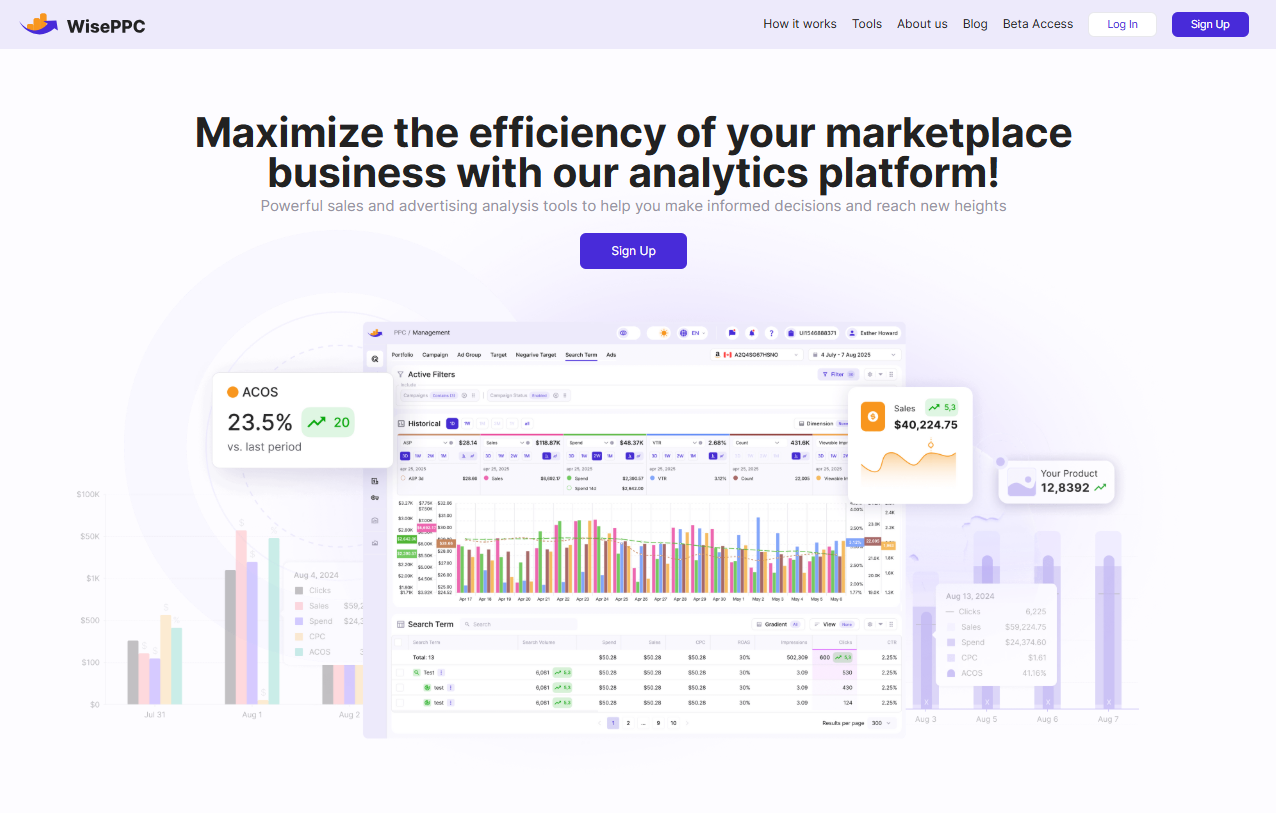
At WisePPC, we focus on helping Amazon sellers manage and improve their advertising campaigns through a set of performance-driven tools. We designed our platform to make it easier to track ad spend, analyze keyword data, and adjust bids across multiple campaigns. Our goal is to simplify ad management and give sellers the control they need to stay profitable on Amazon.
We provide features like keyword harvesting, bulk editing, and automation rules based on real-time data. Our tools work across different Amazon marketplaces and support custom filters, scheduled changes, and negative targeting. Everything is built to save time and reduce wasted ad spend while staying focused on profitability.
Key Highlights:
- Centralized dashboard for ad performance
- Real-time keyword and campaign data
- Automation based on profit and performance
- Bulk editing and keyword filtering
- Marketplace-specific campaign tools
Services:
- Amazon PPC campaign management
- Bid automation and optimization
- Keyword harvesting and negative matching
- Profitability tracking and reporting
- Cross-marketplace ad support
Top Internal Tools to Strengthen Your Amazon Selling Strategy
To succeed on Amazon, sellers need more than just great products – they need the right tools to manage operations, optimize listings, and drive visibility. Below are the most effective internal tools provided by Amazon to help streamline your workflow, boost performance, and power your overall selling strategy.
1. Seller Central
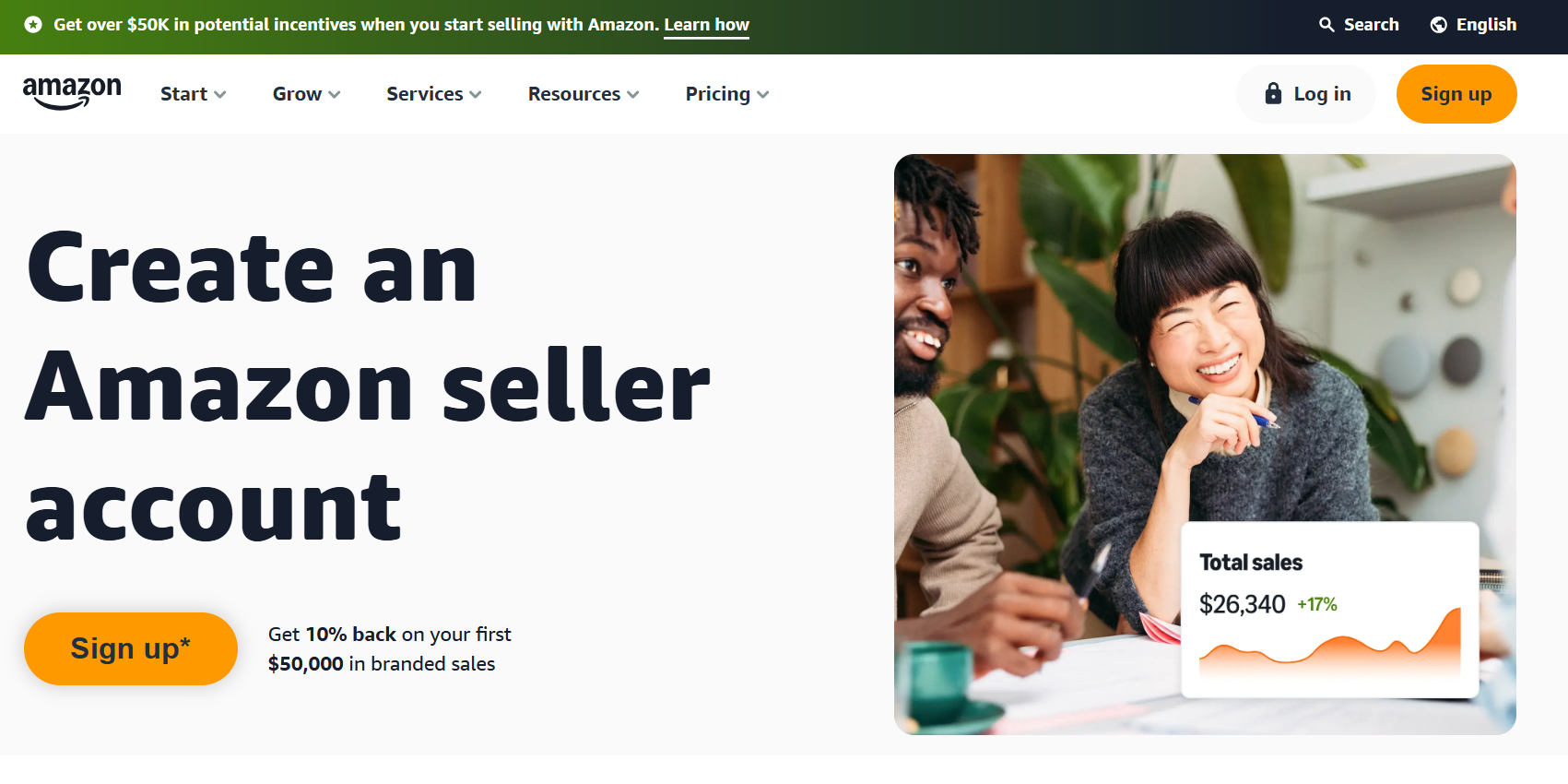
Seller Central is the main platform Amazon provides for third-party sellers to manage their business operations. It offers access to account settings, product listings, inventory, order tracking, payments, performance metrics, and support resources. Everything from uploading new products to responding to customer messages is handled through this interface.
Sellers use the dashboard to monitor business performance, adjust pricing, manage shipping settings, and download detailed reports. It also connects directly to other internal tools like advertising management, brand protection, and customer feedback monitoring. This makes it a central workspace for all seller-related activity on the Amazon marketplace.
Key Highlights:
- Central dashboard for business operations
- Inventory and order management
- Pricing, returns, and refund controls
- Access to reports and performance metrics
- Integration with other Amazon tools
Contact and Social Media Information:
- Website: sellercentral.amazon.com
- Facebook: www.facebook.com/SellonAmazon
- Twitter: x.com/Sell_on_Amazon
- Instagram: www.instagram.com/sellonamazon
2. Amazon Brand Registry
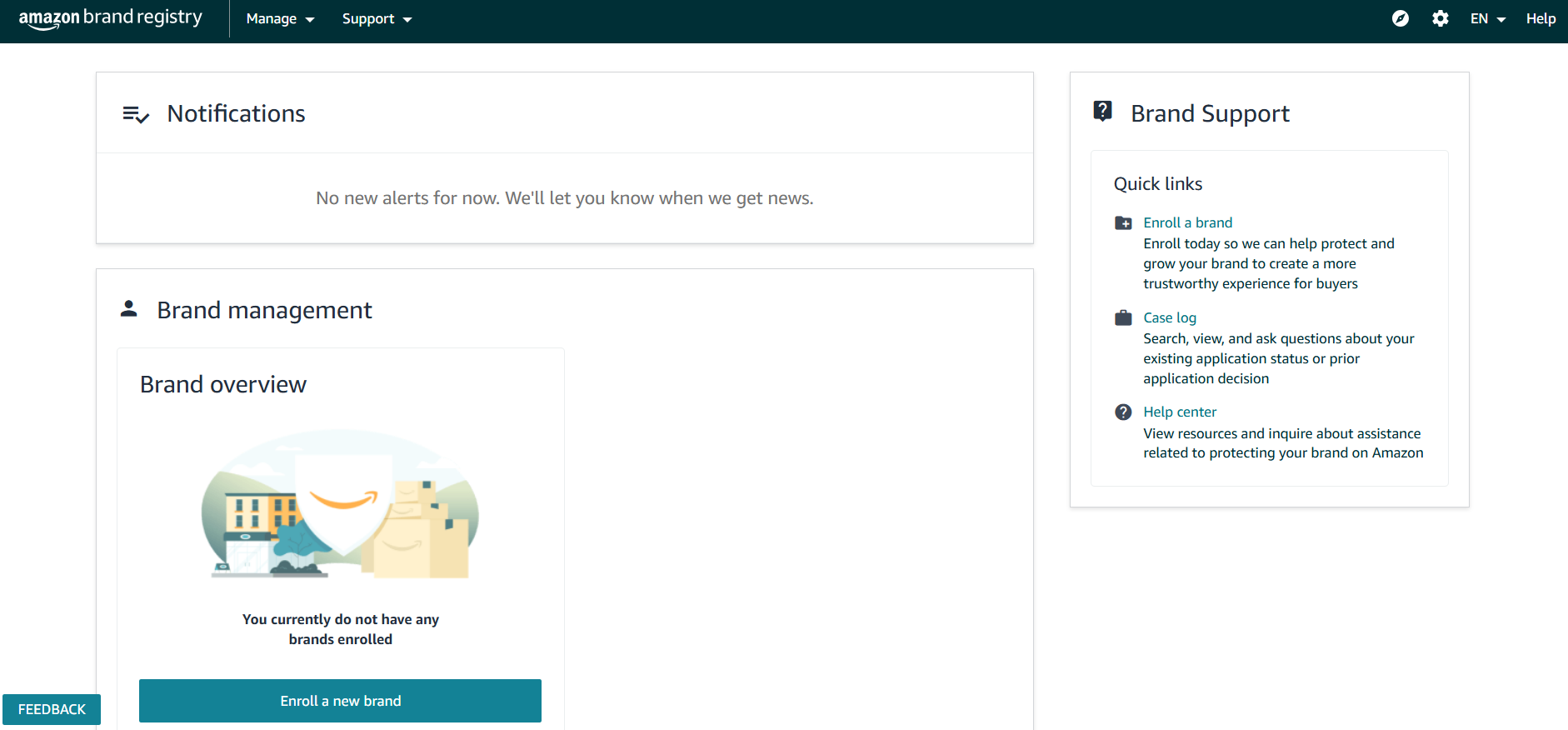
Amazon Brand Registry is a tool developed for brand owners to help manage and protect their intellectual property across the Amazon marketplace. It allows sellers to register their trademarks with Amazon, which gives access to a range of features for monitoring listings, reporting violations, and gaining control over branded product detail pages.
Once enrolled, brands can use tools like automated protections, search tools for detecting potential misuse, and access to programs like A+ Content and Brand Analytics. The system is designed to help ensure accurate brand representation and limit interference from unauthorized sellers. It’s also integrated with other Amazon services to support visibility and consistency across listings.
Key Highlights:
- Trademark-based brand enrollment
- Access to brand-specific tools and analytics
- Control over branded product detail pages
- Search and reporting for listing violations
- Integration with content and advertising tools
Contact and Social Media Information:
- Website: brandregistry.amazon.com

3. Amazon Advertising Console
Amazon Advertising Console is the internal platform sellers and vendors use to create, manage, and monitor their ad campaigns across Amazon’s network. It supports Sponsored Products, Sponsored Brands, and Sponsored Display, giving advertisers multiple formats to reach customers at different stages of the shopping process. Campaigns can be created manually or with the help of built-in tools that offer suggestions based on previous performance.
Users can manage targeting, budgets, and bids through the console, and access detailed reporting to evaluate how ads are performing. The platform also includes functions for testing ad creatives, adjusting placements, and reviewing keyword efficiency. It is connected with other Amazon tools to support unified brand visibility and campaign tracking.

Key Highlights:
- Management of Sponsored Products, Brands, and Display ads
- Tools for campaign setup and optimization
- Budget, bid, and targeting controls
- Performance reporting and analytics
- Integration with broader Amazon tools and brand assets
Contact and Social Media Information:
- Website: advertising.amazon.com
- Facebook: www.facebook.com/AmazonAds
- Twitter: x.com/AmazonAds
- LinkedIn: www.linkedin.com/showcase/amazonadvertising
- Instagram: www.instagram.com/amazonads

4. A+ Content Manager
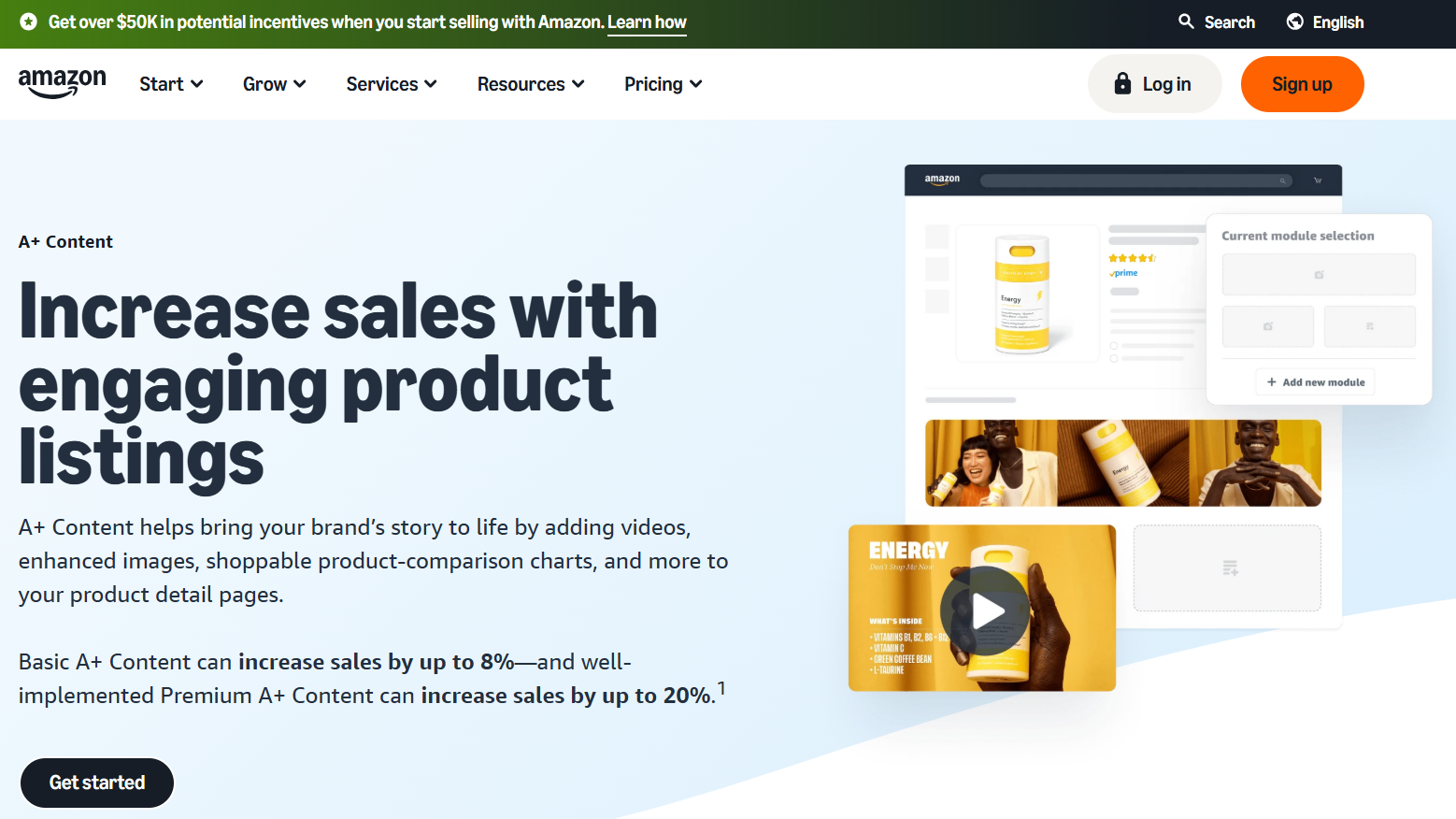
A+ Content Manager is a tool for brand-registered sellers to create enhanced product detail pages. It allows them to add custom text, comparison tables, and high-quality images that are not available in standard listings. The tool helps improve how product information is structured and displayed, making it easier for customers to understand features and differences between similar items.
Sellers use this tool to manage content templates and apply them across multiple ASINs. It supports modules that can be reused and modified depending on the product type. The system is integrated with the Brand Registry, so only approved brand owners can access it through Seller Central.
Key Highlights:
- Access to enhanced content layouts
- Custom image and text modules
- Comparison charts for related products
- Support for multiple ASINs and templates
- Available to brand-registered sellers through Seller Central
Contact and Social Media Information:
- Website: sell.amazon.com/tools/a-content
- Facebook: www.facebook.com/SellonAmazon
- Twitter: x.com/Sell_on_Amazon
- Instagram: www.instagram.com/sellonamazon
5. Amazon Attribution
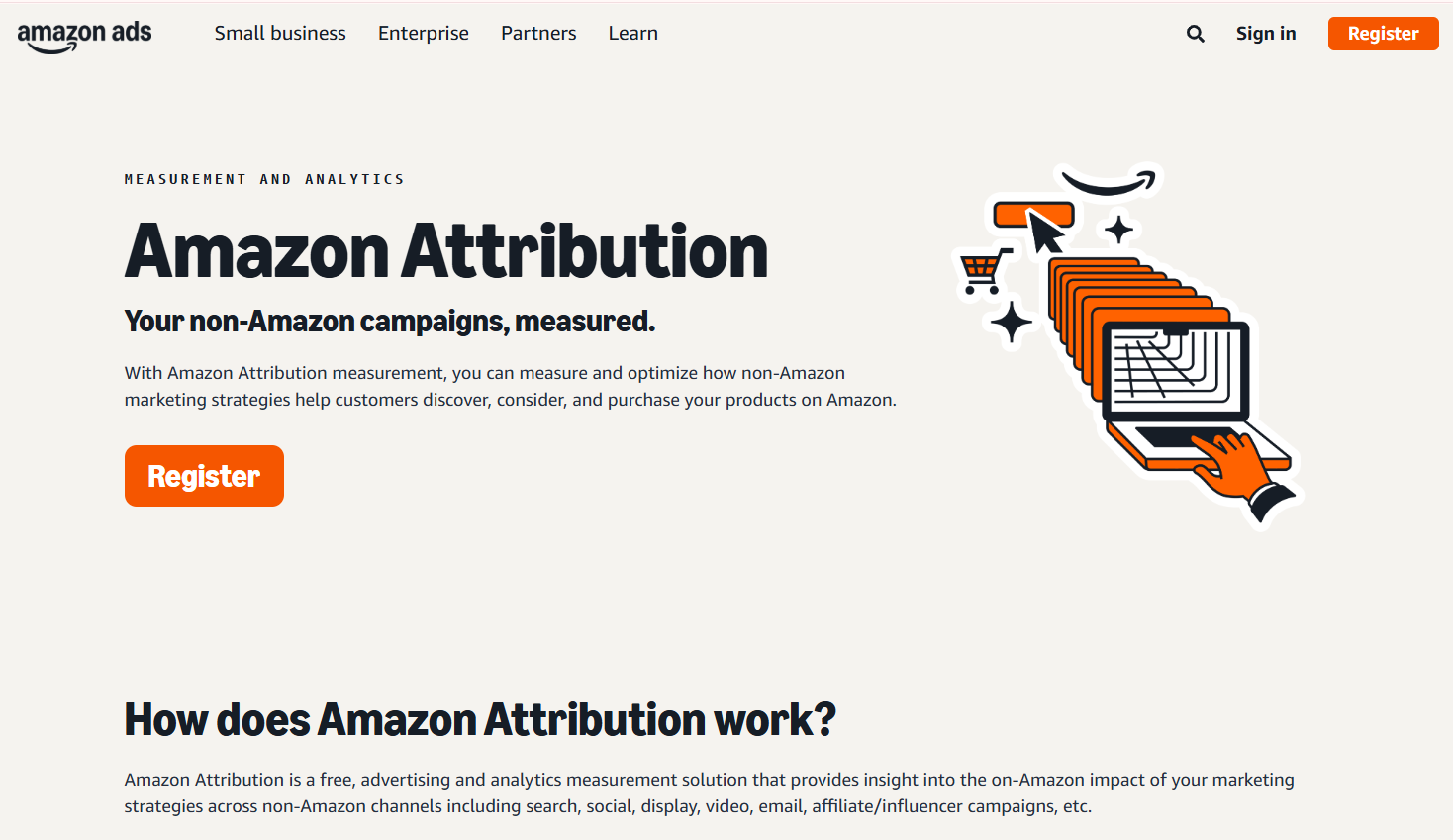
Amazon Attribution is a measurement tool that helps sellers and vendors understand how their non-Amazon marketing channels affect customer activity on Amazon. It tracks clicks and conversions from sources like search engines, social media, email, and other external campaigns. This allows sellers to connect external advertising efforts with Amazon sales and engagement.
They use the platform to create tracking tags, which are applied to external ads and links. The tool provides reports that show how different channels contribute to product views, adds to cart, and purchases. By analyzing this data, sellers can decide which marketing efforts are having a direct impact on their Amazon performance.
Key Highlights:
- Tracks external traffic to Amazon product listings
- Measures clicks, detail page views, and conversions
- Allows comparison across different marketing channels
- Supports attribution from search, social, email, and more
- Accessible to brand-registered sellers and vendors
Contact and Social Media Information:
- Website: advertising.amazon.com
- Facebook: www.facebook.com/AmazonAds
- Twitter: x.com/AmazonAds
- LinkedIn: www.linkedin.com/showcase/amazonadvertising
- Instagram: www.instagram.com/amazonads

6. Manage Your Experiments
Manage Your Experiments is a tool that lets brand-registered sellers run A/B tests on content in their product listings. It supports experiments on titles, bullet points, product descriptions, and A+ Content. Sellers use this tool to compare two versions of content and see which one performs better based on customer engagement and sales-related metrics.
The platform is available through Seller Central and is only accessible to brands that meet certain eligibility requirements. They can set up experiments, monitor results in real time, and choose to apply the better-performing version. This helps guide future content updates with more informed decisions.

Key Highlights:
- A/B testing for product titles, descriptions, and A+ Content
- Results based on customer engagement and sales
- Only available to eligible brand-registered sellers
- Experiments run within a set timeframe
- Option to apply the better-performing version after testing
Contact and Social Media Information:
- Website: sell.amazon.com/tools/manage-your-experiments
- Facebook: www.facebook.com/SellonAmazon
- Twitter: x.com/Sell_on_Amazon
- Instagram: www.instagram.com/sellonamazon

7. Amazon Vine
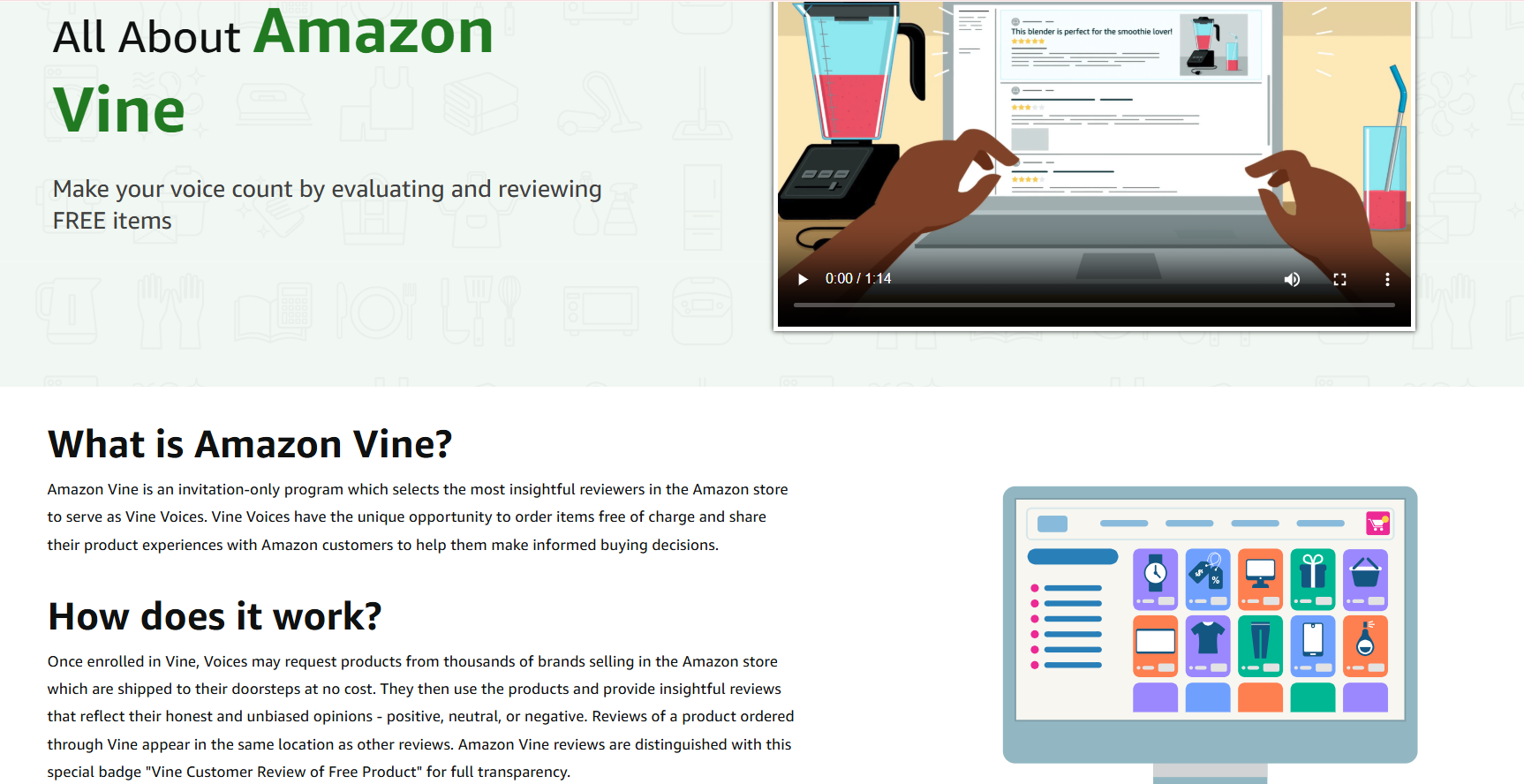
Amazon Vine is a program that invites trusted reviewers to receive products for free in exchange for sharing their honest feedback. Sellers and vendors enroll eligible products to gain early reviews from Vine Voices, who have been selected based on their review history and helpfulness. The program aims to provide new products with credible and detailed customer insights.
Participants use Vine to gather reviews before or shortly after product launches, helping inform potential buyers. The feedback received through Vine is published alongside other customer reviews and is clearly marked. Sellers can manage which products are enrolled and track review activity through their Seller Central account.
Key Highlights:
- Invitation-only program for reviewers
- Provides early product reviews from selected customers
- Helps gather authentic feedback before full launch
- Reviews are labeled as Vine reviews
- Accessible via Seller Central for enrolled products
Contact and Social Media Information:
- Website: www.amazon.com/vine/about
8. Amazon Brand Analytics
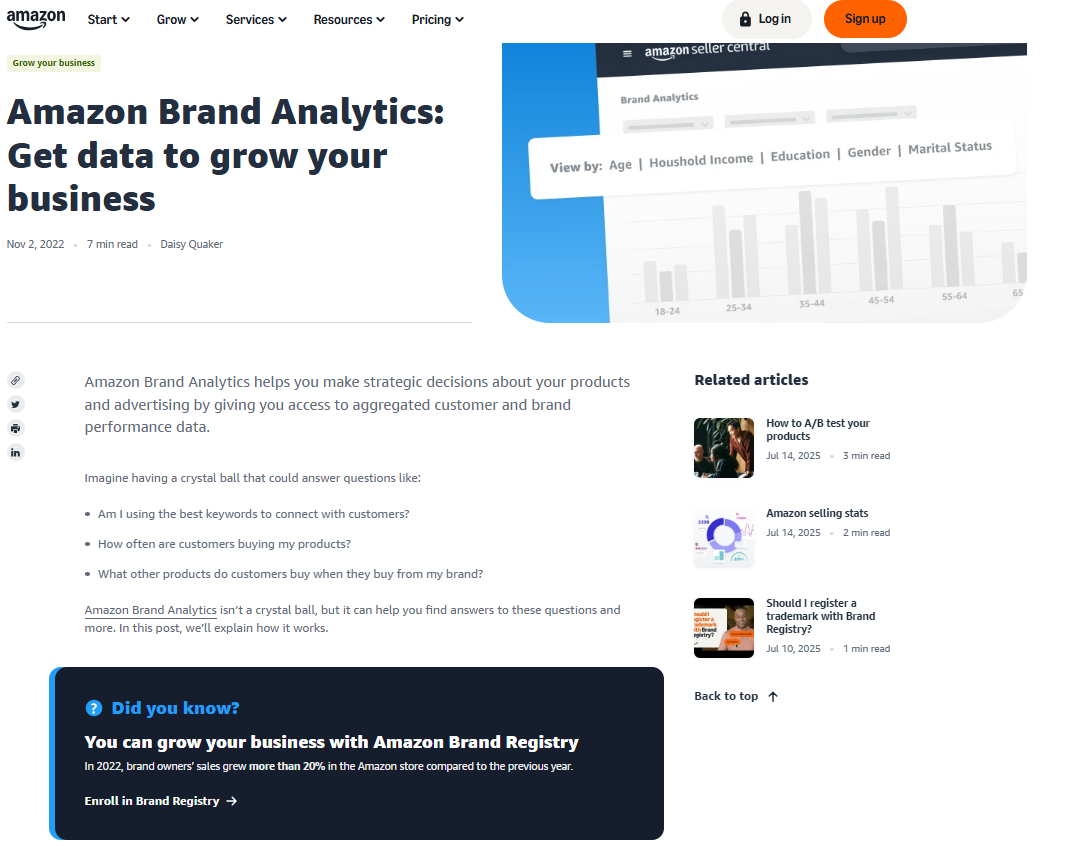
Amazon Brand Analytics provides brand-registered sellers with data insights about customer search behavior and competitive trends on the platform. The tool includes reports on popular search terms, market basket analysis, and item comparison, which help sellers understand customer preferences and improve listing strategies.
Brands use these insights to identify high-performing keywords, evaluate competitor performance, and adjust advertising or inventory decisions. The data supports informed choices related to marketing and product development by highlighting what customers search for and how they shop on Amazon.
Key Highlights:
- Access to customer search term reports
- Market basket analysis showing related purchases
- Item comparison data for competitive insights
- Helps optimize keywords and advertising
- Available to brand-registered sellers through Seller Central
Contact and Social Media Information:
- Website: sell.amazon.com/blog/brand-analytics
- Facebook: www.facebook.com/SellonAmazon
- Twitter: x.com/Sell_on_Amazon
- Instagram: www.instagram.com/sellonamazon

9. FBA Revenue Calculator
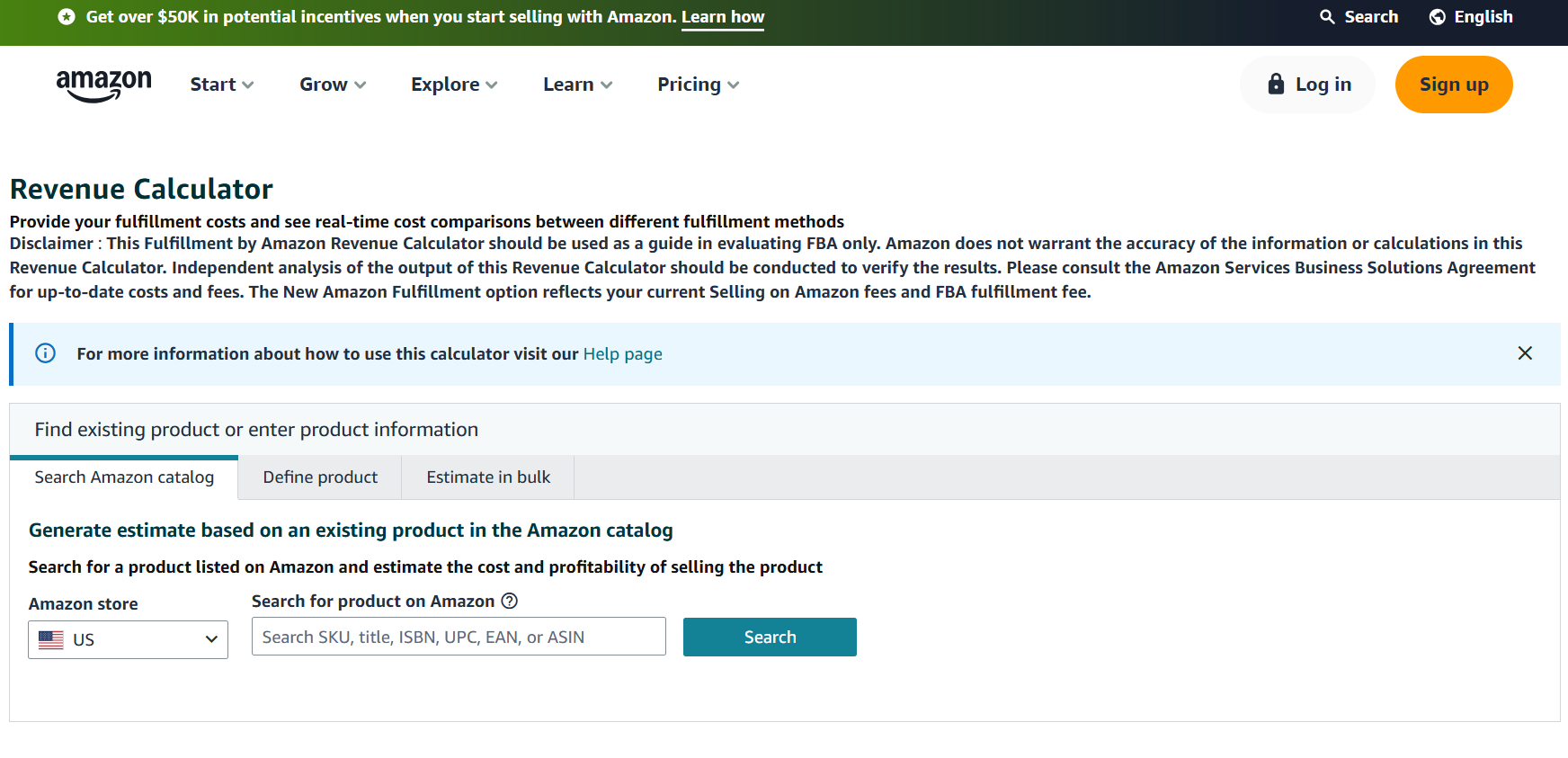
The FBA Revenue Calculator is a tool that helps sellers estimate the costs and potential margins when using Fulfillment by Amazon. Sellers input product details such as price, dimensions, and shipping method to see an estimate of Amazon fees and net revenue. This helps them decide whether FBA is suitable for a given product.
They can compare FBA with their own fulfillment methods and adjust variables like item cost or shipping rates to see how different scenarios affect profitability. The tool supports planning around pricing strategies, fee management, and cost forecasting before listing or importing a product.
Key Highlights:
- Estimates FBA fees based on product inputs
- Compares Amazon fulfillment with self-fulfillment
- Helps evaluate profit margins before listing
- Allows adjustments for pricing and shipping variables
- Useful for cost planning and decision-making
Contact and Social Media Information:
- Website: sellercentral.amazon.com/hz/fba/profitabilitycalculator
- Facebook: www.facebook.com/SellonAmazon
- Twitter: x.com/Sell_on_Amazon
- Instagram: www.instagram.com/sellonamazon

10. Seller University
Seller University is Amazon’s internal learning platform designed to help sellers understand how to manage and grow their business on the marketplace. It provides structured educational content through videos, tutorials, and step-by-step guides covering topics like account setup, listing optimization, advertising, and fulfillment.
They use the platform to onboard new team members, troubleshoot operational issues, or refresh their knowledge of Amazon’s tools and policies. Content is grouped by topic, and sellers can choose relevant lessons based on their experience level or specific needs. The resource is available within Seller Central and updated as Amazon tools and rules evolve.

Key Highlights:
- Educational content on selling practices
- Tutorials for account, listing, and campaign setup
- Videos and step-by-step learning modules
- Useful for onboarding and operational training
- Available directly within Seller Central
Contact and Social Media Information:
- Website: sell.amazon.com/learn/seller-university
- Facebook: www.facebook.com/SellonAmazon
- Twitter: x.com/Sell_on_Amazon
- Instagram: www.instagram.com/sellonamazon

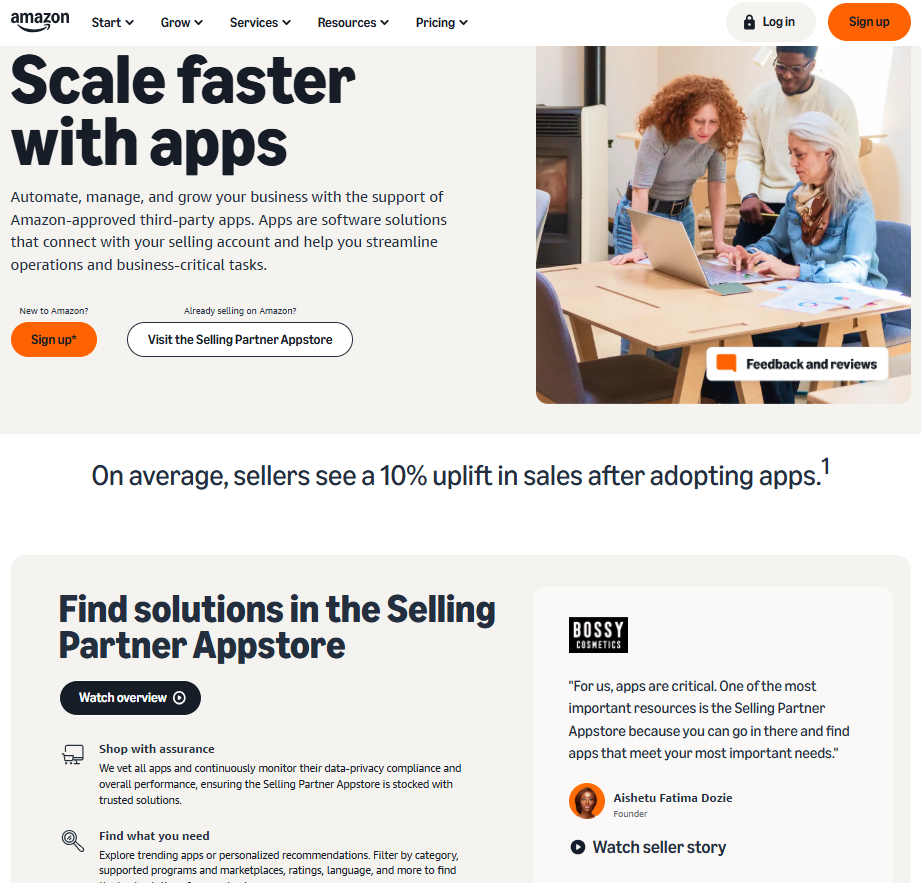
11. Selling Partner Appstore
The Selling Partner Appstore is a directory of third-party applications that integrate with Amazon Seller Central. Sellers use it to find tools that support operations such as listing management, pricing, advertising, inventory tracking, and accounting. Each app connects with Amazon systems through the Selling Partner API and is listed with usage details and customer ratings.
They browse categories to match apps with specific business needs and can compare options before installing. This setup helps sellers extend the functionality of their internal tools without building custom solutions. All apps go through a vetting process before being made available on the platform.
Key Highlights:
- Directory of third-party tools for Amazon sellers
- Apps for inventory, pricing, shipping, and more
- Integration through Selling Partner API
- Search and filter functions by category
- Customer reviews and usage descriptions included
Contact and Social Media Information:
- Website: sell.amazon.com/tools/selling-partner-appstore
- Facebook: www.facebook.com/SellonAmazon
- Twitter: x.com/Sell_on_Amazon
- Instagram: www.instagram.com/sellonamazon

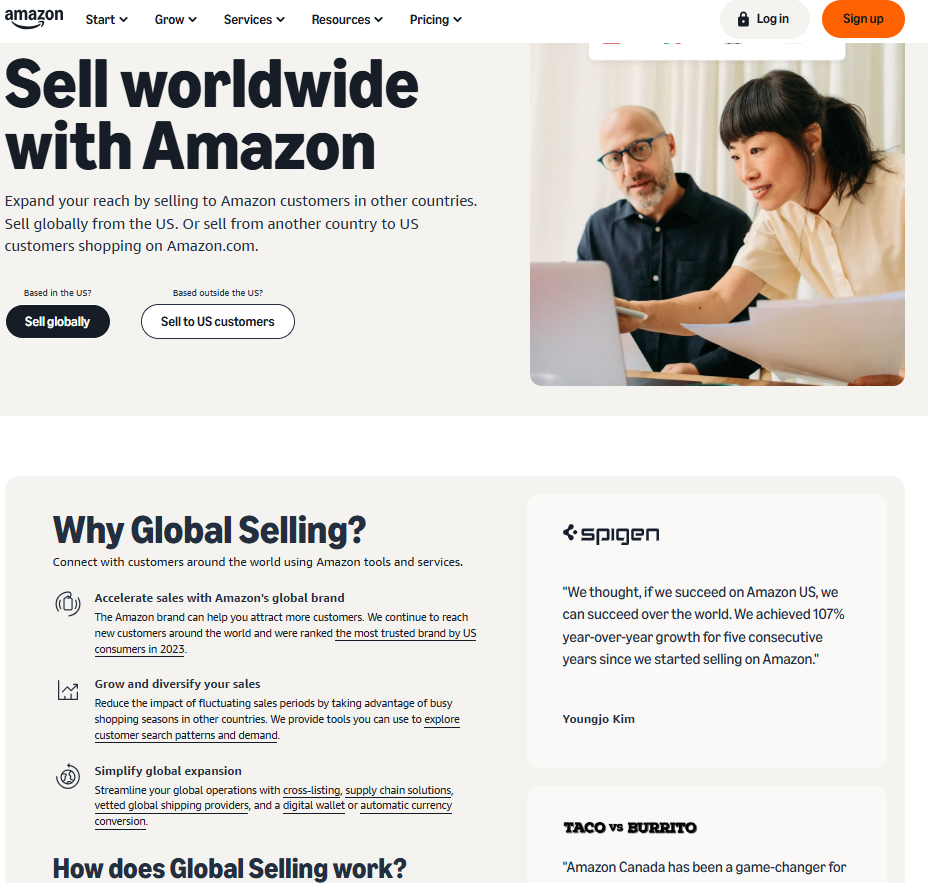
12. Amazon Global Selling
Amazon Global Selling allows sellers to expand their business by listing and fulfilling products in Amazon marketplaces outside their home country. It provides access to tools for managing international listings, handling currency conversion, dealing with import requirements, and coordinating cross-border logistics. Sellers can choose which countries to sell in and maintain control of pricing and shipping methods for each market.
They use the system to manage language localization, comply with regional policies, and integrate with fulfillment solutions like FBA Global Export. It helps sellers reach more customers while keeping operations connected to a single Seller Central account. Additional support tools include tax guidance, regulatory checklists, and international return handling.
Key Highlights:
- Access to multiple international Amazon marketplaces
- Tools for listing translation and localization
- Currency conversion and tax support
- Integration with international fulfillment services
- Centralized account management for global sales
Contact and Social Media Information:
- Website: sell.amazon.com/global-selling
- Facebook: www.facebook.com/SellonAmazon
- Twitter: x.com/Sell_on_Amazon
- Instagram: www.instagram.com/sellonamazon
13. Amazon Transparency
Amazon Transparency is a product serialization service used by brand-registered sellers to prevent counterfeits from reaching customers. Each unit is labeled with a unique Transparency code that can be scanned by Amazon and customers to verify authenticity. This system helps maintain control over product integrity during the supply chain and after fulfillment.
Sellers enrolled in the program apply Transparency codes to products before shipment. Amazon uses these codes to inspect items at fulfillment centers, and customers can scan them using the Transparency app. The program supports both FBA and seller-fulfilled products and is managed through Seller Central.

Key Highlights:
- Unit-level product serialization with unique codes
- Counterfeit prevention through scan-based verification
- Works with FBA and self-fulfilled inventory
- Scannable by Amazon and end customers
- Available to brand-registered sellers through Seller Central
Contact and Social Media Information:
- Website: sell.amazon.com/brand-registry/transparency
- Facebook: www.facebook.com/SellonAmazon
- Twitter: x.com/Sell_on_Amazon
- Instagram: www.instagram.com/sellonamazon
Conclusion
Amazon provides a wide range of internal tools that help sellers manage and grow their businesses more effectively. From listing optimization and advertising to performance tracking and international expansion, each tool plays a specific role in streamlining operations and supporting informed decision-making.
By understanding how these tools function and how they fit into daily workflows, sellers can build a more structured and efficient strategy. Whether they are just starting out or managing a mature storefront, using Amazon’s internal resources in a coordinated way helps improve visibility, maintain product quality, and stay aligned with platform standards.
 No credit card required