
 EN
EN  ES
ES  FR
FR  DE
DE  IT
IT  KO
KO  JA
JA  ZH
ZH  AR
AR  PT
PT  TR
TR PL
PL
Amazon offers a powerful set of developer tools that help streamline everything from coding and deployment to monitoring and automation. Whether you’re building an app, managing cloud infrastructure, or working with Alexa, these tools make it easier to develop and scale solutions efficiently. In this article, we’ll explore the top Amazon developer tools and how they support different stages of the development lifecycle.

WisePPC: Ad Optimization and Insights for Amazon-Focused Developers
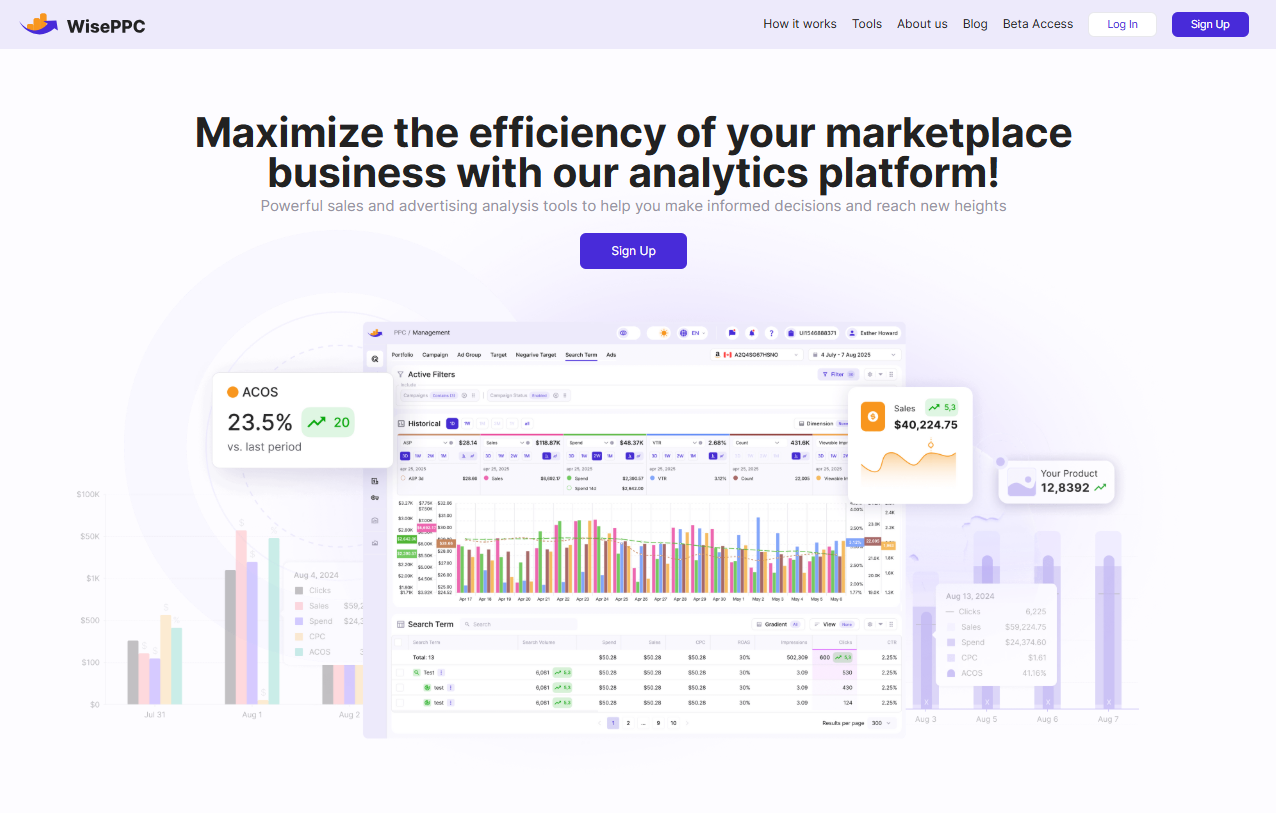
At WisePPC, we provide a platform built to support both marketers and developers working with Amazon Ads. We integrate directly with Amazon APIs to ensure compatibility, accuracy, and efficiency. Our system brings together ad performance tracking, bulk editing, and analytics in one place, so you can manage campaigns and analyze data without switching between tools.
We’ve designed WisePPC to work seamlessly within Amazon-focused development workflows. You can filter data, adjust bids and budgets inline, and access long-term performance trends that go beyond what Amazon’s native tools offer. Whether you’re building internal tools, automating ad operations, or simply looking for more visibility across campaigns, we give you the control and clarity to work smarter with Amazon Ads. If you develop around the Amazon ecosystem and want a clearer, faster way to manage your ads, WisePPC is ready to support your workflow.
Key Highlights:
- Campaign and keyword management with bulk editing
- Advanced filtering across campaigns, ad groups, and targets
- Historical and real-time metrics for deep performance analysis
- On-table campaign editing without switching screens
- Placement performance insights and strategy tracking
- Long-term data storage beyond Amazon’s default limits
- Planned AI-based features like dynamic repricing and smart bidding
Who It’s Best for:
- Developers building ad-focused tools for Amazon
- Brands scaling operations and looking for deep analytics
- Agencies needing multi-account dashboards and automation
- Teams that want to cut down manual ad work and optimize performance
- Anyone wanting to move away from guesswork and base actions on data

1. Amazon SageMaker
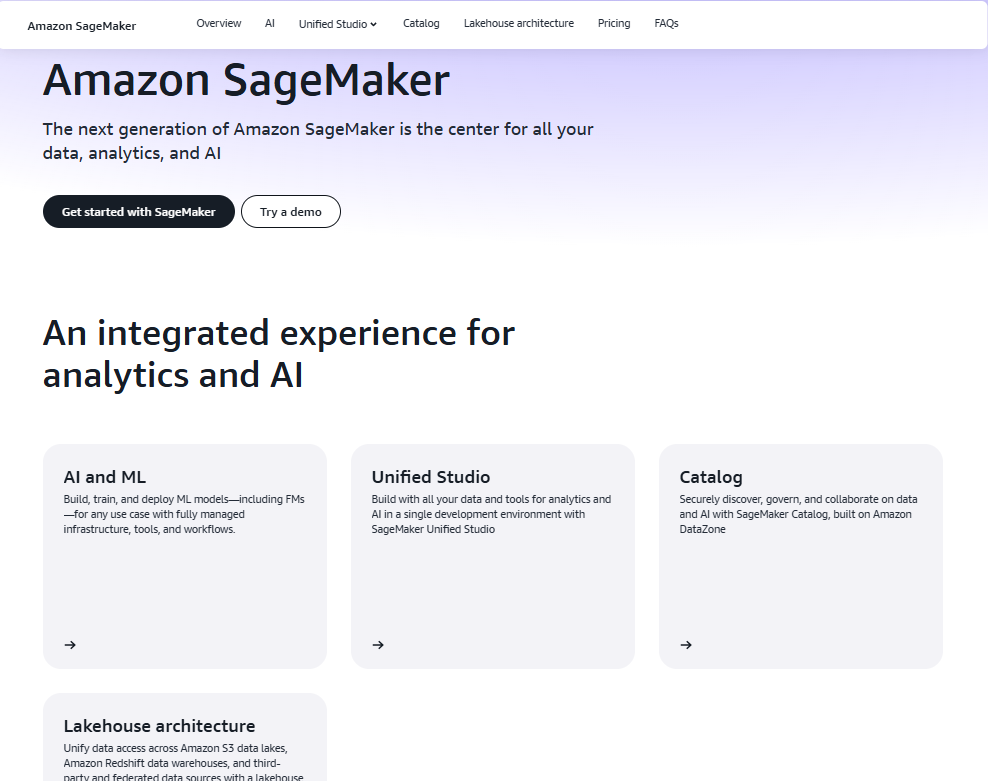
Amazon SageMaker is a managed service that enables developers and data scientists to build, train, and deploy machine learning models at scale. It provides a unified interface called SageMaker Studio that combines tools for data analytics, model development, and deployment workflows. With support for data lakes, data warehouses, and federated sources, SageMaker helps users work with distributed data while maintaining governance and access controls.
They offer built-in capabilities for generative AI, MLOps, and structured analytics through integrations with tools like Redshift, Athena, and AWS Glue. SageMaker supports full ML lifecycles, including model training, experimentation, monitoring, and deployment. Its flexible architecture allows teams to use both visual and code-based environments, depending on project needs. Developers can also access curated model catalogs and reuse components to speed up development.
Key Highlights:
- Unified development environment for AI and ML
- Supports full ML lifecycle from data prep to deployment
- Integrates with AWS analytics and data tools
- Built-in governance and access control features
- Supports both code and visual workflows
Who It’s Best for:
- Developers and data scientists building AI/ML solutions
- Teams working with large or distributed data environments
- Organizations standardizing their ML development tools
- Users deploying models in production at scale
Contact and Social Media Information:
- Website: aws.amazon.com/sagemaker
- Facebook: www.facebook.com/amazonwebservices
- Twitter: x.com/awscloud
- LinkedIn: www.linkedin.com/company/amazon-web-services
- Instagram: www.instagram.com/amazonwebservices

2. Amazon Q
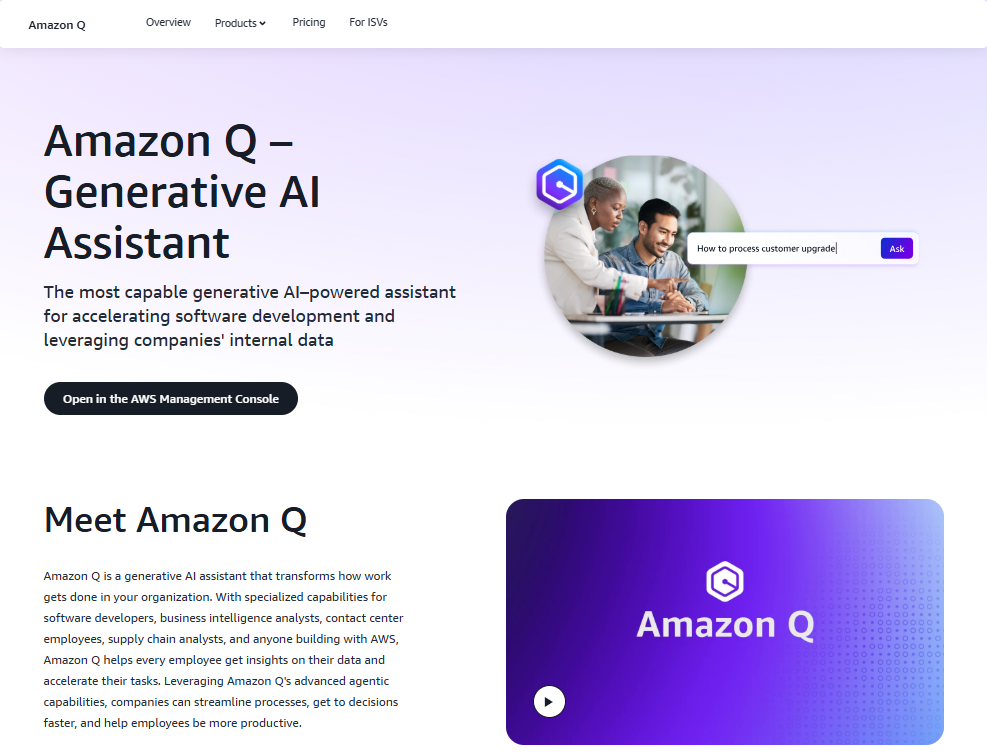
Amazon Q is a generative AI assistant built to support tasks across software development, business operations, and data workflows. It includes two main products: Amazon Q Business and Amazon Q Developer. Q Business helps users interact with organizational data across connected platforms, while Q Developer assists developers and IT teams with coding, testing, deployment, security, and optimization tasks within AWS environments.
They support integration with tools like GitHub, Slack, Jira, and Amazon S3, enabling Amazon Q to surface relevant information or automate steps directly in those platforms. Amazon Q Developer can help with writing code, scanning for vulnerabilities, and deploying cloud-native applications. Its support for natural language prompts makes it accessible to both technical and non-technical users looking to work more efficiently across their data and systems.
Key Highlights:
- Generative AI assistant with developer and business-focused tools
- Integrates with code repositories, chat platforms, and business apps
- Supports software development, AI/ML workflows, and data access
- Provides security-aware interactions based on user permissions
- Enables natural language interaction across tasks and systems
Who It’s Best for:
- Developers looking to automate routine coding and deployment tasks
- Business teams needing fast access to organizational knowledge
- Organizations working across distributed systems and data sources
- Users integrating AI tools into everyday workflows without custom setup
Contact and Social Media Information:
- Website: aws.amazon.com/q
- Facebook: www.facebook.com/amazonwebservices
- Twitter: x.com/awscloud
- LinkedIn: www.linkedin.com/company/amazon-web-services
- Instagram: www.instagram.com/amazonwebservices
3. AWS CloudShell
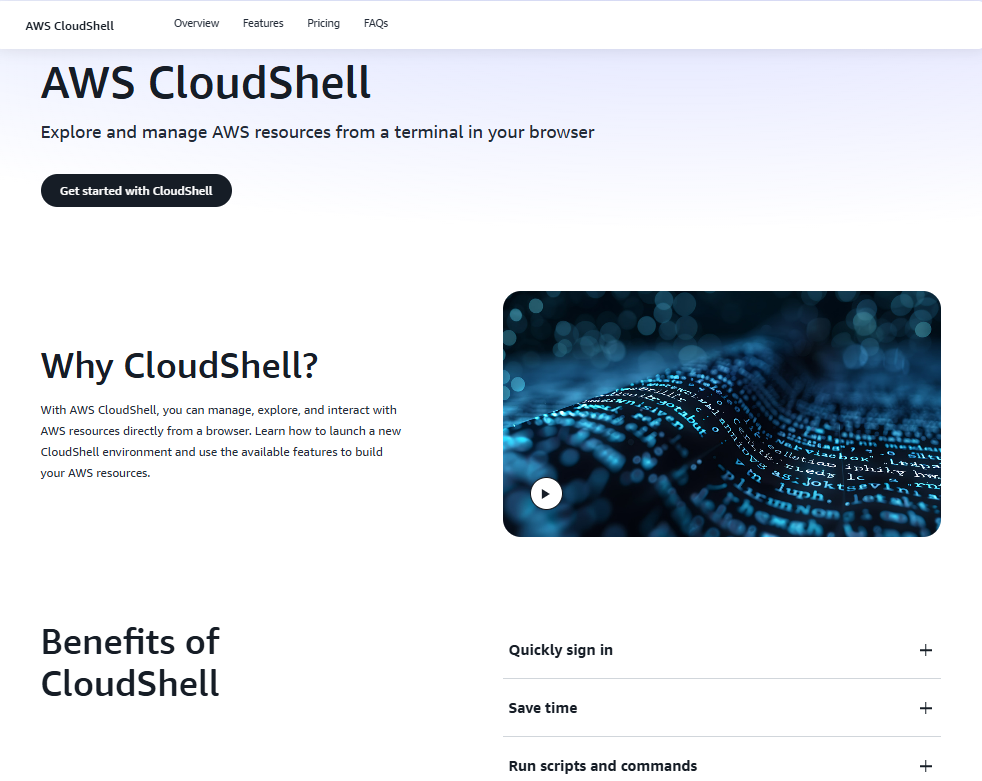
AWS CloudShell is a browser-based shell that lets users manage AWS resources from a terminal environment without local setup. It is accessible from the AWS Management Console and provides a ready-to-use shell environment preconfigured with the AWS CLI and commonly used development tools. CloudShell automatically sets up permissions based on the user’s console credentials, making it easy to begin working without additional configuration.
The tool is designed for quick tasks such as running scripts, testing commands, or managing infrastructure directly. Users can store files and scripts in their home directory and customize it as needed. CloudShell helps reduce time spent switching tools or setting up terminals locally and provides a direct path to interact with AWS services through scripting and command-line operations.
Key Highlights:
- Preconfigured browser-based shell with AWS CLI access
- Automatic credential management via console integration
- Persistent home directory for scripts and files
- Ideal for short tasks, quick edits, and exploratory work
- No need to install or configure local tools
Who It’s Best for:
- Users managing AWS resources through scripts or CLI
- Developers needing a secure, ready-to-use shell environment
- Admins making quick changes or checks within AWS
- Teams that want browser-based access to infrastructure tools
Contact and Social Media Information:
- Website: aws.amazon.com/cloudshell
- Facebook: www.facebook.com/amazonwebservices
- Twitter: x.com/awscloud
- LinkedIn: www.linkedin.com/company/amazon-web-services
- Instagram: www.instagram.com/amazonwebservices
4. AWS CLI
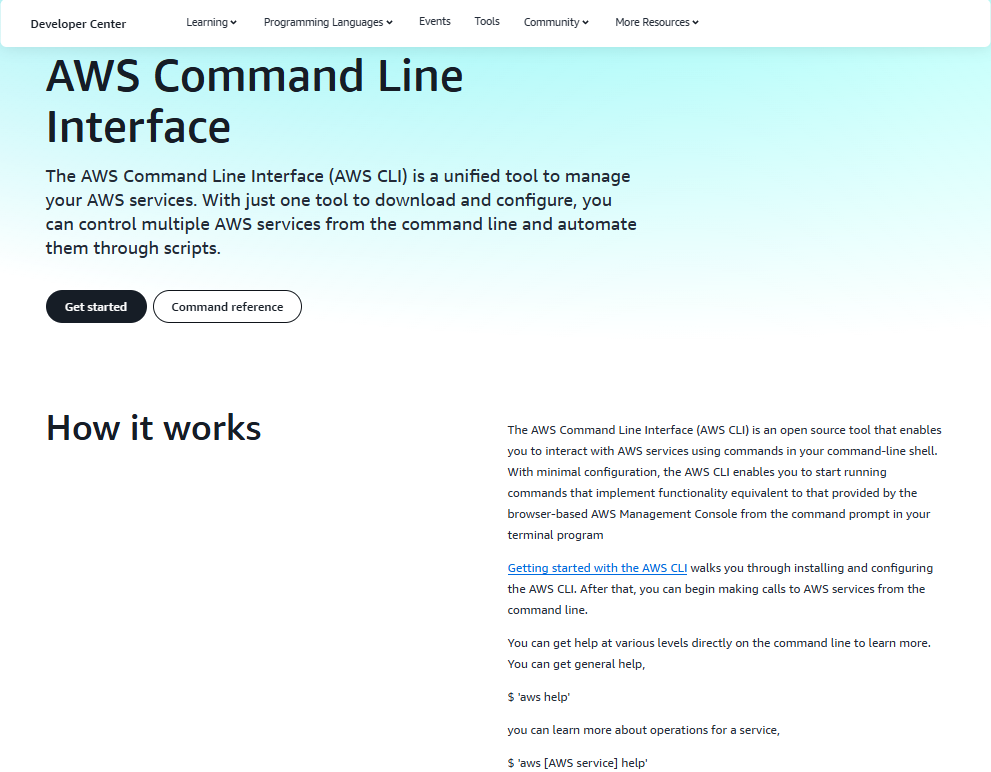
The AWS Command Line Interface (AWS CLI) is a unified tool that enables users to interact with AWS services using commands in a terminal shell. It simplifies tasks such as launching EC2 instances, managing S3 buckets, and configuring IAM roles by allowing users to write scripts and automate workflows. The CLI is available for all major platforms and supports tab completion, auto-prompting, and command history features to improve productivity.
Once configured, the AWS CLI gives access to most AWS services through consistent syntax, reducing the need to use the Management Console. It’s suited for both day-to-day operations and infrastructure automation. Developers and administrators can integrate the CLI into CI/CD pipelines, automate deployments, or perform batch operations across multiple services.
Key Highlights:
- Command-line access to nearly all AWS services
- Enables scripting and automation for infrastructure tasks
- Supports features like tab completion and command history
- Available across platforms with minimal setup
- Easily integrates into development and deployment workflows
Who It’s Best for:
- Developers automating deployments and infrastructure management
- System administrators handling AWS resources via scripts
- Teams building CI/CD pipelines using AWS services
- Users preferring terminal-based interaction over browser UIs
Contact and Social Media Information:
- Website: aws.amazon.com/cli
- Facebook: www.facebook.com/amazonwebservices
- Twitter: x.com/awscloud
- LinkedIn: www.linkedin.com/company/amazon-web-services
- Instagram: www.instagram.com/amazonwebservices
5. AWS CodeBuild
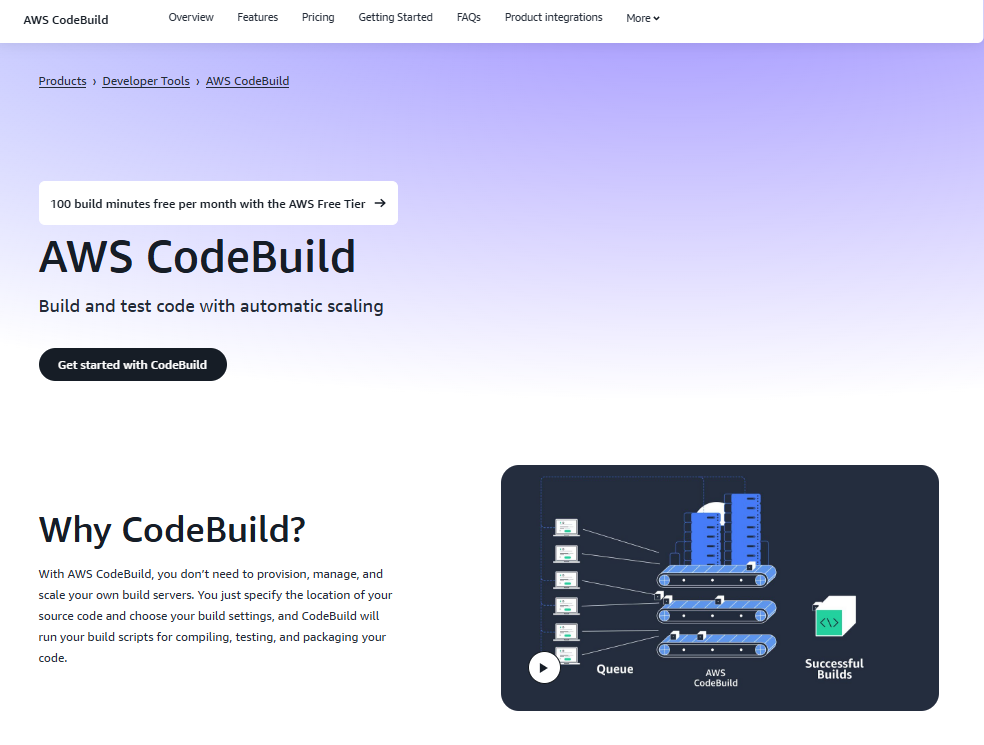
AWS CodeBuild is a fully managed build service that compiles source code, runs tests, and produces artifacts for deployment. It allows users to run builds without setting up or managing their own build servers. By specifying a source location and defining build settings, users can run build scripts for a variety of project types and frameworks.
The service handles automatic scaling based on workload and includes preconfigured environments for common languages and tools. It supports integration with AWS services like CodePipeline and external repositories such as GitHub. CodeBuild is typically used to automate continuous integration processes and to build, test, and package code in a repeatable way across environments.
Key Highlights:
- No need to manage or provision build servers
- Supports preconfigured build environments
- Scales automatically based on workload demand
- Integrates with AWS and external repositories
- Suitable for CI/CD pipelines
Who It’s Best for:
- Developers building and testing code regularly
- Teams automating CI/CD workflows
- Users migrating from local build servers to the cloud
- Projects needing scalable build infrastructure
Contact and Social Media Information:
- Website: aws.amazon.com/codebuild
- Facebook: www.facebook.com/amazonwebservices
- Twitter: x.com/awscloud
- LinkedIn: www.linkedin.com/company/amazon-web-services
- Instagram: www.instagram.com/amazonwebservices

6. AWS CodeDeploy
AWS CodeDeploy is a deployment automation service that helps developers release application updates across various environments, including Amazon EC2, AWS Lambda, and on-premises servers. It allows users to automate software deployments and reduce the risk of downtime during updates by using features like health checks and automatic rollback.
The service supports different deployment strategies, such as in-place and blue/green deployments, to match the needs of different application types. CodeDeploy integrates with other AWS services and tools, making it easier to coordinate and monitor application releases. It is commonly used to standardize deployment processes, improve consistency, and maintain uptime during application updates.
Key Highlights:
- Automates application deployments across AWS and on-prem
- Monitors deployment status and health in real time
- Supports in-place and blue/green deployment strategies
- Enables rollbacks in case of deployment failures
- Works with EC2, Lambda, and custom on-prem infrastructure
Who It’s Best for:
- Teams deploying applications to multiple environments
- Organizations using EC2 or Lambda for production workloads
- Developers automating release processes
- Users needing rollback and deployment monitoring features
Contact and Social Media Information:
- Website: aws.amazon.com/codedeploy
- Facebook: www.facebook.com/amazonwebservices
- Twitter: x.com/awscloud
- LinkedIn: www.linkedin.com/company/amazon-web-services
- Instagram: www.instagram.com/amazonwebservices

7. AWS CodePipeline
AWS CodePipeline is a continuous delivery service that automates the steps required to release software changes. It connects source repositories, build systems, test tools, and deployment environments into a single pipeline, making it easier to manage and streamline the software delivery process. CodePipeline runs workflows whenever changes are made in source code, reducing the need for manual coordination between stages.
The tool supports integration with various AWS services and third-party tools, allowing users to customize pipelines based on their existing setup. It provides event-driven updates, access controls, and options to include manual approvals where needed. Teams use CodePipeline to manage automated testing, deployments, and releases across development, staging, and production environments.
Key Highlights:
- Automates full software release processes
- Integrates with AWS services and third-party tools
- Supports manual approvals and custom stages
- No server setup or maintenance required
- Updates pipelines based on source changes
Who It’s Best for:
- Development teams using continuous integration and delivery
- Organizations managing multi-stage deployment workflows
- Teams looking to reduce manual steps in release processes
- Users already working within AWS environments
Contact and Social Media Information:
- Website: aws.amazon.com/codepipeline
- Facebook: www.facebook.com/amazonwebservices
- Twitter: x.com/awscloud
- LinkedIn: www.linkedin.com/company/amazon-web-services
- Instagram: www.instagram.com/amazonwebservices

8. Amazon CodeCatalyst
Amazon CodeCatalyst is a development service designed to help teams plan, build, test, and deliver applications more efficiently on AWS. It combines multiple tools in one environment, including source control, build automation, deployment options, and collaborative features. With CodeCatalyst, users can create new projects from blueprints, work in cloud-based development environments, and connect tasks to source changes.
CodeCatalyst allows developers to automate recurring workflows, manage project configurations, and share environments without setting up individual services. It supports modern software delivery practices and is built to support teams working across different disciplines.
Key Highlights:
- Combines development, CI/CD, and project management tools
- Provides cloud-based dev environments with prebuilt templates
- Supports collaboration and shared workflows
- Simplifies project setup and delivery pipelines
- Enables task and source control integration
Who It’s Best for:
- Teams looking for an integrated cloud development experience
- Developers working on full-stack projects in AWS
- Organizations automating setup and workflow tasks
- Users aiming to centralize tools in a single interface
Contact and Social Media Information:
- Website: aws.amazon.com/codecatalyst
- Facebook: www.facebook.com/amazonwebservices
- Twitter: x.com/awscloud
- LinkedIn: www.linkedin.com/company/amazon-web-services
- Instagram: www.instagram.com/amazonwebservices

9. AWS CodeArtifact
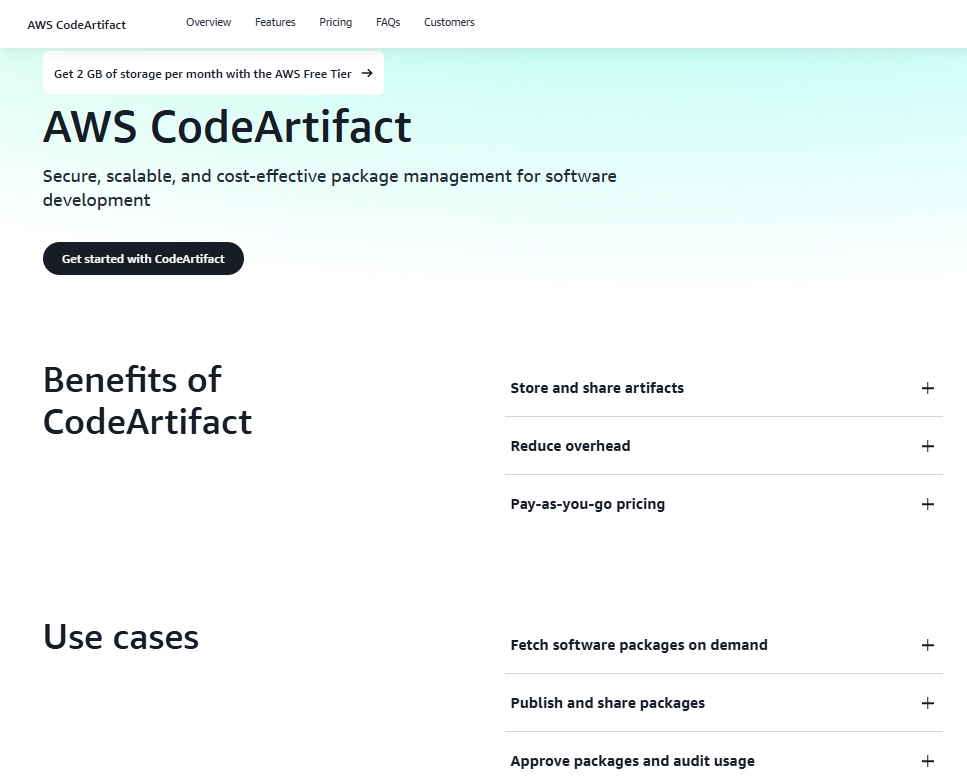
AWS CodeArtifact is a managed artifact repository service that helps developers securely store, share, and retrieve software packages used in builds and deployments. It supports common package formats like Maven, npm, and Python, allowing teams to consolidate package management across projects. CodeArtifact integrates with existing build tools and CI/CD systems, enabling consistent and controlled access to dependencies.
The service reduces the need to host package servers independently and offers options for controlling package access, auditing usage, and approving external packages before use. Developers can pull packages on demand or publish their own, making CodeArtifact useful for managing both internal and external dependencies in development pipelines.
Key Highlights:
- Hosts and manages software packages in the cloud
- Works with multiple package formats and tools
- Integrates with CI/CD workflows and build systems
- Supports access control and usage tracking
- Replaces self-hosted package management setups
Who It’s Best for:
- Teams managing private and public software dependencies
- Developers using multiple package managers in projects
- Organizations centralizing artifact storage and access
- Users needing secure and scalable package repositories
Contact and Social Media Information:
- Website: aws.amazon.com/codeartifact
- Facebook: www.facebook.com/amazonwebservices
- Twitter: x.com/awscloud
- LinkedIn: www.linkedin.com/company/amazon-web-services
- Instagram: www.instagram.com/amazonwebservices

10. Amazon CodeGuru
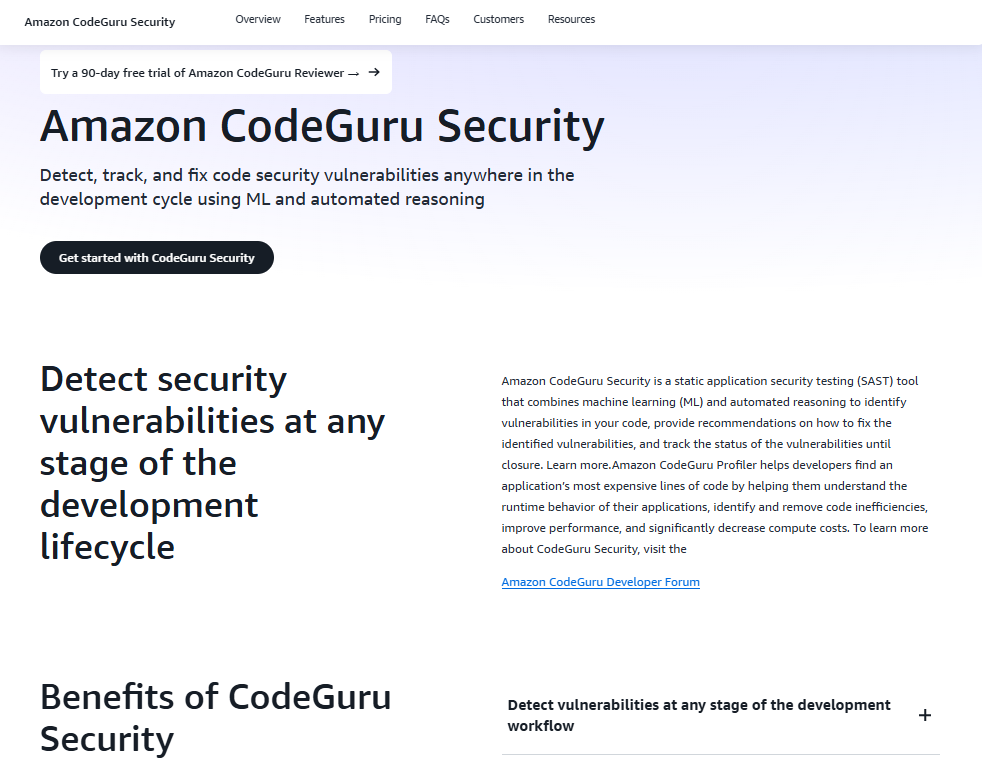
Amazon CodeGuru is a developer tool that focuses on automated code analysis and performance profiling. It combines static application security testing and runtime profiling to help teams detect issues early and improve overall code quality. CodeGuru Security scans source code to identify vulnerabilities and offers suggestions for resolving them. CodeGuru Profiler analyzes application behavior to detect performance bottlenecks and optimize compute resource usage.
It provides a way for teams to reduce manual code review efforts by integrating recommendations into their development workflow. CodeGuru supports multiple languages and works across different stages of the software lifecycle. It helps organizations track issues from detection to resolution without setting up or managing additional infrastructure.
Key Highlights:
- Performs automated code review using static analysis
- Identifies security flaws and inefficiencies in code
- Offers performance profiling for running applications
- Integrates into development pipelines and workflows
- Tracks issue resolution automatically over time
Who It’s Best for:
- Teams wanting to automate security and performance checks
- Developers working on cloud-native or microservices applications
- Organizations improving code quality at scale
- Projects requiring runtime profiling in production
Contact and Social Media Information:
- Website: aws.amazon.com/codeguru
- Facebook: www.facebook.com/amazonwebservices
- Twitter: x.com/awscloud
- LinkedIn: www.linkedin.com/company/amazon-web-services
- Instagram: www.instagram.com/amazonwebservices

11. AWS X-Ray
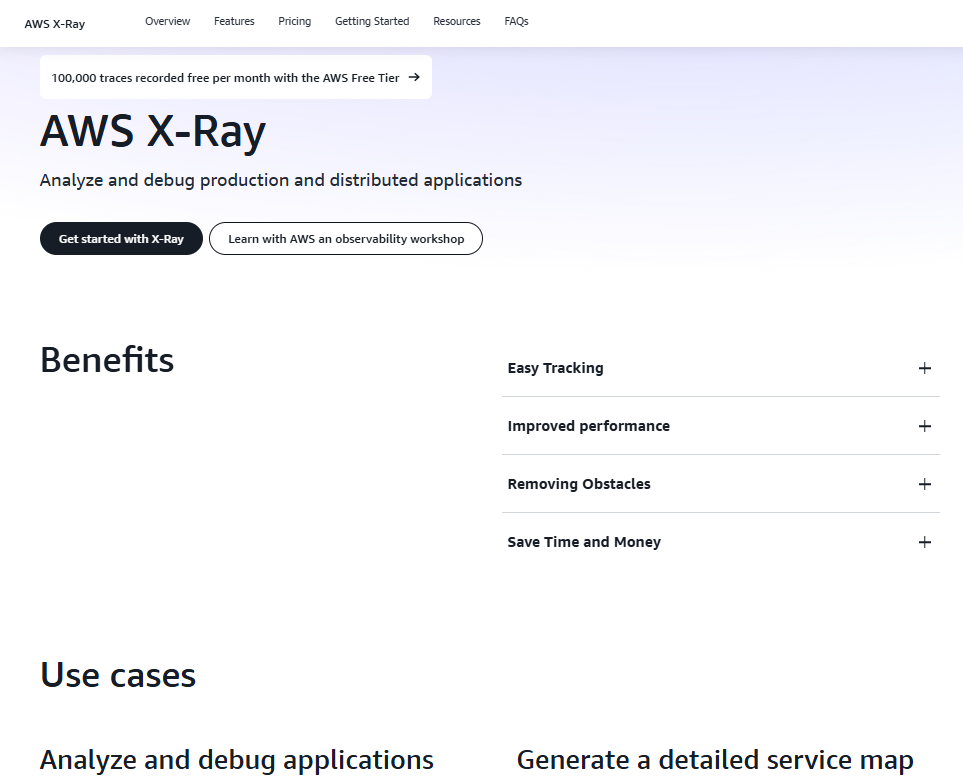
AWS X-Ray is a service used for analyzing and debugging distributed applications in development or production. It collects trace data from various AWS components and services to build a clear view of how requests travel through systems. X-Ray helps identify bottlenecks, detect errors, and monitor application performance by compiling data into a visual service map.
Users can view comparisons between different traces, audit service behavior under certain conditions, and securely analyze trace information. The tool is especially useful for understanding dependencies in microservices-based applications. It works across a range of AWS services and supports integration with custom applications.
Key Highlights:
- Traces and maps request flow across services and resources
- Helps pinpoint performance issues and application errors
- Generates service maps for complex architectures
- Supports root cause analysis through trace comparison
- Works in both development and production environments
Who It’s Best for:
- Teams running distributed or microservices-based systems
- Developers debugging performance or error issues
- Operations teams needing real-time trace analysis
- Organizations monitoring application behavior over time
Contact and Social Media Information:
- Website: aws.amazon.com/xray
- Facebook: www.facebook.com/amazonwebservices
- Twitter: x.com/awscloud
- LinkedIn: www.linkedin.com/company/amazon-web-services
- Instagram: www.instagram.com/amazonwebservices

12. AWS Fault Injection Service
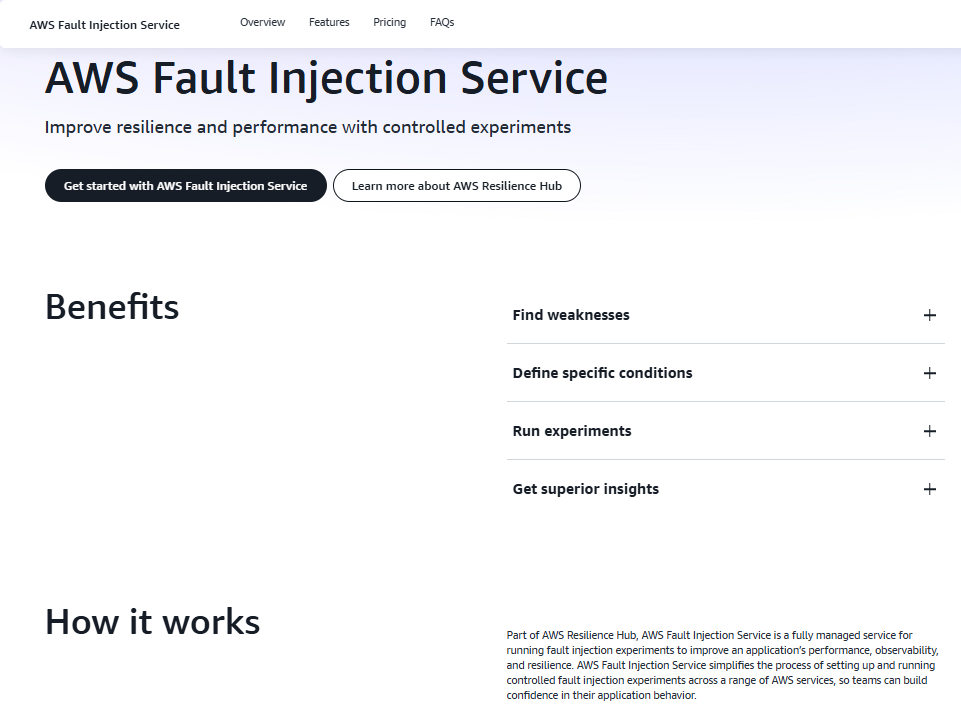
AWS Fault Injection Service is a tool designed to test system resilience through controlled fault experiments. It helps teams simulate real-world disruptions such as network delays or CPU stress in order to observe how applications respond. Fault Injection Service is part of AWS Resilience Hub and allows users to run structured game-day experiments in staging or production environments.
They offer built-in controls that automatically stop or roll back experiments based on preset conditions. This helps ensure safety while testing for system weaknesses. Users can integrate fault injection into deployment pipelines or run experiments manually to validate recovery procedures and service robustness.
Key Highlights:
- Simulates infrastructure faults in controlled experiments
- Supports various stress tests including CPU, memory, and latency
- Integrates with delivery pipelines and deployment processes
- Includes rollback and safeguard controls during tests
- Part of AWS Resilience Hub for broader observability
Who It’s Best for:
- DevOps teams testing system reliability and failover response
- Developers validating application behavior under stress
- Organizations preparing for disaster recovery and outage scenarios
- Teams running production-level chaos engineering experiments
Contact and Social Media Information:
- Website: aws.amazon.com/fis
- Facebook: www.facebook.com/amazonwebservices
- Twitter: x.com/awscloud
- LinkedIn: www.linkedin.com/company/amazon-web-services
- Instagram: www.instagram.com/amazonwebservices

13. AWS Infrastructure Composer
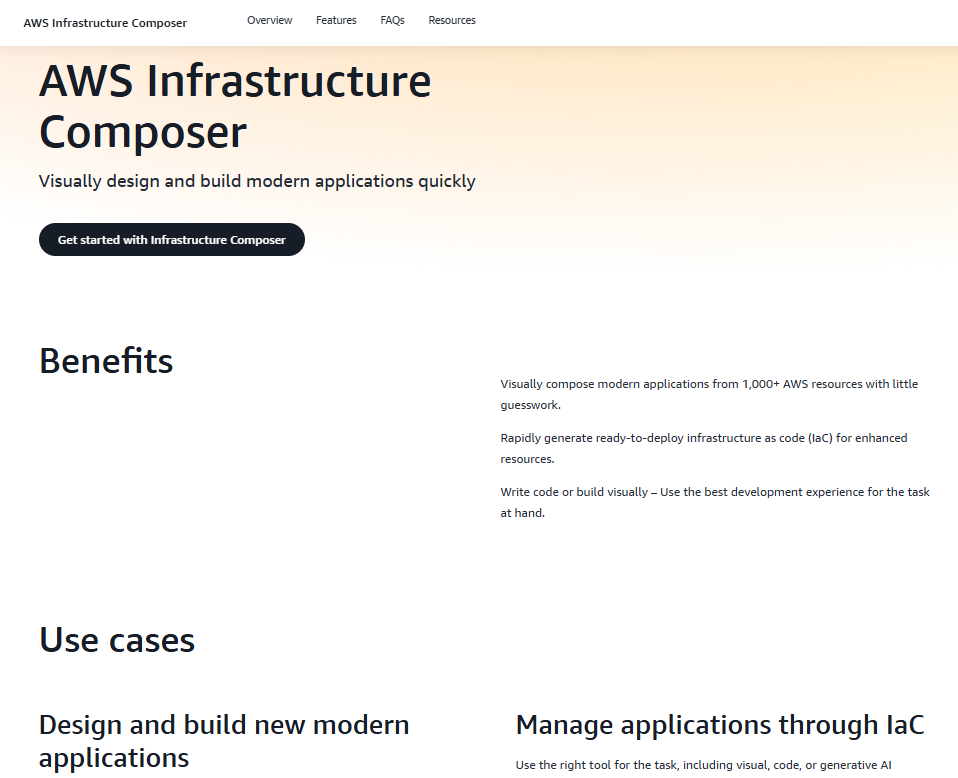
AWS Infrastructure Composer is a visual tool for designing application architectures by combining multiple AWS services. It allows users to build infrastructure diagrams using drag-and-drop components from a library of AWS resources. The interface supports switching between visual editing and code-based development, giving teams flexibility depending on the task. Developers can start from scratch, use existing templates, or import code to define their architecture more quickly.
The tool helps manage applications through infrastructure as code (IaC), generating deployable templates that align with AWS best practices. It supports integrations with IDEs like Visual Studio Code, allowing developers to use generative AI suggestions while defining resources. Infrastructure Composer also works with services like AWS Step Functions for workflow orchestration, giving teams the ability to map out both structure and behavior in one place.
Key Highlights:
- Visual editor for AWS architecture with over 1,000 resources
- Generates ready-to-deploy infrastructure as code
- Supports switching between code and visual design
- Integrates with IDEs and Step Functions for orchestration
- Helps track and manage application structure over time
Who It’s Best for:
- Teams building or planning multi-service AWS applications
- Developers who need to create or update IaC templates
- Users who prefer visual tools over writing raw code
- Teams managing workflows and infrastructure in one interface
Contact and Social Media Information:
- Website: aws.amazon.com/infrastructure-composer
- Facebook: www.facebook.com/amazonwebservices
- Twitter: x.com/awscloud
- LinkedIn: www.linkedin.com/company/amazon-web-services
- Instagram: www.instagram.com/amazonwebservices

14. AWS Cloud Development Kit (CDK)
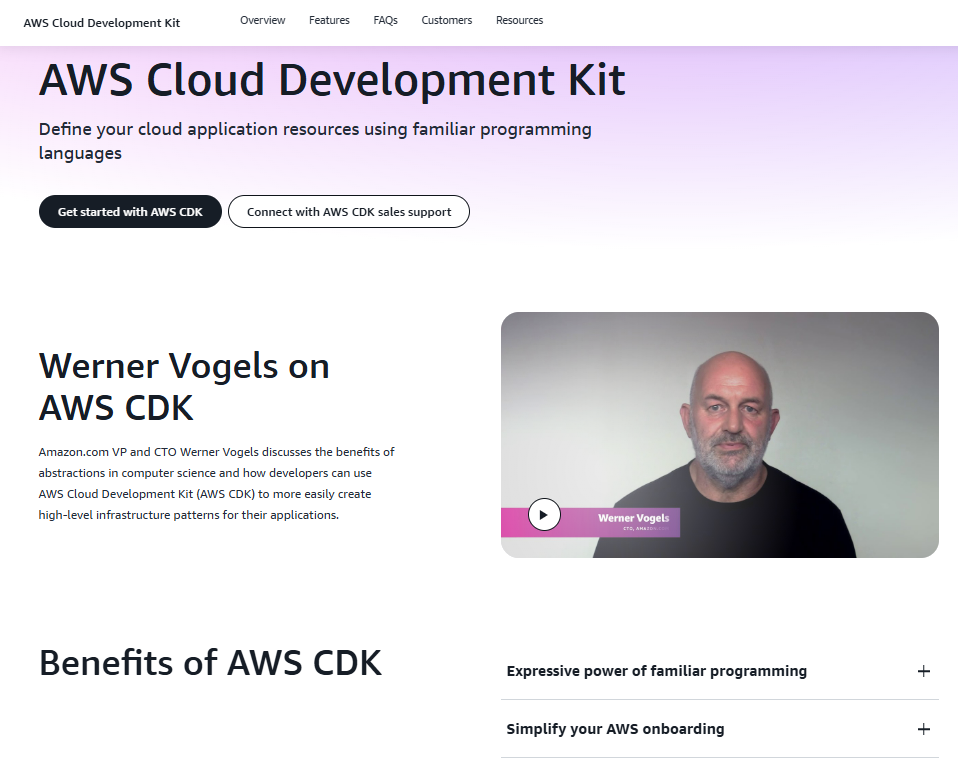
AWS Cloud Development Kit (CDK) allows developers to define cloud infrastructure using familiar programming languages like Python, JavaScript, Java, and others. Instead of writing raw configuration files, users define reusable components and infrastructure logic as code. CDK compiles this code into AWS CloudFormation templates, making it easier to manage cloud resources programmatically.
The tool supports creating and sharing reusable constructs for commonly used patterns, improving consistency across projects. CDK helps developers provision cloud infrastructure as part of their application logic, reducing context switching between tools. It is also integrated with Construct Hub, a central place to find and share packages and modules built with CDK.
Key Highlights:
- Defines infrastructure using general-purpose programming languages
- Translates code into AWS CloudFormation templates
- Enables reusable constructs and modular patterns
- Works with Construct Hub to share components
- Supports rapid provisioning and application scaling
Who It’s Best for:
- Developers familiar with programming languages who prefer code over YAML
- Teams managing infrastructure alongside application logic
- Organizations using repeatable infrastructure components
- Users looking to automate provisioning through code
Contact and Social Media Information:
- Website: aws.amazon.com/cdk
- Facebook: www.facebook.com/amazonwebservices
- Twitter: x.com/awscloud
- LinkedIn: www.linkedin.com/company/amazon-web-services
- Instagram: www.instagram.com/amazonwebservices

15. AWS CloudFormation
AWS CloudFormation is an infrastructure as code (IaC) service used to define, manage, and deploy AWS resources through structured templates. It enables developers and operations teams to automate provisioning using JSON or YAML files, ensuring consistency across environments. CloudFormation helps manage dependencies between resources and maintains full control over infrastructure lifecycles.
They provide features for scaling stacks, managing production deployments, and applying changes incrementally. CloudFormation integrates with DevOps workflows and can be used to share infrastructure best practices within teams. It also supports extensions, enabling users to define custom resource types to match specific project requirements.
Key Highlights:
- Uses templates to automate provisioning of AWS resources
- Supports JSON and YAML formats for defining stacks
- Manages dependencies and handles resource lifecycles
- Works well in DevOps pipelines for repeatable deployments
- Allows defining custom resources using extensions
Who It’s Best for:
- Teams using declarative infrastructure management
- Developers who need repeatable, versioned infrastructure
- Organizations applying infrastructure governance standards
- Projects requiring support for large or complex environments
Contact and Social Media Information:
- Website: aws.amazon.com/cloudformation
- Facebook: www.facebook.com/amazonwebservices
- Twitter: x.com/awscloud
- LinkedIn: www.linkedin.com/company/amazon-web-services
- Instagram: www.instagram.com/amazonwebservices

16. Amazon Corretto
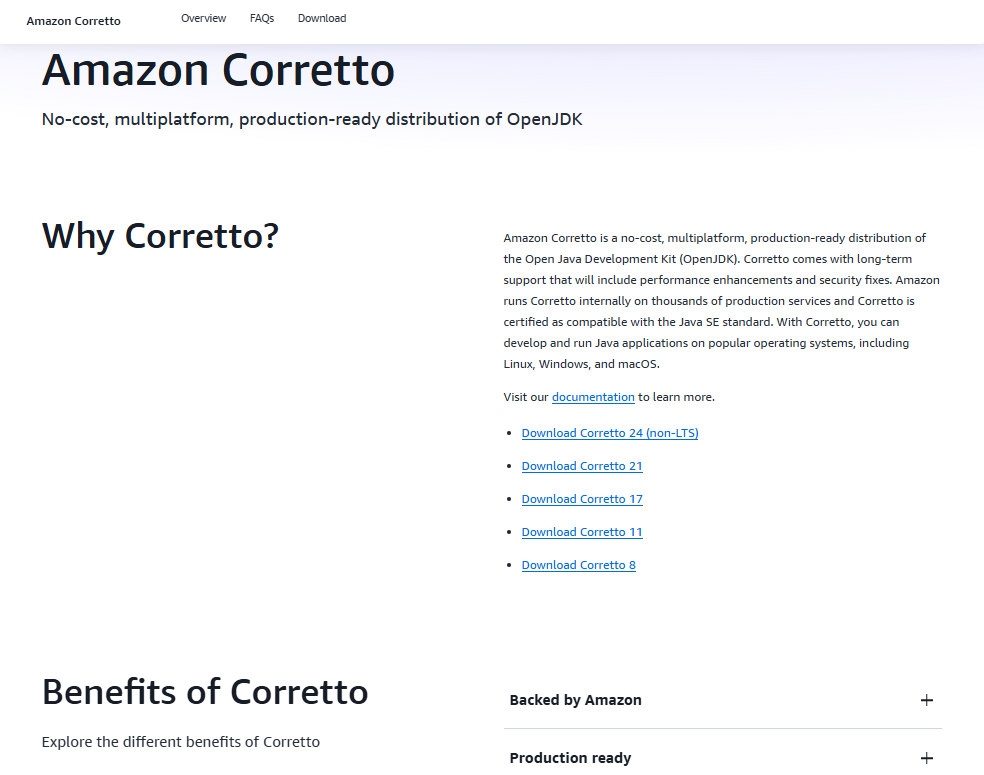
Amazon Corretto is a production-ready distribution of the Open Java Development Kit (OpenJDK) that supports multiple platforms. They provide long-term support, which includes performance improvements and security patches, and ensure compatibility with the Java SE standard. Corretto allows developers to build and run Java applications on major operating systems including Linux, Windows, and macOS.
They use Corretto internally for thousands of services, and offer installation guides and multiple version options for different runtime environments. Corretto also supports container-based usage via Docker and provides a consistent environment for Java development.
Key Highlights:
- Distribution of OpenJDK with long-term support
- Runs on Linux, Windows, macOS, and Docker
- Used in internal Amazon services
- Certified for Java SE compatibility
Who It’s Best for:
- Developers building and running Java applications
- Teams needing a supported and free OpenJDK distribution
- Organizations standardizing Java across different OS environments
- Users looking for OpenJDK with long-term security and performance support
Contact and Social Media Information:
- Website: aws.amazon.com/corretto
- Facebook: www.facebook.com/amazonwebservices
- Twitter: x.com/awscloud
- LinkedIn: www.linkedin.com/company/amazon-web-services
- Instagram: www.instagram.com/amazonwebservices

17. AWS App Mesh
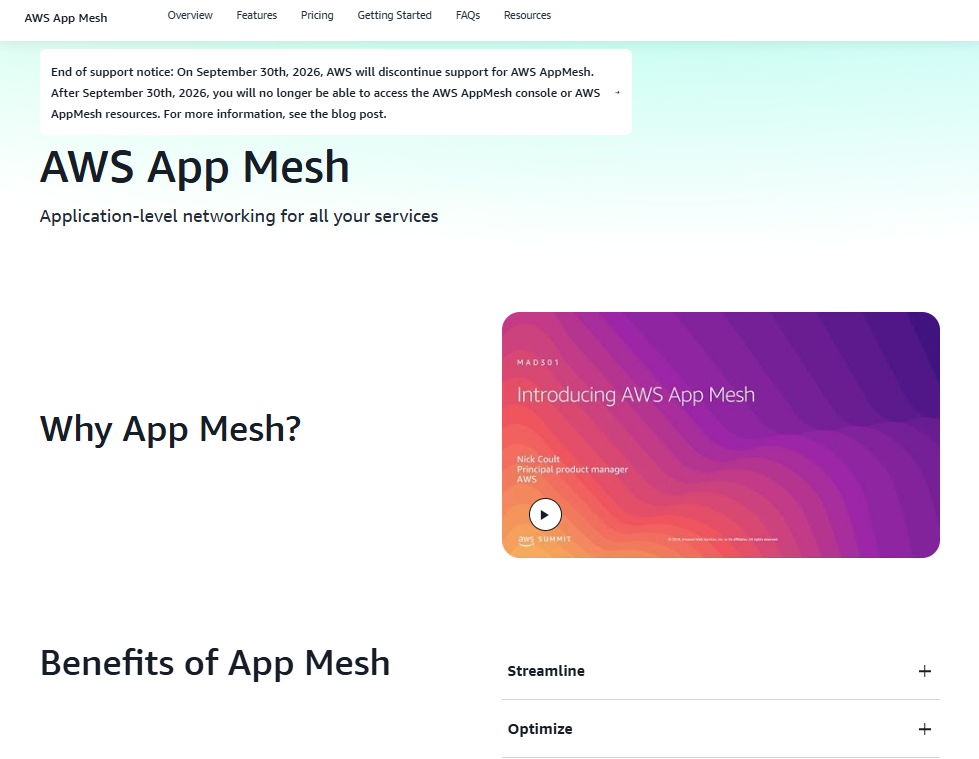
AWS App Mesh is a service mesh for managing communication between application components in distributed systems. It provides application-level networking features such as traffic routing, monitoring, and security between services running on AWS.
App Mesh is designed to work with compute options like Amazon ECS, EKS, and EC2, enabling better observability and control without requiring code changes. It supports fine-grained traffic management for microservices and can help reduce operational complexity for service-based applications.
Key Highlights:
- Controls service-to-service traffic for microservices
- Integrates with ECS, EKS, and EC2 environments
- Provides observability and monitoring features
- Includes security features like encrypted traffic
Who It’s Best for:
- Teams running microservices in AWS-managed environments
- Developers needing centralized control over service communication
- Organizations with service meshes already using App Mesh
Contact and Social Media Information:
- Website: aws.amazon.com/app-mesh
- Facebook: www.facebook.com/amazonwebservices
- Twitter: x.com/awscloud
- LinkedIn: www.linkedin.com/company/amazon-web-services
- Instagram: www.instagram.com/amazonwebservices

18. AWS App Runner
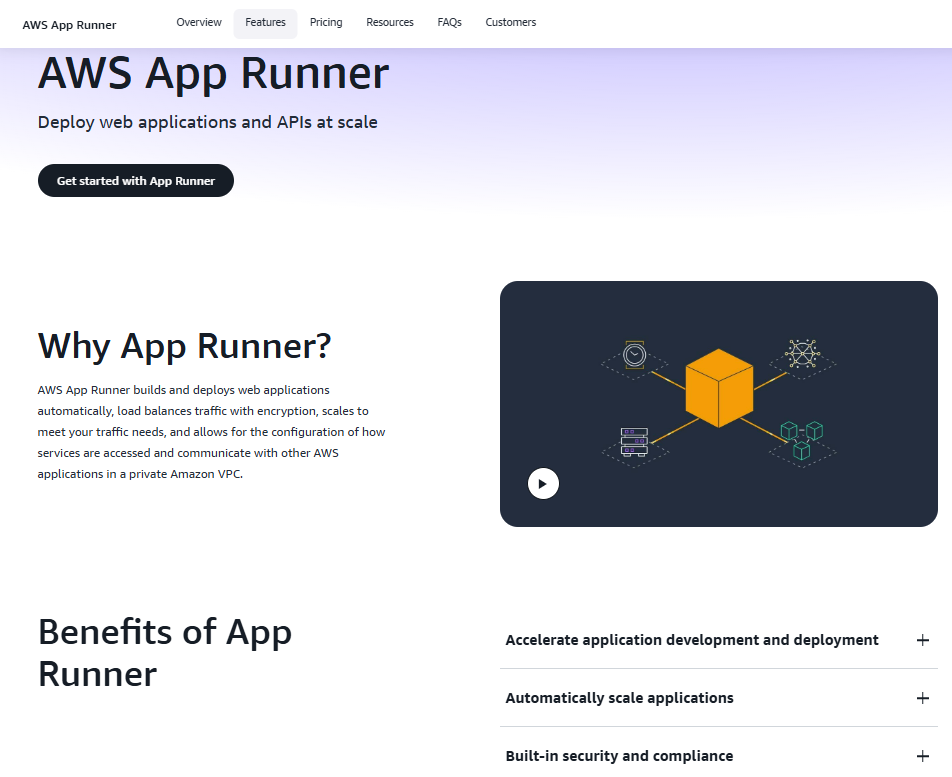
AWS App Runner is a service that helps developers deploy and manage web applications and APIs without managing servers or infrastructure. It automatically builds applications from source code or containers, scales them based on demand, and handles traffic routing and security. App Runner supports deployment directly from code repositories or container registries, making it easier to launch web services quickly.
They include built-in features like load balancing, TLS encryption, and VPC integration, offering a secure way to run internet-facing applications. App Runner is suited for running backend services, APIs, and microservices that need to handle varying traffic levels. It supports continuous delivery workflows and can be integrated with other AWS services for extended functionality.
Key Highlights:
- Automates deployment and scaling of web apps and APIs
- Supports source code and container-based deployments
- Includes built-in load balancing and TLS encryption
- Integrates with private VPC for secure communication
Who It’s Best for:
- Developers deploying web apps without managing infrastructure
- Teams building APIs and backend services
- Projects needing automatic scaling and traffic handling
- Organizations looking for simplified deployment workflows
Contact and Social Media Information:
- Website: aws.amazon.com/apprunner
- Facebook: www.facebook.com/amazonwebservices
- Twitter: x.com/awscloud
- LinkedIn: www.linkedin.com/company/amazon-web-services
- Instagram: www.instagram.com/amazonwebservices
Conclusion
Amazon offers a wide range of developer tools designed to support different parts of the software development lifecycle. From writing and deploying code to managing infrastructure and optimizing performance, these tools provide the building blocks for working more efficiently in the cloud. Whether teams are looking to automate deployments, improve code quality, monitor applications, or manage containers, there are tools available that fit both simple and complex use cases.
Choosing the right combination of tools depends on the specific needs of the project and the team’s workflow. With support for multiple programming languages, integration across AWS services, and both visual and code-based interfaces, Amazon’s developer tools are built to accommodate different development styles. These tools can help streamline tasks, reduce manual effort, and support consistent, scalable application development across environments.
 No credit card required